
AI Coach Update: Calendar Integration-Release Notes
Release Date: Wednesday, January 29, 2025
Who Gets This Release? AI Coach users
What’s New?
AI Coach now offers Calendar Sync, allowing you to seamlessly integrate your scheduled iFIT workouts into your Google or Apple Calendar with just one click.
Once subscribed, your iFIT calendar updates—including new workouts, changes, or cancellations—will automatically reflect in your third-party calendar. Please note:
🔹 One-way sync – Changes made in iFIT will appear in your external calendar, but edits made in Google or Apple Calendar will not impact your iFIT calendar.
🔹 Automatic updates – Changes to your iFIT calendar will sync automatically, though Google may take up to 24 hours to update. Note: Only workouts on your iFIT calendar will appear. Series you are enrolled in will not appear unless they are scheduled on your iFIT Calendar.
🔹Full control – You can unsubscribe at any time by removing the subscription in your calendar settings.
How It Works
🔹 AI Coach will prompt you to sync your iFIT calendar if you have a structured goal, such as weight loss.
🔹 You can also ask AI Coach directly for a Google or Apple Calendar link to subscribe.
🔹 Clicking the link will subscribe you instantly, and your iFIT workouts will appear in your personal calendar.
🔹 Any workouts scheduled or updated in your iFIT calendar—whether in the iFIT app or on your connected machine—will flow into your synced calendar.
Supported Calendars & Subscription Instructions
Apple Calendar
- Tap on the iFIT Calendar Link, you will be taken to your Apple Calendar
- Tap Subscribe
- Give your calendar a title and tap Add
- Note: It could take a while for the workouts to appear initially
- Your iFIT workouts will now appear on your personal calendar
Google Calendar
- Tap on the iFIT Calendar Link, you will be taken to your Google Calendar in a browser or mobile app.
- Tap Add
- Note: It could take a while for the workouts to appear initially
- Your iFIT workouts will now appear on your personal calendar
How to Unsubscribe
Apple Calendar
- Open the Calendar app
- Tap Calendars (bottom of the screen)
- Find the iFIT Calendar and tap the info (i) icon
- Tap Unsubscribe
Google Calendar
- Open Google Calendar on desktop
- Find the iFIT Calendar on the left-hand side
- Click the “x” icon to remove it
Now, keeping track of your iFIT workouts is easier than ever. Stay on top of your fitness journey with AI Coach Calendar Sync!
Disclaimer: The primary purpose of this blog post is to inform and entertain. Nothing on the post constitutes or is intended to be a substitute for professional medical advice, prevention, diagnosis, or treatment. Reliance on any information provided on the blog is solely at your own risk. Always seek the advice of your physician or other qualified health provider with any questions you may have regarding a medical condition, and please consult your doctor or other health care provider before making any changes to your diet, sleep methods, daily activity, or fitness routine. Do not disregard professional medical advice or delay seeking it because of information available on this blog. NordicTrack assumes no responsibility for any personal injury or damage sustained by any recommendations, opinions, or advice given in this article. Always follow the safety precautions included in the owner’s manual of your fitness equipment.
You might also like
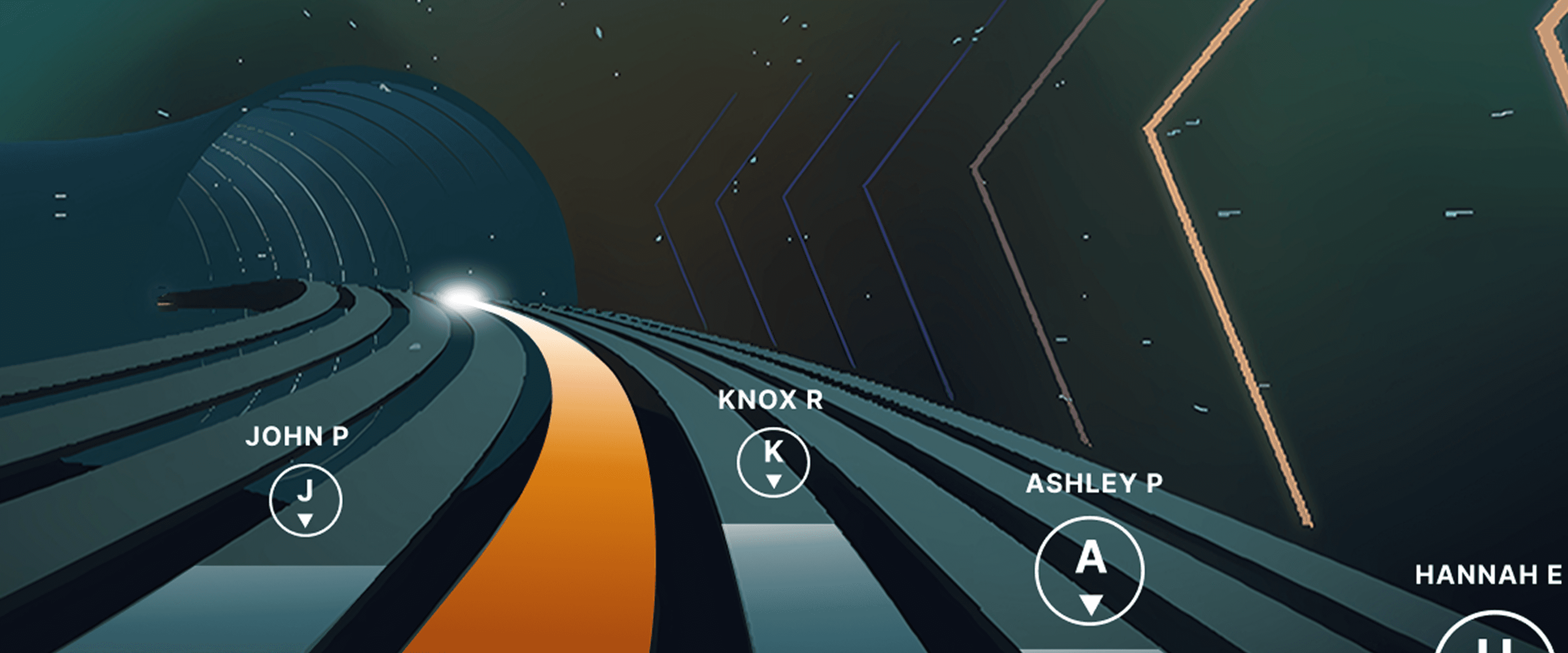
Races, Powered by Ergatta: An Interactive New Way to Work Out on Your Rower, Bike, and Treadmill with iFIT
Ready to explore your competitive side? iFIT has partnered with Ergatta to bring Races to iFIT-enabled rowers, bikes, and treadmills. These new interactive game-based workouts offer a fun new way to challenge yourself and stay motivated. Races: now on rowers, bikes, and treadmills Originally launched for treadmills, Races Powered by Ergatta is now available on iFIT-connected bikes and rowers, giving you even more ways to compete and level up your workouts. Whether you prefer to row, ride, or run, you can tap into the same immersive, competitive experience across all three equipment types. Choose from dozens of race workouts ranging from quick sprints to multi-stage endurance competitions and race against: Other iFIT members in friendly competitionYour favorite iFIT Trainers for extra motivation (can you beat Ashley?)Pacer bots to benchmark your performance and chase your goalsYourself in repeat races to push your limitsWith Races, you can push your limits with rewarding gameplay, chase your personal goals, and mix up your routine. Best of all, you have options: you can race against the clock, compete with the iFIT Community, or race against your past performances. This month's racesDecember brings four new races built for the season. From a quick alpine sprint to a holiday-paced two-miler, there’s something for every schedule and every machine.Alpine Pass Pursuit0.5 miles | TreadWeave through icy switchbacks and snow-dusted trails with this winter-inspired climb. Keep your pace smooth, stay steady through the elevation, and race through to the lodge at the finish.Frostbite Sprint1 mile | TreadShort, sharp, and icy fast. Bring your best effort and test your raw speed and mental grit. No warm-up laps here, just go.North Pole Dash1.5 miles | Tread, Bike, RowerFast start, strong drive, all-out finish. Keep it light, keep it fun, and race for the spirit of it.Holiday Hustle2 miles | Tread, Bike, RowerThe season’s busy, but there’s always time for a good race. Keep your pace steady, your breathing calm, and finish strong before you reward yourself with something sweet. New for Rowers: Meteor Dive into an exclusive game-based experience for your iFIT-enabled rower with Meteor, a thrilling single-player workout that blends fitness with arcade-style gameplay. You’ll fly through space, collecting tokens and dodging obstacles while hitting personalized targets to score points. Your rowing speed controls your vertical movement, so you can row faster to fly higher. It’s structured, it’s motivating, and it’s a lot of fun. How to install Ergatta Need a little more support? Here's a step-by-step tutorial for installing Ergatta on your machine. Ready to race? Whether you're looking to challenge yourself or compete against others, Ergatta Races brings an entirely new dimension to your workouts. New races drop every month to keep things fresh. Let's race! Install the Ergatta app to get started. Then, you can explore all the Races available in Ergatta.1 1. Paid iFIT Pro membership required to access Races by Ergatta. Must have the latest iFIT OS installed on an iFIT-enabled treadmill with a touch screen that supports third-party apps.Disclaimer: The primary purpose of this blog post is to inform and entertain. Nothing on the post constitutes or is intended to be a substitute for professional medical advice, prevention, diagnosis, or treatment. Reliance on any information provided on the blog is solely at your own risk. Always seek the advice of your physician or other qualified health provider with any questions you may have regarding a medical condition, and please consult your doctor or other health care provider before making any changes to your diet, sleep methods, daily activity, or fitness routine. Do not disregard professional medical advice or delay seeking it because of information available on this blog. iFIT assumes no responsibility for any personal injury or damage sustained by any recommendations, opinions, or advice given in this article. Always follow the safety precautions included in the owner’s manual of your fitness equipment.
July 28, 2025

Does my equipment support Tailor, iFIT’s AI personal fitness coach?
Find out whether your NordicTrack or ProForm equipment will support Tailor, iFIT’s AI personal fitness coach, with the eligible model list, supported regions, and steps to check your generation.
November 13, 2026
iFIT & Ergatta Fall Cup Official Rules 2026
Review the complete official rules for the 2026 iFIT & Ergatta Fall Cup, including eligibility requirements, race schedule, bracket structure, and prize details.
September 24, 2026