
Introducing Dark Mode
Do you prefer working out in the early morning or evening? Do you strain your eyes staring at a bright screen? Is your workout interrupted because of it?
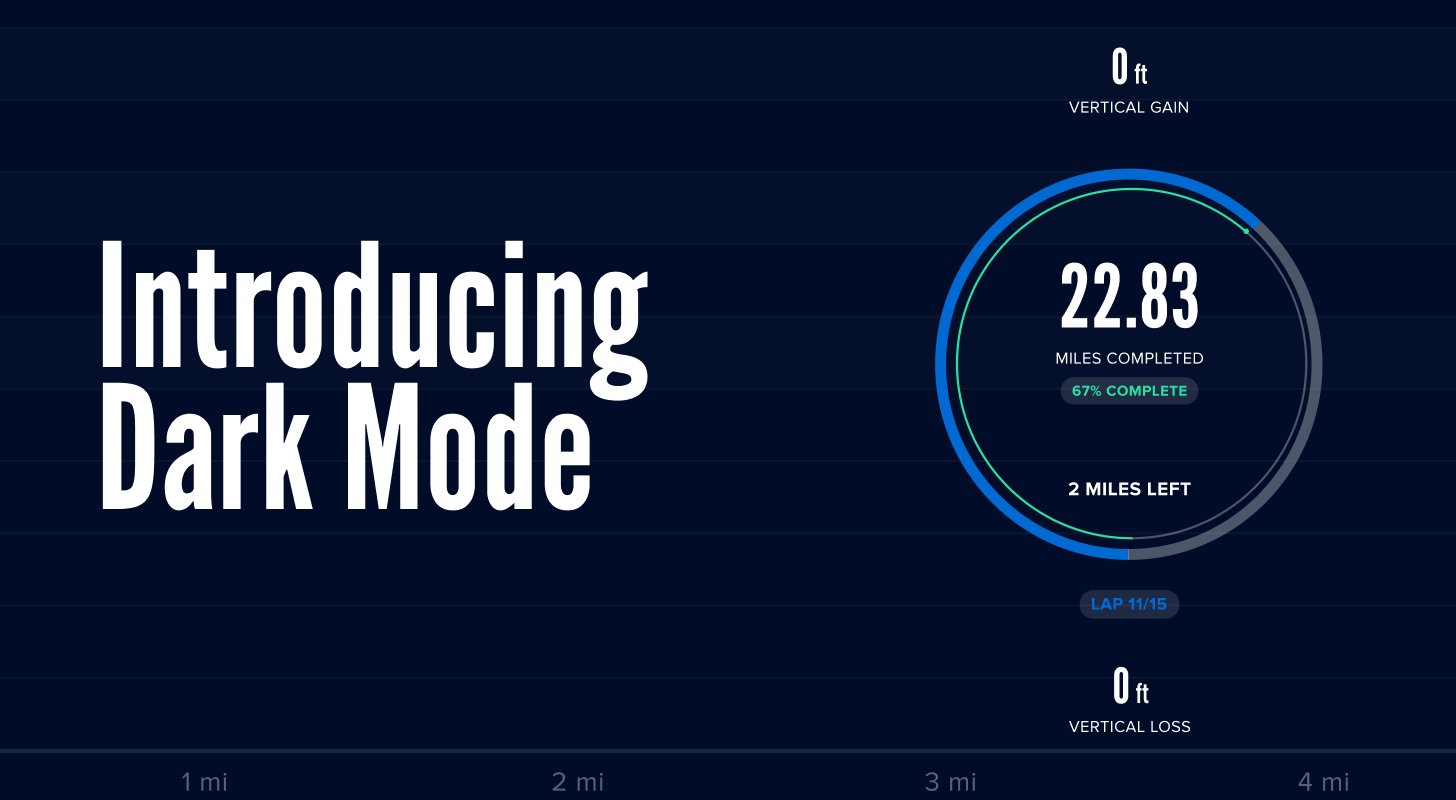
At iFIT, we're constantly improving your personalized workout experience. That's why we're excited to release a new feature on all your iFIT-enabled equipment and the iFIT app on tablets with Dark Mode.
What is Dark Mode?
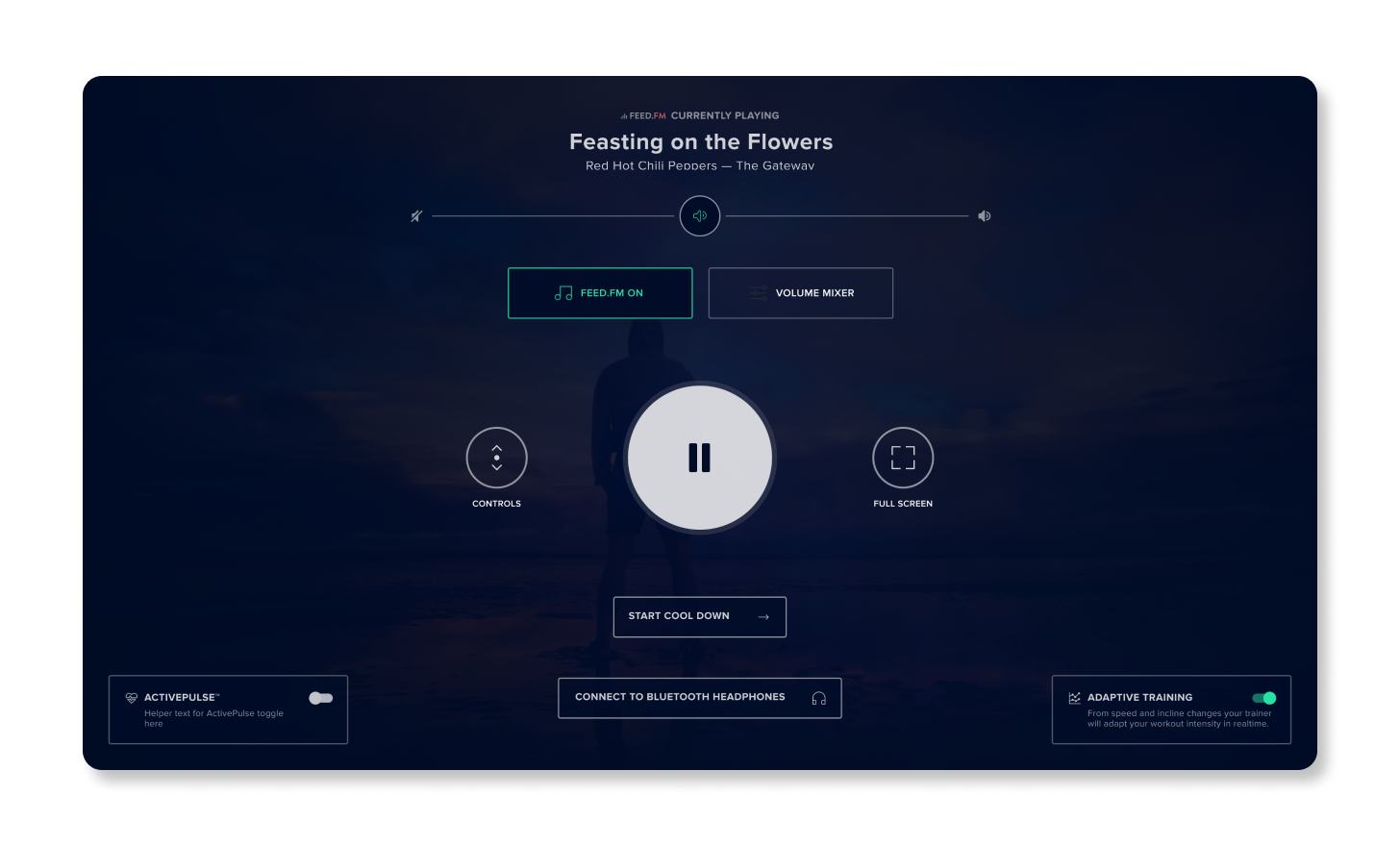
Dark Mode turns the background of your screen a dark color and the text much lighter. As a result, it reduces your screen's brightness and glare. It’s a refreshing change to the classic color scheme and provides even more customization to your iFIT experience.
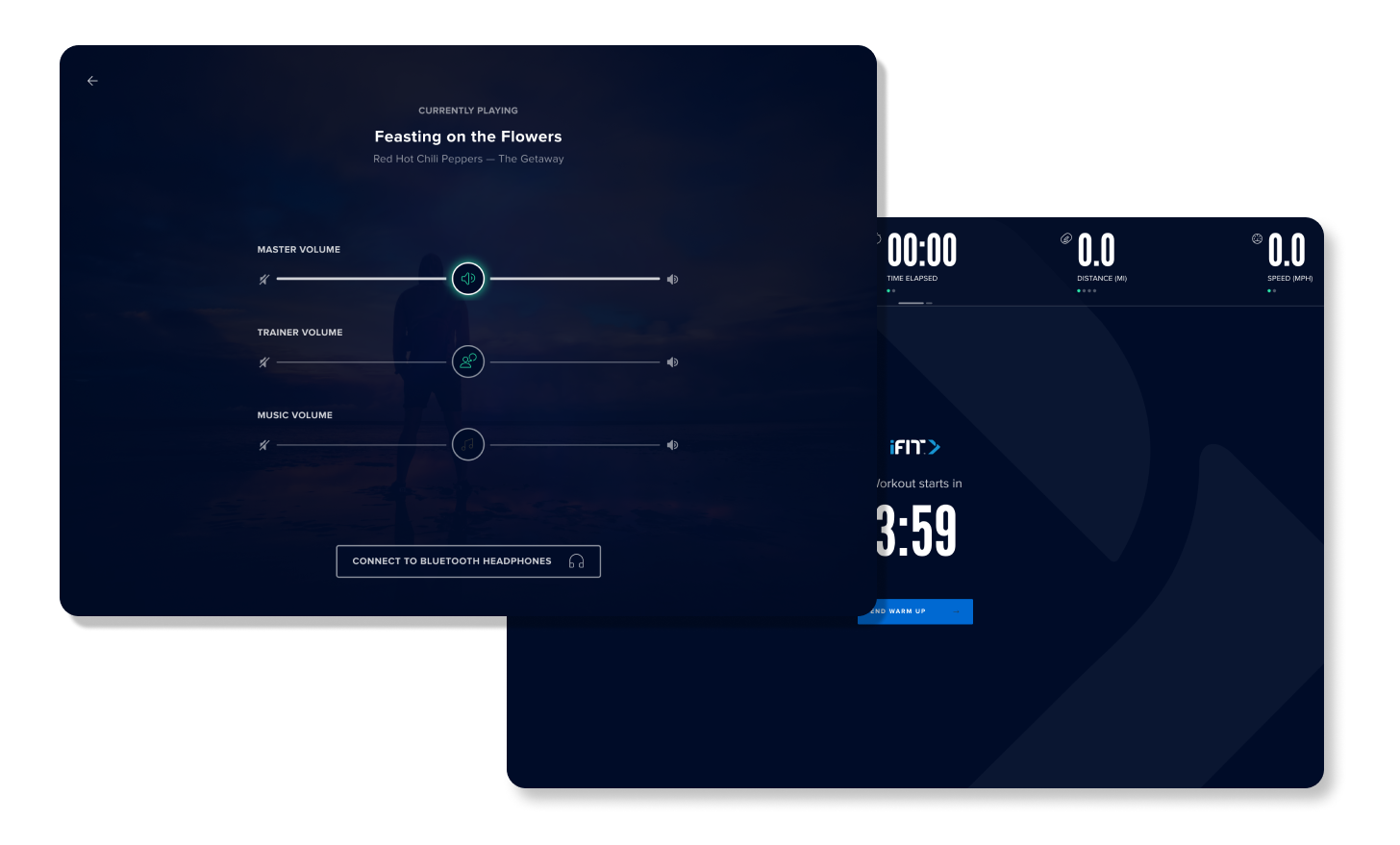
How it works
To make the switch, go to your Settings and click on Appearance. From there, all you have to do is click on Dark Mode, and you're all set. If you ever want to change the appearance back to the classic look, just follow the same instructions and click on Classic Mode.

Easy on the eyes
Staring at a bright screen, especially inside a home, can be a little hard on your eyes and cause what’s known as eye strain. One way to avoid eye strain is by reducing the brightness on your screen. With Dark Mode, you can now give your eyes a rest day!
DISCLAIMER: This blog post is not intended to replace the advice of a medical professional. The above information should not be used to diagnose, treat, or prevent any disease or medical condition. Please consult your doctor before making any changes to your diet, sleep methods, daily activity, or fitness routine. iFIT assumes no responsibility for any personal injury or damage sustained by any recommendations, opinions, or advice given in this article. Always follow the safety precautions included in the owner’s manual of your fitness equipment.
You might also like
Why working out alongside others helps you stick with it
Working out alongside others, whether in a Facebook group, a Challenge, or a structured competition, can be one of the most effective ways to stay consistent long term.
September 25, 2026
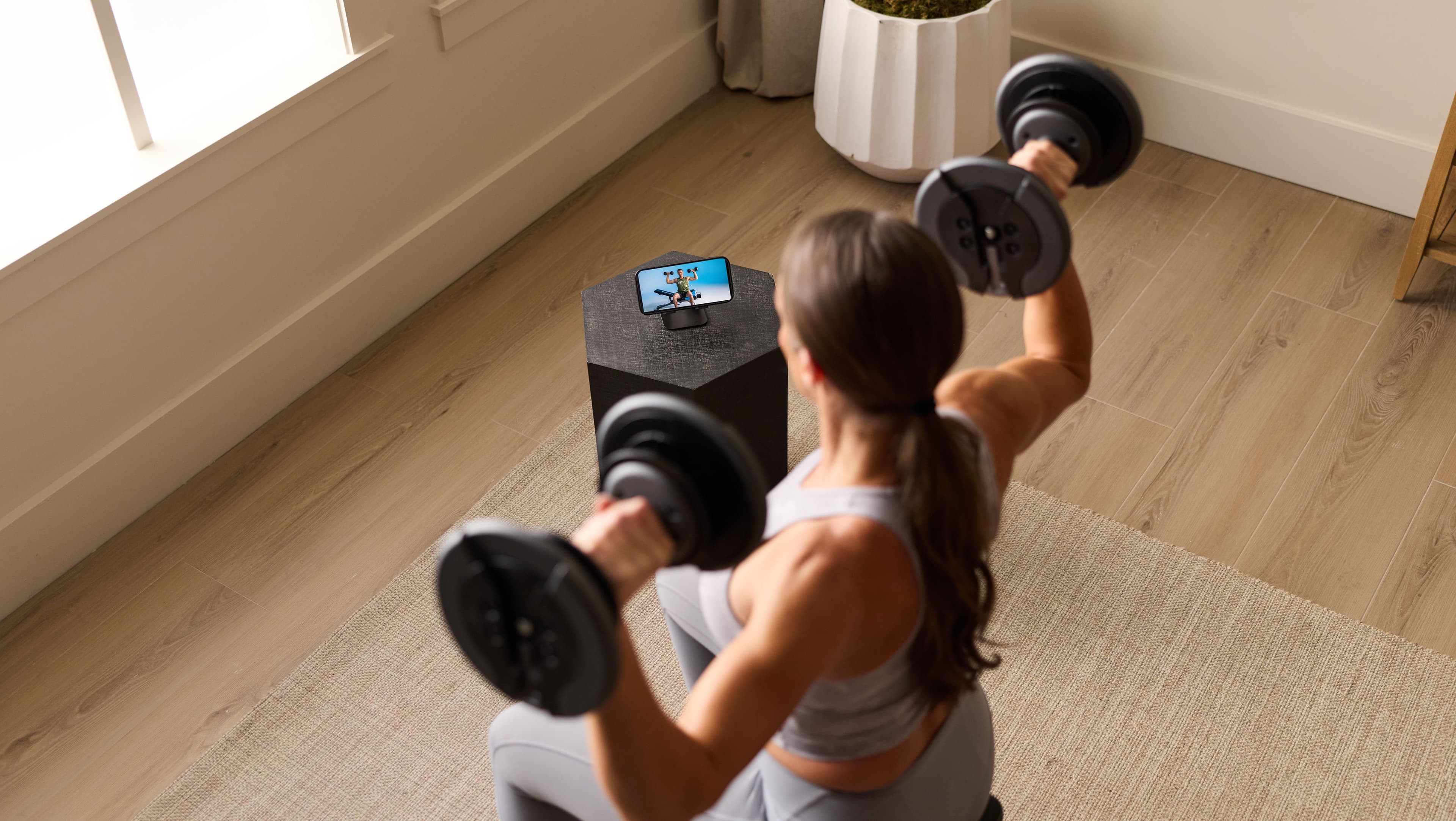
What is the iFIT Personal Trainer app, and how does it work
Meet Tailor, the AI coach inside the iFIT Personal Trainer app. See how it builds and adjusts your workout plan around your goals and schedule.
September 25, 2026
Support on your schedule: what 24/7 personal trainer access actually means
Tailor, the AI coach in the iFIT Personal Trainer app, builds and adjusts your workout plan whenever you have time. Here's what "24/7 access" really means.
September 25, 2026