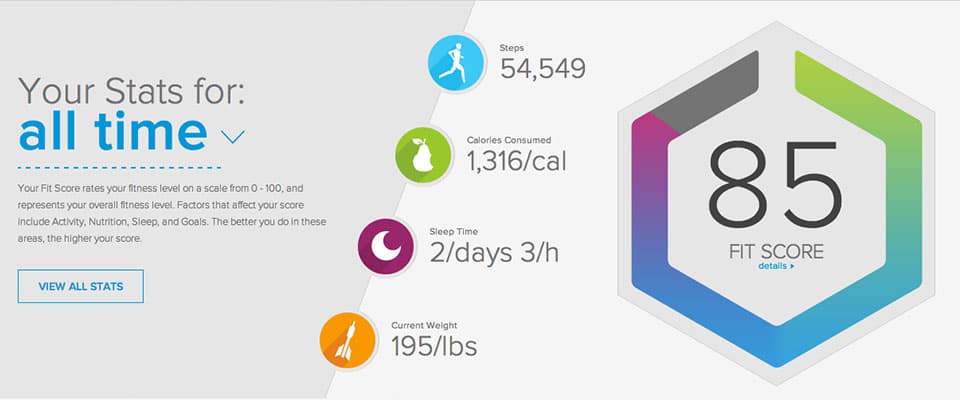
Updated: See what you want with the new Dashboard
iFit now features a new Dashboard that is personalized to YOU. Now when you log in, choose what you want to see and personalize the data that matters the most to you. Your iFit account should be as unique to you as your health and fitness goals are.
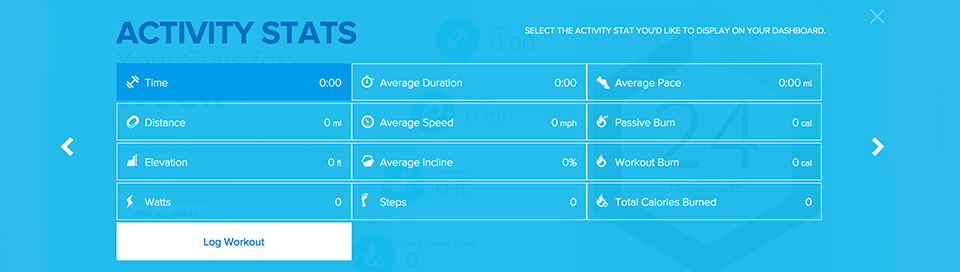
My Dashboard: Activity
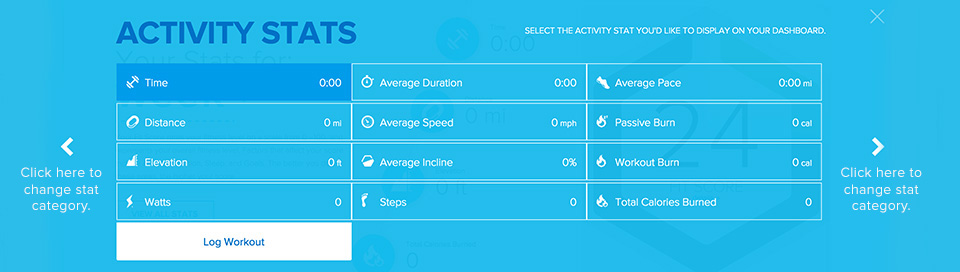
The Activity section of your profile will automatically sync your stats from workouts you've completed on an iFit-enabled machine, daily activity from your iFit Active fitness tracker, or manual workouts you've log through iFit.com. Personalize your iFit account to display the stats you'd like to see first. All Activity stats will still be available to view anytime and you may compare activity from previous times, days, months, or years.
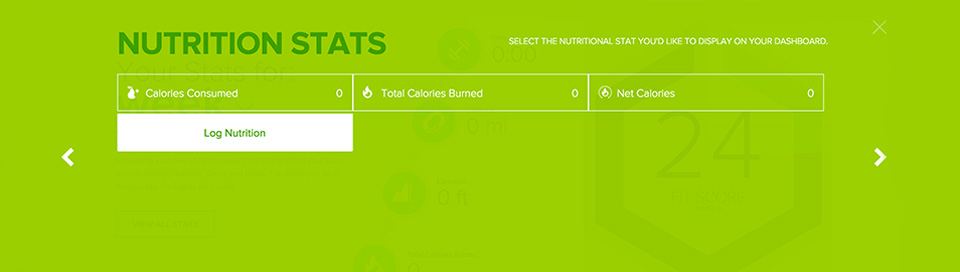
My Dashboard: Nutrition
Whether you log your Nutrition information into your iFit.com account, iFit Active tracker band or iFit Track app, your detailed nutrition information will be easily viewed from your profile any time from the Nutrition Section. Choose what stats you'd like to view right when you log in, personalizing your account.
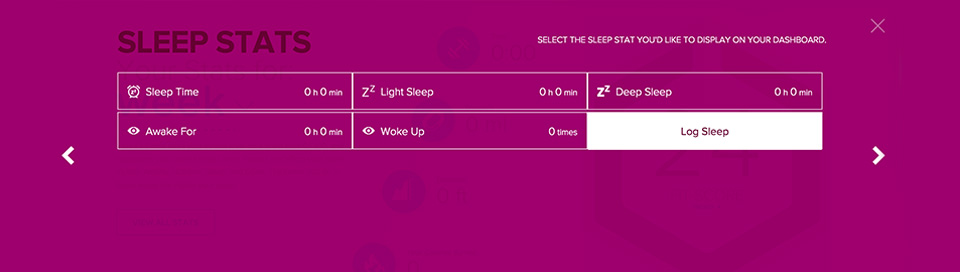
My Dashboard: Sleep
Detailed sleep information will automatically be synced to your iFit profile from your iFit Active fitness tracker or manually log your sleep into your iFit.com account. Personalize your sleep settings for your log in page, so you can see the sleep stats that matter most to you right when you log in.
My Dashboard: Goals
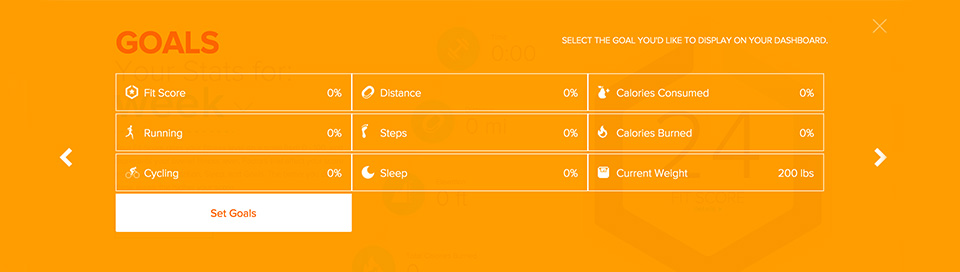
Set a goal and iFit will help you achieve it by tracking all your daily activity through your iFit Active tracker band, iFit-enabled equipment or from manually logged data. iFit will help you stay on track with your goals by telling you how close you are to achieving them. Personalize your account so your goals show up on your main log in screen, helping you stay on track and motivated.
UPDATE
You can now select the four stats you want displayed on your dashboard, even if they are all in the same category. For example, you can select four Activity stats to be displayed.
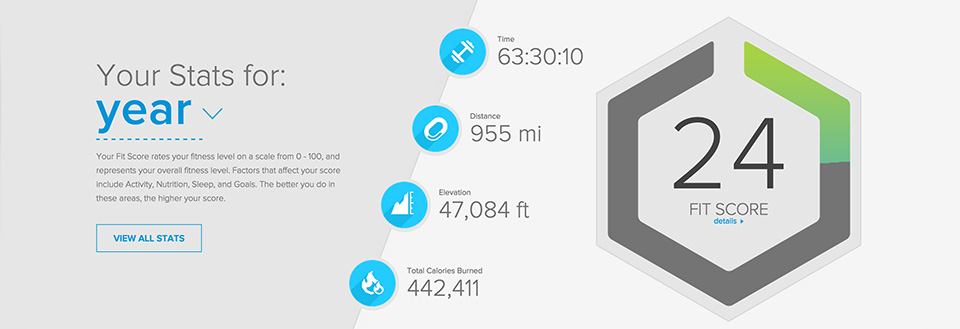
Simply click on the arrows to navigate between categories and select the stat you would like to display on your dashboard.
WARNING: This post is not intended to replace the advice of a medical professional. The above information should not be used to diagnose, treat, or prevent any disease or medical condition. Please consult your doctor before making any changes to your diet, sleep methods, daily activity, or fitness routine. iFit assumes no responsibility for any personal injury or damage sustained by any recommendations, opinions, or advice given in this article.