Do you ever wonder where all of your energy has gone? Looking back, it’s hard to remember how we made it through our adolescent years full of school and extracurricular activities! Although the life of an adult can be overloaded with strenuous responsibility, full-time jobs, and a family, there are often additional factors affecting your productivity and energy levels. How great would it be if you could give yourself an extra boost and get the most out of each day?
Iron deficiency is quite common, especially since food today is often stripped of its nutritious properties. Iron is one of the many minerals that can be absorbed through food. It’s attributed to energy and it’s vital to your body functioning properly. Iron is part of the protein hemoglobin and works with myoglobin, both of which are responsible for the delivery of oxygen to the body’s muscles and tissues.
Symptoms of iron deficiency include: a lack of energy, ridges in nail beds, headaches, increased heart rate, or a pounding heart. Long-term iron deficiency can lead to anemia, and while it may be prevented, it’s often hereditary! Anemia is the most common blood condition, and 3.5 million Americans are affected every year.2 If anemia runs in your family, take a simple test at your next doctor’s appointment for your red blood cell count and make sure you’re staying aware of your iron levels. Women ages 19-50 are recommended to take 18 mg of iron daily, and 8 mg is recommended for men.1
If you’re suffering from insufficient levels of iron, here are some great sources of iron to help you pick up your energy:
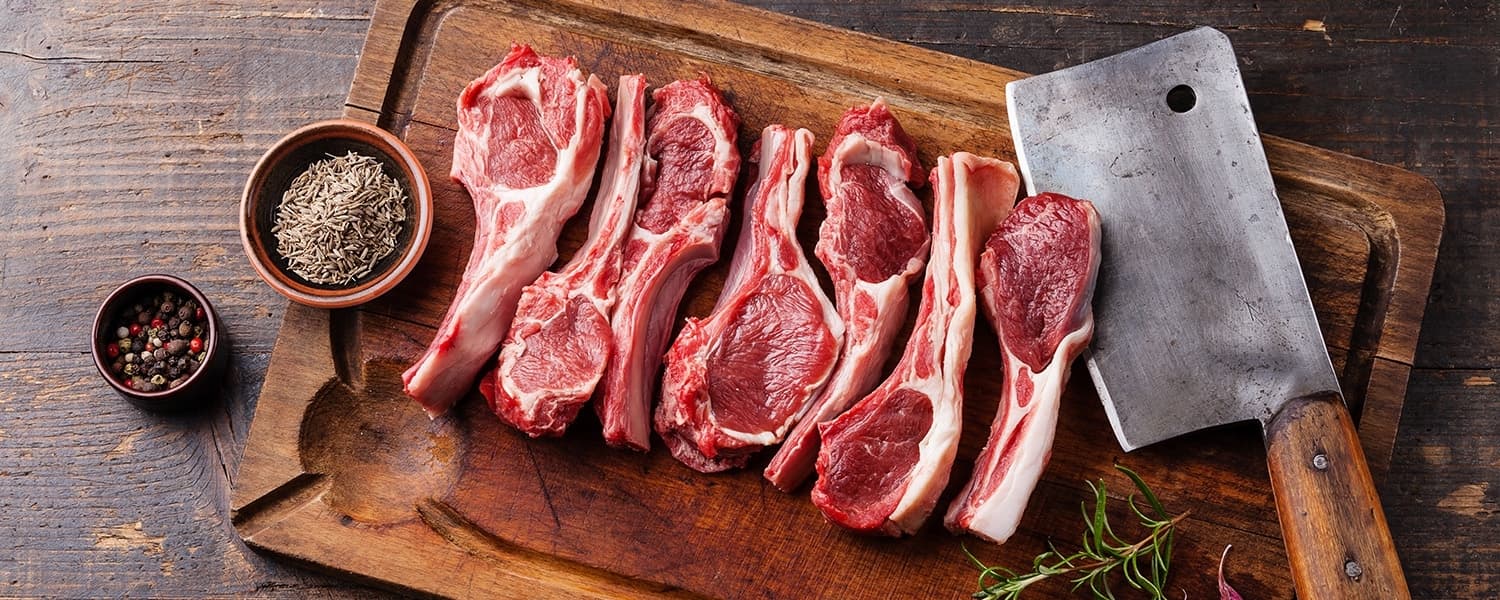
- Red meat—the leaner, the better
- Spinach—dark, leafy vegetables
- Tuna—contains heme iron, a form of iron that’s easily absorbed
- Soybeans—contains ferritin, a highly usable source of iron3
- Lentils—eating 1 cup (200 g) of lentils a day can satisfy 36% of your recommended daily iron intake4
- Olives—1 cup of olive = 4.4 mg of iron
- Dried fruits and nuts—dried prunes, apricots, and raisins promote blood circulation; cashews also help the body utilize iron
- Cereal and bread—whole grain, fortified (i.e. Grape Nuts, Frosted Wheats, Honey Nut Chex)
- Dark chocolate—preferably at least 60% cocoa
- Multivitamins—supplements of iron
There are two types of iron, heme from meat, poultry, and fish, and non-heme from plant sources. Heme iron is better absorbed than non-heme iron. However, you don’t have to eat meat to get adequate iron. You can better absorb iron from plant sources by pairing them with vitamin C foods such as oranges, tomatoes, etc.
Most of all, make sure you’re getting enough sleep. Nothing is worse than running on a lack of sleep as well as having low iron. Another trick that’s especially great for vegans or vegetarians is to cook in cast iron cookware. Using this cookware to prepare food helps leach iron into food, especially if you’re cooking acidic foods.
Now go get that energy boost!
Kayleigh Jardine
iFit Trainer
WARNING: This post is not intended to replace the advice of a medical professional. The above information should not be used to diagnose, treat, or prevent any disease or medical condition. Please consult your doctor before making any changes to your diet, sleep methods, daily activity, or fitness routine. iFit assumes no responsibility for any personal injury or damage sustained by any recommendations, opinions, or advice given in this article.
You might also like

Introducing SmartAdjust™ for Your Treadmill: iFIT’s New Personalized Workout Experience
SmartAdjust personalizes your treadmill workout before it even starts, adapting speed and incline to your fitness level in real time.
March 16, 2021

Strength Training While on GLP-1: A 6-Week Plan
When your body weight changes, you aren’t just losing fat—research shows you risk losing lean muscle mass, too. Protecting that muscle is the key to maintaining your metabolism and everyday strength. This practical 6-week guide breaks down exactly how to structure a simple, 20-to-30 minute full-body strength routine 2–3 times a week. Built around foundational compound movements like squats and rows, this plan shows you how to safely implement progressive overload without burning out your energy. Give your body a clear signal to keep its muscle and build a routine that sticks.
May 26, 2026

Find Your Stride with Tommy Rivs in the Joy of Running Part 2: Redwoods, Workouts 1-10
There’s just something magical about taking your next step forward, especially when it means you’re surrounded by the towering redwoods and rugged beauty of California’s northern coast. iFIT Trainer Tommy Rivs’ newest series will help you experience the magic of this region with the Joy of Running Part 2: Redwoods, Workouts 1-10. This beginner-friendly program is designed to help you progress from walking to running at your own pace.Explore California’s Scenic CoastSet along breathtaking coastal trails and through scenic redwood groves, this series brings the natural beauty of Northern California to your treadmill. From the peaceful paths of Laguna Point to the rolling meadows of Mendocino Headlands, each workout is an opportunity to breathe, move, and connect with the pure joy of movement.Make Progress with Tommy RivsKnown for his thoughtful coaching and love of movement, Tommy Rivs will guide you through a mix of walking and running intervals to gradually build your endurance and confidence. Each workout keeps the speed steady while changing your movement so you can focus on how your body feels and adapts as you move.Whether you’re returning to fitness or taking your first steps toward running, this series is all about moving forward with purpose. Tommy will help you to:Develop endurance and build strength with progressive intervalsImprove your form and consistency with his expert guidanceReconnect with the joy of movement in an inspiring settingBuild confidence to take on your next running challengeThis is only the beginning; there’s so much more to come with Rivs. For now, lace up those shoes and join him for an incredible journey amongst the redwoods.Join Tommy Rivs in the Redwoods
November 3, 2025