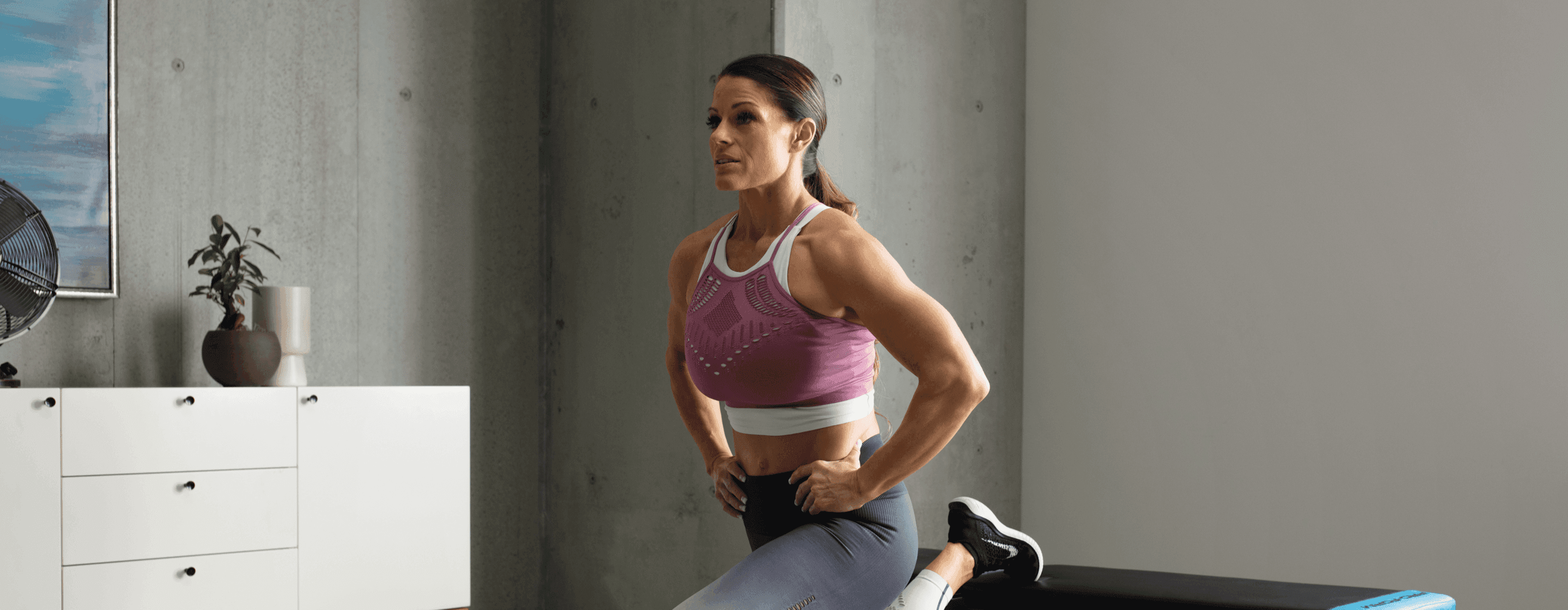
Gym Confidence and Fitness Apparel
Have you ever been so excited about your new workout apparel that suddenly you have all of the motivation in the world to get to the gym? When you walk into the studio or enter the weight room, maybe you are holding your head a little higher or your posture more upright. Your energy and excitement is so high that you’ll be inspired to have an amazing workout. Well, that’s not a coincidence. A 2012 experiment called the ‘enclothed cognition’ explains the relationship between what we wear and how we feel, meaning that the physical experience of wearing activewear that we feel good in can boost our confidence in the gym.
The athletic apparel market industry has grown by about 7 billion dollars since 2019, according to Emma Bedford from Statista. Getting ready for a workout is no longer about throwing your hair in a messy bun or running in the same t-shirt you wore to bed. Nowadays, we see exercisers worldwide flaunting their fitness fashion, from leggings with storage pockets and cropped tank tops on women to performance joggers and muscle tanks on men—all purchased from high-end athletic brands.
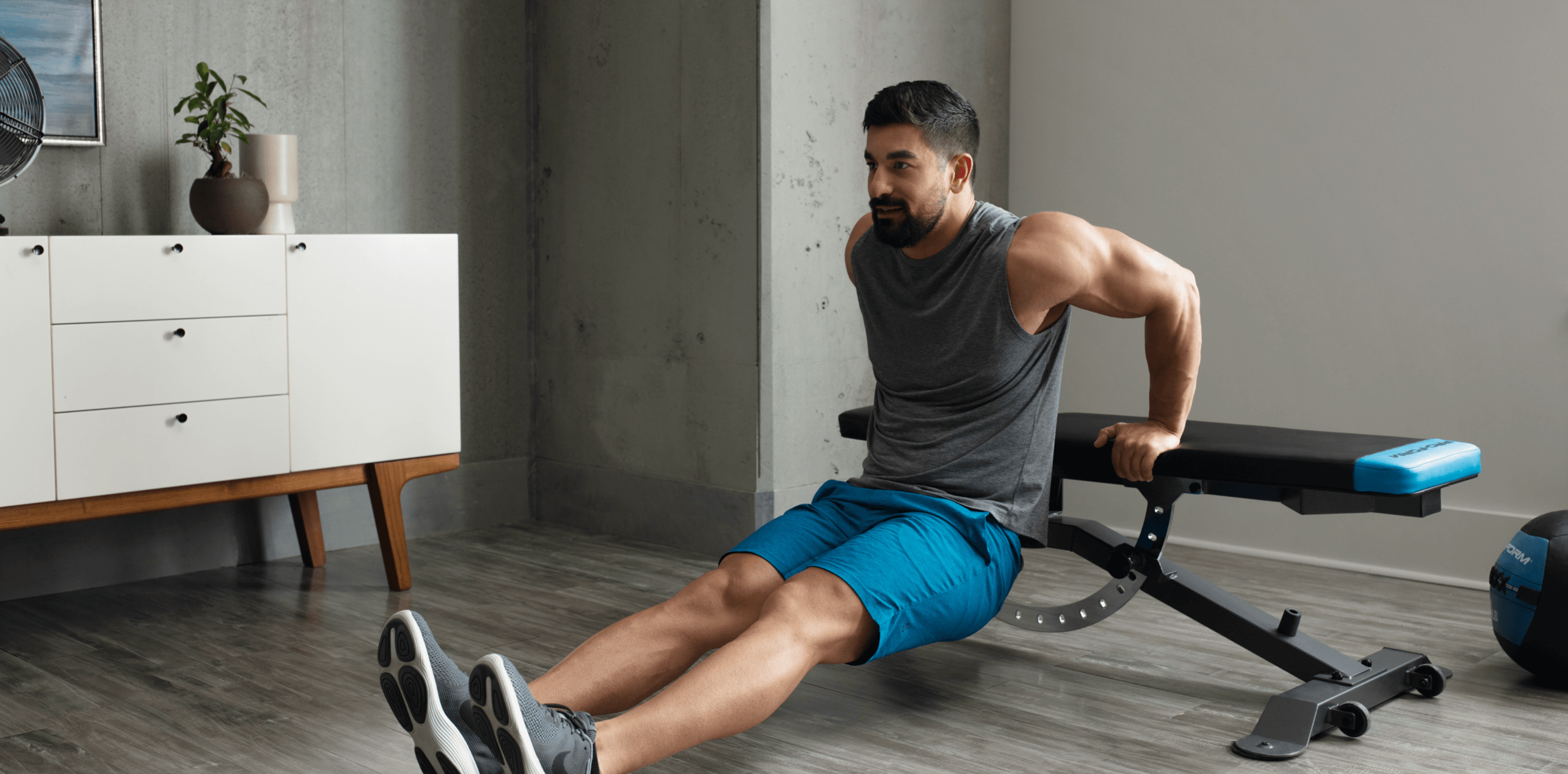
For someone who is new to the fitness world, working out can be intimidating, whether they lack confidence in their look or in their exercises. As a matter of fact, 65% of women avoid going to the gym because they do not feel like they fit the athletic image. But, as the ‘enclothed cognition’ highlights, a positive mindset can increase significantly with the proper sportswear, which enhances motivation and performance.
If you believe that a specific piece of clothing will help you perform better, then research says that you will. A 2020 study shows how women presenting in professional attire performed better than those who wore casual clothes. This concept is no different from the way you perform in the gym. When you “dress for success” for a workout, according to Antonio Centeno, you will certainly thrive more than if you threw on leisure clothes. In this case, wearing high-quality and comfortable training apparel may enhance your athletic performance, whether that is lifting heavier weights or running longer distances.
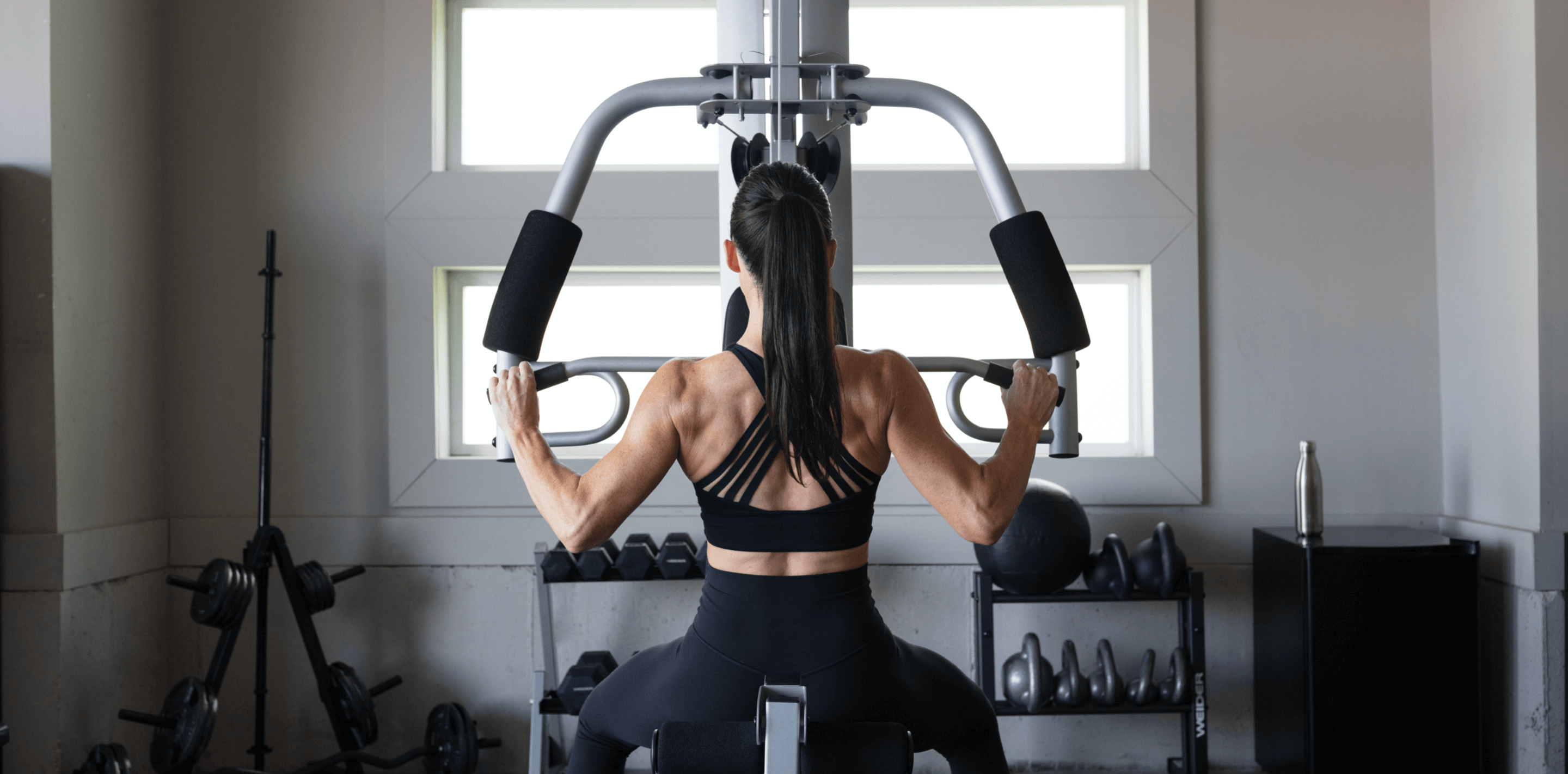
Your confidence in the gym can also be affected by the quality of your clothing. Whether you are a man working out your chest in a t-shirt that feels too tight or a woman squatting in leggings that slip, your quality of movement and overall performance could be impacted, due to feeling uncomfortable. In addition, if the fabrics you are wearing do not match your activity, then issues may also arise there. While you train in the gym, you should wear clothing created to wick away moisture and odor—otherwise. you may be dealing with some embarrassment and further discomfort, which may decrease your confidence.
For many, wearing high-quality and attractive fitness apparel serves as a personal reward. You know you have worked hard, and, as a result, are eager to flaunt your strong body in new athletic wear. So what are you waiting for? It’s time to sweat with style!
You might also like

Introducing SmartAdjust™ for Your Treadmill: iFIT’s New Personalized Workout Experience
SmartAdjust personalizes your treadmill workout before it even starts, adapting speed and incline to your fitness level in real time.
March 16, 2021

Strength Training While on GLP-1: A 6-Week Plan
When your body weight changes, you aren’t just losing fat—research shows you risk losing lean muscle mass, too. Protecting that muscle is the key to maintaining your metabolism and everyday strength. This practical 6-week guide breaks down exactly how to structure a simple, 20-to-30 minute full-body strength routine 2–3 times a week. Built around foundational compound movements like squats and rows, this plan shows you how to safely implement progressive overload without burning out your energy. Give your body a clear signal to keep its muscle and build a routine that sticks.
May 26, 2026

Find Your Stride with Tommy Rivs in the Joy of Running Part 2: Redwoods, Workouts 1-10
There’s just something magical about taking your next step forward, especially when it means you’re surrounded by the towering redwoods and rugged beauty of California’s northern coast. iFIT Trainer Tommy Rivs’ newest series will help you experience the magic of this region with the Joy of Running Part 2: Redwoods, Workouts 1-10. This beginner-friendly program is designed to help you progress from walking to running at your own pace.Explore California’s Scenic CoastSet along breathtaking coastal trails and through scenic redwood groves, this series brings the natural beauty of Northern California to your treadmill. From the peaceful paths of Laguna Point to the rolling meadows of Mendocino Headlands, each workout is an opportunity to breathe, move, and connect with the pure joy of movement.Make Progress with Tommy RivsKnown for his thoughtful coaching and love of movement, Tommy Rivs will guide you through a mix of walking and running intervals to gradually build your endurance and confidence. Each workout keeps the speed steady while changing your movement so you can focus on how your body feels and adapts as you move.Whether you’re returning to fitness or taking your first steps toward running, this series is all about moving forward with purpose. Tommy will help you to:Develop endurance and build strength with progressive intervalsImprove your form and consistency with his expert guidanceReconnect with the joy of movement in an inspiring settingBuild confidence to take on your next running challengeThis is only the beginning; there’s so much more to come with Rivs. For now, lace up those shoes and join him for an incredible journey amongst the redwoods.Join Tommy Rivs in the Redwoods
November 3, 2025