
Enter iFIT’s Second Chance Marathon Contest for a Chance to Run the 2026 TCS Sydney Marathon presented by ASICS
Win an entry in the 2026 TCS Sydney Marathon presented by ASICS, with team iFIT!
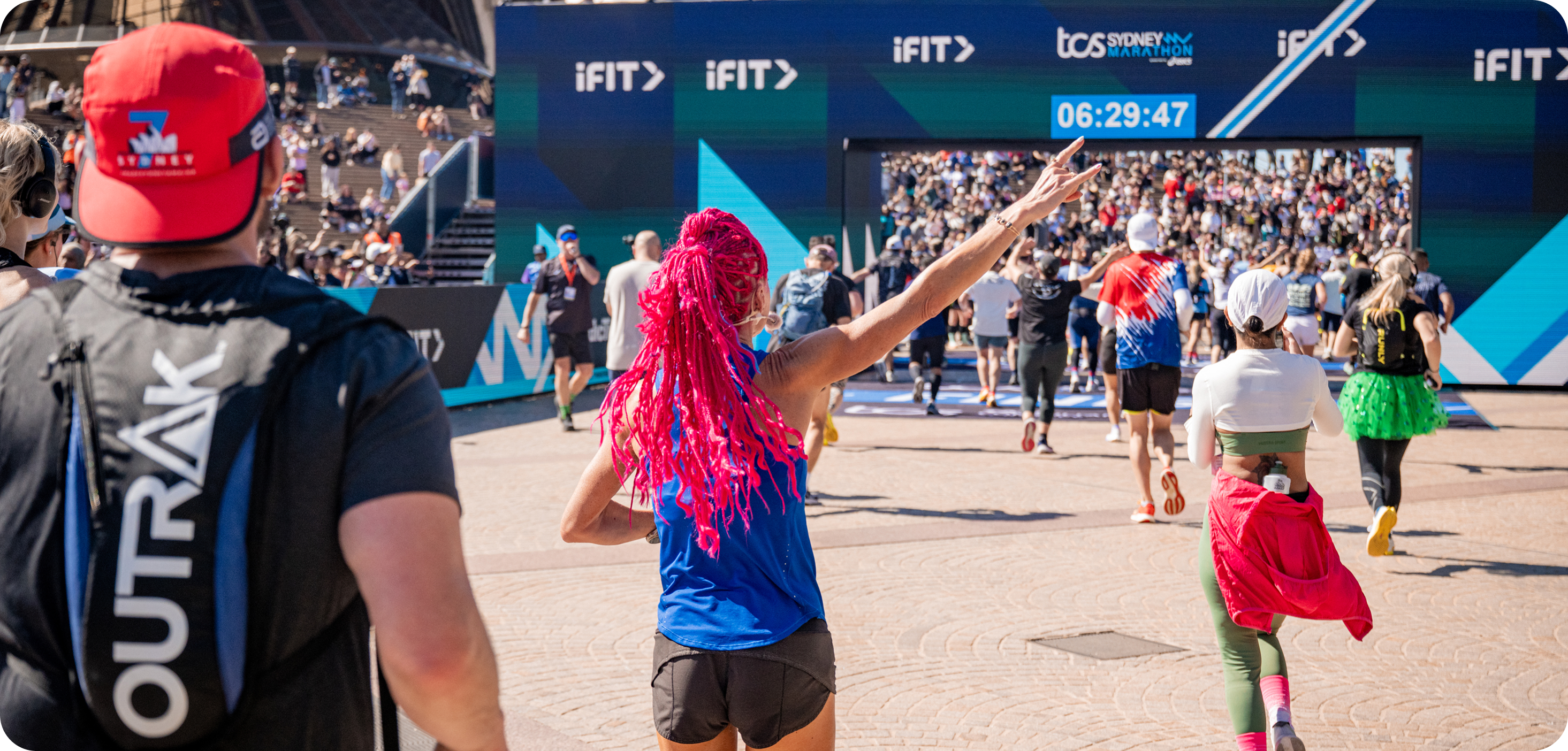
2025 marked a defining moment for Australian sport, as the TCS Sydney Marathon became the seventh Abbott World Marathon Major, joining the ranks of the world’s most prestigious races. As the Official Fitness Training Partner, iFIT captured the event in full, filming the entire course to bring Sydney’s streets to life for runners around the world. Guided by iFIT Trainer Ashley Paulson, the marathon was transformed into an immersive workout, from the Harbour Bridge to the Opera House, giving iFIT members the chance to experience the race virtually on their NordicTrack treadmills within just 24 hours of the finish line.
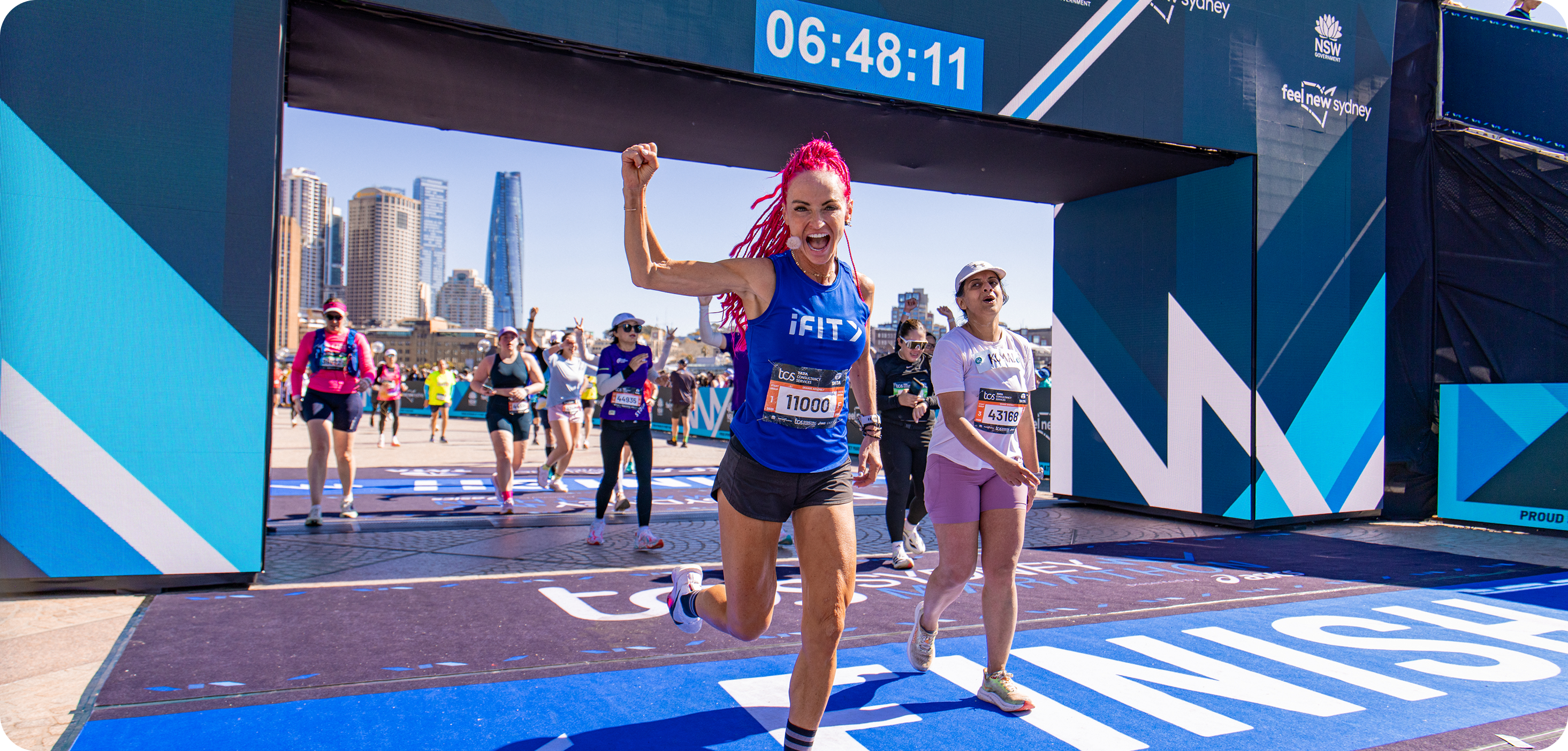
This year, iFIT is helping more runners turn their marathon goals into realities by giving them the chance to secure an entry into the 2026 TCS Sydney Marathon presented by ASICS. Five runners will earn their place on the start line and cross the finish line with Team iFIT, receiving a custom training guide and mentorship from iFIT Trainers to help them every step of the way!
The winners of the iFIT Second Chance Marathon Contest for a Chance to run the 2026 TCS Sydney Marathon presented by ASICS are:
- Matthew Scott
- Gareth Russel
- Kate Maconachie
- Maria Bozena Nowak
- Milena Radoycheva
How to apply and what we’re looking for
Tell us why YOU deserve a place in the 2026 TCS Sydney Marathon presented by ASICS, and what it would mean to take on this challenge with Team iFIT by your side. We’re looking for authentic stories, passion for running, and the drive to be part of something bigger. Submit your response HERE.
Details and contest rules
The Contest begins on November 10, 2025, at 12:01 a.m. Pacific Time (“PT”) and ends on November 16, 2025, at 11:59 p.m. PT. Click here for the Official Rules. Applications to be submitted through this form.
Upon the completion of the Contest Entry Period, a panel comprised of members of Sponsor’s staff will review the Entries. Sponsor will select up to five (5) winners. Winners will be notified using the email address provided with the entrant’s Entry.
The fifty (50) United States (and the District of Columbia); Canada; Mexico; the United Kingdom; France; Germany; Spain; New Zealand; and Australia.
Disclaimer: The primary purpose of this blog post is to inform and entertain. Nothing on the post constitutes or is intended to be a substitute for professional medical advice, prevention, diagnosis, or treatment. Reliance on any information provided on the blog is solely at your own risk. Always seek the advice of your physician or other qualified health provider with any questions you may have regarding a medical condition, and please consult your doctor or other health care provider before making any changes to your diet, sleep methods, daily activity, or fitness routine. Do not disregard professional medical advice or delay seeking it because of information available on this blog. NordicTrack assumes no responsibility for any personal injury or damage sustained by any recommendations, opinions, or advice given in this article. Always follow the safety precautions included in the owner’s manual of your fitness equipment.
You might also like

Introducing SmartAdjust™ for Your Treadmill: iFIT’s New Personalized Workout Experience
SmartAdjust personalizes your treadmill workout before it even starts, adapting speed and incline to your fitness level in real time.
March 16, 2021

Strength Training While on GLP-1: A 6-Week Plan
When your body weight changes, you aren’t just losing fat—research shows you risk losing lean muscle mass, too. Protecting that muscle is the key to maintaining your metabolism and everyday strength. This practical 6-week guide breaks down exactly how to structure a simple, 20-to-30 minute full-body strength routine 2–3 times a week. Built around foundational compound movements like squats and rows, this plan shows you how to safely implement progressive overload without burning out your energy. Give your body a clear signal to keep its muscle and build a routine that sticks.
May 26, 2026

Find Your Stride with Tommy Rivs in the Joy of Running Part 2: Redwoods, Workouts 1-10
There’s just something magical about taking your next step forward, especially when it means you’re surrounded by the towering redwoods and rugged beauty of California’s northern coast. iFIT Trainer Tommy Rivs’ newest series will help you experience the magic of this region with the Joy of Running Part 2: Redwoods, Workouts 1-10. This beginner-friendly program is designed to help you progress from walking to running at your own pace.Explore California’s Scenic CoastSet along breathtaking coastal trails and through scenic redwood groves, this series brings the natural beauty of Northern California to your treadmill. From the peaceful paths of Laguna Point to the rolling meadows of Mendocino Headlands, each workout is an opportunity to breathe, move, and connect with the pure joy of movement.Make Progress with Tommy RivsKnown for his thoughtful coaching and love of movement, Tommy Rivs will guide you through a mix of walking and running intervals to gradually build your endurance and confidence. Each workout keeps the speed steady while changing your movement so you can focus on how your body feels and adapts as you move.Whether you’re returning to fitness or taking your first steps toward running, this series is all about moving forward with purpose. Tommy will help you to:Develop endurance and build strength with progressive intervalsImprove your form and consistency with his expert guidanceReconnect with the joy of movement in an inspiring settingBuild confidence to take on your next running challengeThis is only the beginning; there’s so much more to come with Rivs. For now, lace up those shoes and join him for an incredible journey amongst the redwoods.Join Tommy Rivs in the Redwoods
November 3, 2025