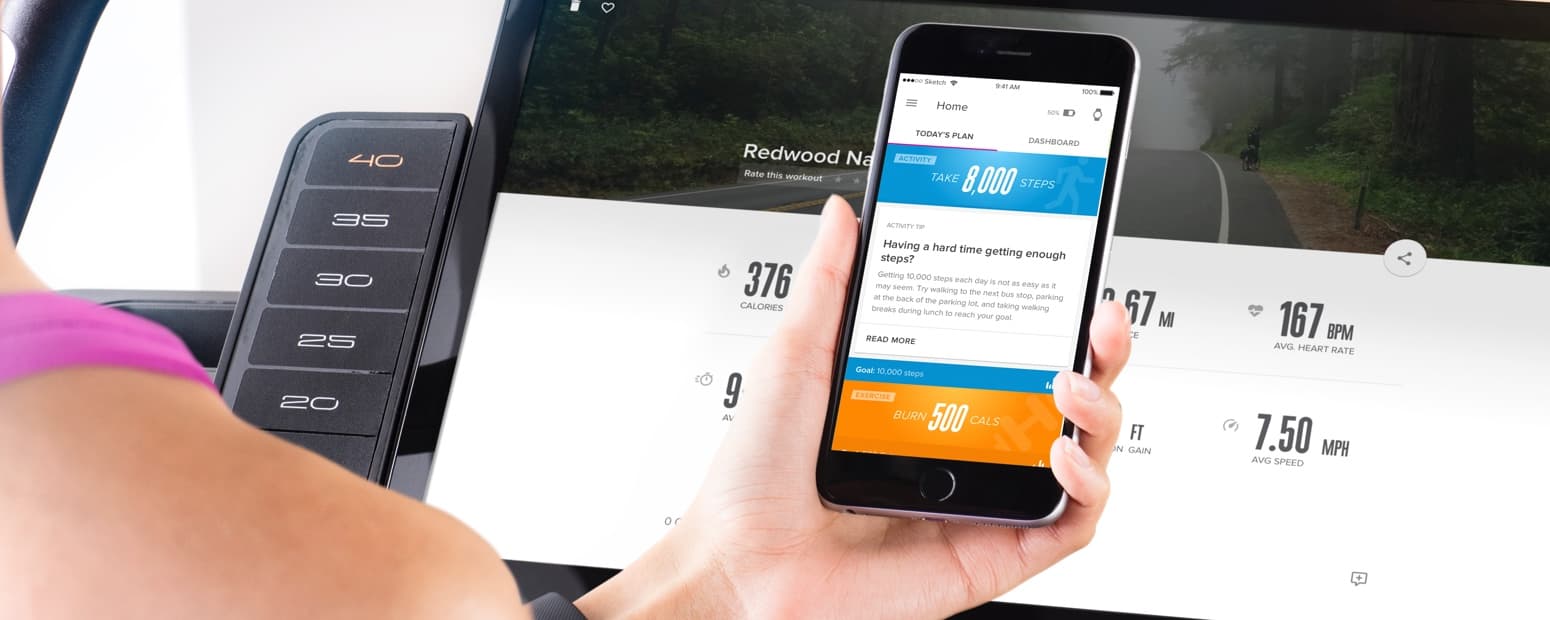
View Your Daily Tips
Have you ever had one of those days when you’ve needed a little extra push? Or friendly reminder? Well, with daily tips, you’ll get just that!
The Coach app gives you two new tips every day—one for activity and one for sleep. They’re meant to share some insight, and hopefully, keep you on the right track.
To view your activity tip:
- Open the Coach app.
- From your Home screen, make sure you’re on Today’s Plan.
- Simply tap the blue Activity section and the tip will open!
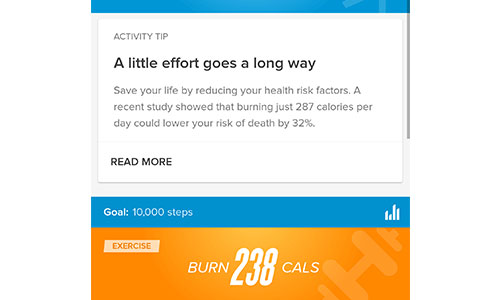
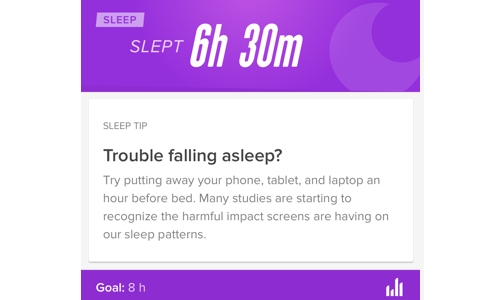
To view your sleep tip:
Follow the same steps for activity, except tap the purple Sleep section.
There you have it! If you have questions, please leave them in the comments. We’d love to answer them for you!
iFit Trainer
Emily Wiley
WARNING: This post is not intended to replace the advice of a medical professional. The above information should not be used to diagnose, treat, or prevent any disease or medical condition. Please consult your doctor before making any changes to your diet, sleep methods, daily activity, or fitness routine. iFit assumes no responsibility for any personal injury or damage sustained by any recommendations, opinions, or advice given in this article.