Apps
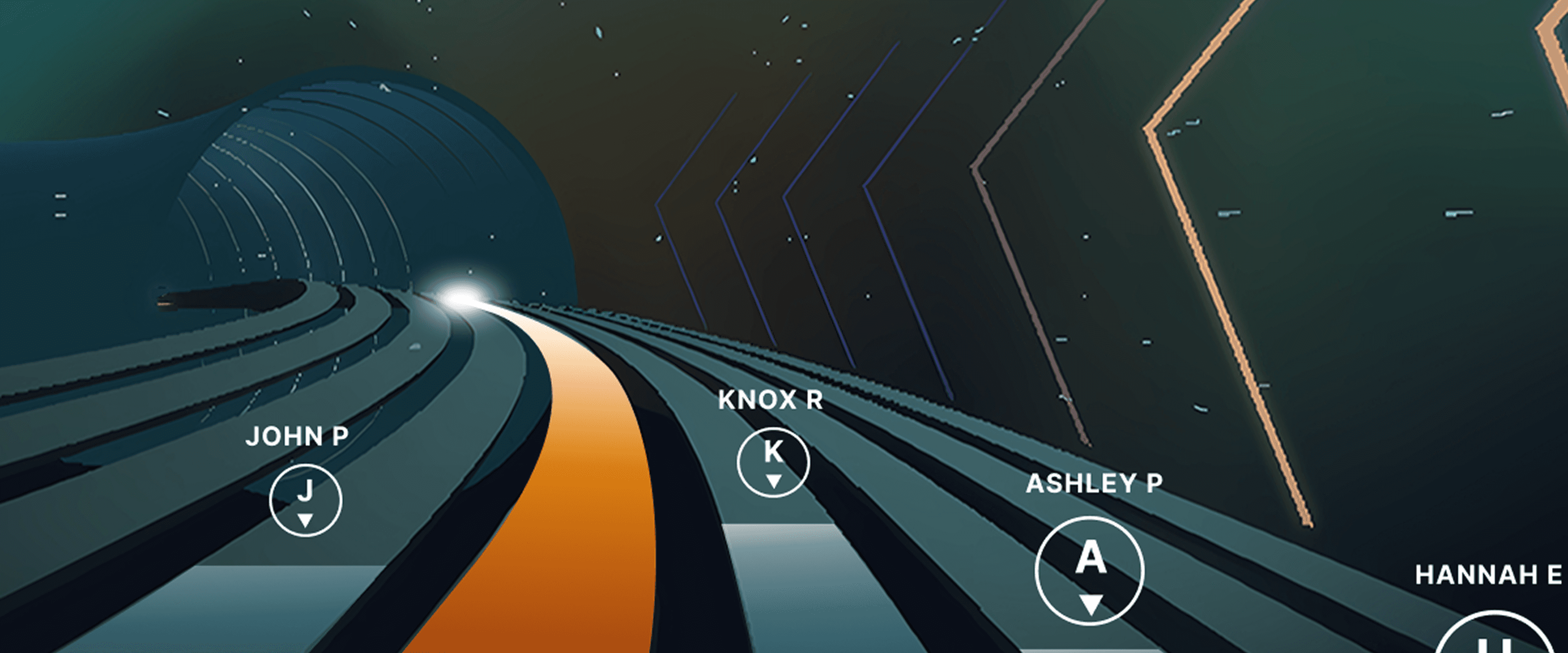
Races, Powered by Ergatta: An Interactive New Way to Work Out on Your Rower, Bike, and Treadmill with iFIT
Ready to explore your competitive side? iFIT has partnered with Ergatta to bring Races to iFIT-enabled rowers, bikes, and treadmills. These new interactive game-based workouts offer a fun new way to challenge yourself and stay motivated. Races: now on rowers, bikes, and treadmills Originally launched for treadmills, Races Powered by Ergatta is now available on iFIT-connected bikes and rowers, giving you even more ways to compete and level up your workouts. Whether you prefer to row, ride, or run, you can tap into the same immersive, competitive experience across all three equipment types. Choose from dozens of race workouts ranging from quick sprints to multi-stage endurance competitions and race against: Other iFIT members in friendly competitionYour favorite iFIT Trainers for extra motivation (can you beat Ashley?)Pacer bots to benchmark your performance and chase your goalsYourself in repeat races to push your limitsWith Races, you can push your limits with rewarding gameplay, chase your personal goals, and mix up your routine. Best of all, you have options: you can race against the clock, compete with the iFIT Community, or race against your past performances. This month's racesSeptember brings five new races themed around the energy of a fresh start. From a quick back-to-school sprint to a long endurance ride, there's something for every pace and every machine.Bell Ringer0.5 miles | Tread, Bike, RowerThe bell rings and there's no easing in. Go out hard, stay sharp, and be done before you've even settled in. Fast, focused, first-period energy.Homeroom Hustle0.75 miles | Tread, Bike, RowerStart with purpose, build through the middle, and finish like you've done this a hundred times before. Confident, quick, and ready for whatever's next.Extra Credit1.5 miles | Tread, BikeEvery fall term needs one race that asks a little more. Hold a pace that challenges without breaking you, keep climbing through the middle, and bank the effort like it counts toward something bigger.Back in Session2.5 miles | Tread, Bike, RowerSummer's winding down and the pace of life is picking back up. Settle into a steady rhythm, breathe through the middle miles, and close strong as the season shifts into gear.Long Division6.2 miles | BikeFall's syllabus starts today and this one's a long one. Settle into a sustainable cadence, break the distance into manageable stretches, and let patience do the work mile after mile. New for Rowers: Meteor Dive into an exclusive game-based experience for your iFIT-enabled rower with Meteor, a thrilling single-player workout that blends fitness with arcade-style gameplay. You’ll fly through space, collecting tokens and dodging obstacles while hitting personalized targets to score points. Your rowing speed controls your vertical movement, so you can row faster to fly higher. It’s structured, it’s motivating, and it’s a lot of fun. How to install Ergatta Need a little more support? Here's a step-by-step tutorial for installing Ergatta on your machine. Ready to race? Whether you're looking to challenge yourself or compete against others, Ergatta Races brings an entirely new dimension to your workouts. New races drop every month to keep things fresh. Let's race! Install the Ergatta app to get started. Then, you can explore all the Races available in Ergatta.1 1. Paid iFIT Pro membership required to access Races by Ergatta. Must have the latest iFIT OS installed on an iFIT-enabled treadmill with a touch screen that supports third-party apps.Disclaimer: The primary purpose of this blog post is to inform and entertain. Nothing on the post constitutes or is intended to be a substitute for professional medical advice, prevention, diagnosis, or treatment. Reliance on any information provided on the blog is solely at your own risk. Always seek the advice of your physician or other qualified health provider with any questions you may have regarding a medical condition, and please consult your doctor or other health care provider before making any changes to your diet, sleep methods, daily activity, or fitness routine. Do not disregard professional medical advice or delay seeking it because of information available on this blog. iFIT assumes no responsibility for any personal injury or damage sustained by any recommendations, opinions, or advice given in this article. Always follow the safety precautions included in the owner’s manual of your fitness equipment.
July 28, 2025
Read More
How to Level Up Your Workouts with iFIT Races, Powered by Ergatta
Thanks to iFIT’s partnership with Ergatta, iFIT Pro members with iFIT-enabled treadmills¹ now have access to this thrilling interactive fitness gaming experience. If you’re looking for a fun, competitive way to stay motivated, Ergatta’s game-based workouts are the perfect solution. With Races, you can push your limits with rewarding gameplay, chase your personal goals, and mix up your routine. Best of all, you have options: you can race against the clock, compete with the iFIT Community, or race against your past performances. Here’s how to get started: Step 1: Open the Apps Menu Tap the apps icon at the bottom of your screen to access the apps menu. Step 2: Install Ergatta Races Select “Manage Apps,” find Ergatta Races, and tap “Install” to begin downloading. Note: If your machine is low on storage, you may need to uninstall other apps to install Ergatta. Step 3: Start Your Workout Once the download is complete, exit Manage Apps and start an Ergatta workout from the home screen or by opening the app menu in the bottom navigation bar. Let’s Race! Now, you're ready to experience the future of fitness! Whether you're looking to challenge yourself or compete against others, Ergatta Races brings an entirely new dimension to your workouts. Let’s race! 1. Paid iFIT Pro membership required to access Races by Ergatta. Must have the latest iFIT OS installed on an iFIT-enabled treadmill with a touch screen that supports third-party apps. Disclaimer: The primary purpose of this blog post is to inform and entertain. Nothing on the post constitutes or is intended to be a substitute for professional medical advice, prevention, diagnosis, or treatment. Reliance on any information provided on the blog is solely at your own risk. Always seek the advice of your physician or other qualified health provider with any questions you may have regarding a medical condition, and please consult your doctor or other health care provider before making any changes to your diet, sleep methods, daily activity, or fitness routine. Do not disregard professional medical advice or delay seeking it because of information available on this blog. iFIT assumes no responsibility for any personal injury or damage sustained by any recommendations, opinions, or advice given in this article. Always follow the safety precautions included in the owner’s manual of your fitness equipment.
March 28, 2025
Read More
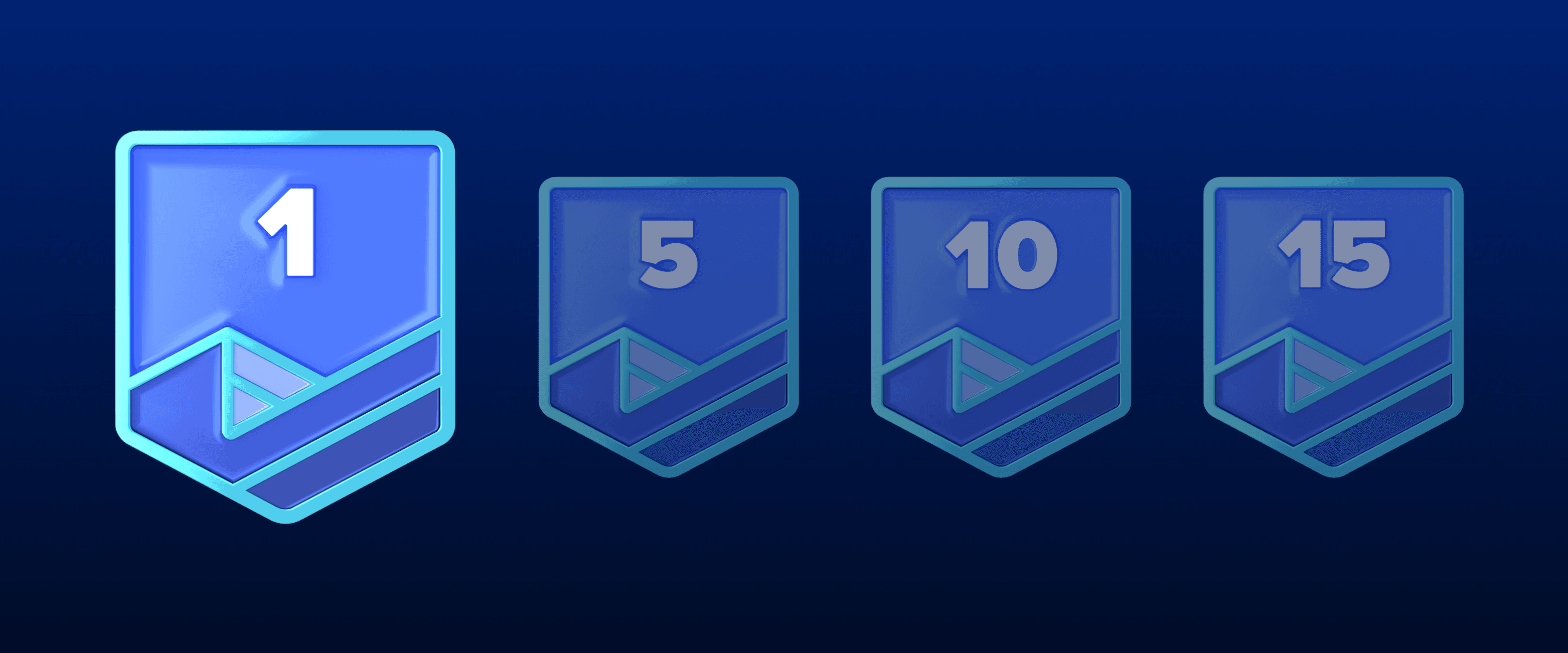
2024 iFIT Milestones: Everything You Need to Know
Welcome to 2024, a new year of more ambitious fitness goals and an exciting journey of health and fitness with iFIT! As we continue to evolve, we’re thrilled to introduce new features and experiences to enhance your iFIT adventure with intelligent fitness. More trainer messages: As you hit new milestones, look forward to special messages from our iFIT Trainers, adding a personal touch to your achievements.iFIT Family membership entry: Achieve your 200th milestone and gain an entry for an iFIT Family membership.More iFIT Backstage Pass entries: Earn more entries to win when you reach your 300th, 400th, 500th and 1,000th milestones.New physical rewards: When you reach your 100th, 500th, and 1,000th milestone, you can purchase exclusive physical rewards from our Milestones Collection. As you dive into the rest of this blog, discover how they all add up to a more fulfilling fitness journey with iFIT this year - and beyond. Frequently asked questions about iFIT Milestones What are iFIT Milestones? iFIT Milestones in 2024 are more than just numbers; they’re your personal fitness victories. Running (no pun intended) from January 1 to December 31, these achievements now come with extra recognition. When you hit certain milestones, expect not just an email or a push notification but also more personalized communication and new, exclusive rewards to celebrate your progress. To view your Milestones in the iFIT app: Tap on the Trophy Case icon in the iFIT app at the bottom of the screen.At the top of the Trophy Case screen, scroll to the right and tap “Milestones.”You can view your milestones by year, how many workouts you’ve completed, and your next milestone to reach for the current year. What’s new in 2024? We’ve listened to your feedback and are excited to re-introduce physical rewards for certain milestones reached. Now, at 100, 500, and 1,000 workouts completed, you can purchase an exclusive item from our Milestones Collection, like a shirt, sweatshirt, or jacket. These rewards are a way to showcase your dedication and hard work. Plus, with a chance to win an iFIT Family membership after completing 200 workouts, you’ll want to stay active together. And be sure to explore our Passport newsletter, inspiring you to keep racking up more milestones with a monthly treasure trove of exclusive glimpses into the iFIT world. Physical milestone rewards are back? We’re excited (and hope you are, too) to reintroduce physical milestone rewards in a new way. As you hit the 100, 500, and 1,000 workout milestones, you'll have the opportunity to purchase celebratory items from our Milestones Collection, like a shirt, sweatshirt, or jacket. This exciting addition aligns with our commitment to both sustainable practices and meaningful member recognition. Celebrate your fitness achievements in style! Please note: Physical rewards are only available to iFIT members in the U.S. All items will be on a monthly pre-order basis. Visit the Milestones Collection page for more information. What is the iFIT Backstage Pass? The iFIT Backstage Pass* is our new and improved iFIT 500 Workout Giveaway from previous years. Five (5) grand prizes will be awarded. Each grand prize winner will receive a 3-day/2-night trip for the winner to Logan, UT to tour the iFIT studio and meet an iFIT Trainer. Prize includes roundtrip air transportation (coach) for up from a major U.S. gateway airport nearest the winner’s home to Salt Lake City or other airport determined by Sponsor in its sole discretion, hotel accommodations (one (1) standard room, for two (2) nights). Full grand prize description with limitations and restrictions below. Approximate retail value of each grand prize is $2,000. Each prize winner will be able to nominate one or more iFIT Trainers they would like to meet but the iFIT Trainer(s) that will be present for the meet up will be determined based on availability and the Sponsor’s sole determination. Each prize winner will also receive $200.00 in spending money to cover incidental costs. Please note: The iFIT Backstage Pass is available to customers who are U.S. residents. How do I enter to win the iFIT Backstage Pass? To enter you must complete a minimum of 300 iFIT workouts from 1/1/2024 – 12/31/2024. Global, Studio, Live, and on app workouts count. Manual workouts do not count. Sponsor reserves the right to reject or disqualify any counted workout which Sponsor, at its sole discretion, determines to be inconsistent with the letter or spirit of the Official Rules. Limit one (1) entry per iFIT account for 300 workouts; (3) additional entries for 400 workouts; Five (5) additional entries for 500 workouts; 10 (Ten) additional entries for 1,000 workouts. Secondary users can qualify. Click here for more information. How are milestones related to the Trophy Case? Your milestones, including those reached in previous years, can be found in your Trophy Case, as well as digital rewards from Challenges. Rewards from Challenges and milestones will be automatically added to your iFIT account as you earn them. You can check your milestones anytime in the iFIT app or your iFIT-enabled machine. In 2024, what new workouts can I expect? We’re bringing you a host of new workouts, series and categories in 2024 to keep you engaged and challenged. Here’s a glimpse: Pedal with Chris Davenport in his Dolomite Cycling Series.Ride with Ashley Paulson in Canada’s National Parks.Explore with Alex Gregory in his Walk the World Martinique and UK Lakes Series.Run with Knox Robinson in his Ireland Running Series.Train with Richard Biglia in his Superior Strength and Rowing Series.Accelerate with Casey Gilbert in his Performance Zone Bootcamp Series.Row with Susan Francia in her Rowing the Rockies Series.Transform with Gerell Webb in his Fitness Revamp Weight Loss Series.Build with Jorry Francis in her HIIT and Muscle Group Isolations Series.Sculpt with Shannon Cooper in her Barre Basics Series. And that’s just the tip of the iceberg — be on the lookout for more series, Shorts, Collections, and Challenges in 2024! How do I track milestones? Tracking your iFIT Milestones is simple. Just tap the Trophy Case icon at the bottom of the iFIT app screen, then select Milestones at the top of the Trophy Case screen. Here, you can view your milestones by year, see how many workouts you’ve completed, and plan your next milestone. This feature makes it easier to stay informed and motivated throughout your fitness journey. Which workouts count toward my milestones? Any programmed workout in the iFIT Library, including Google Maps™ workouts, counts towards your milestones. Unfortunately, manual workouts do not count. Remember, you must have a paid and active iFIT membership to be eligible for milestone rewards. Secondary users on an active account are also eligible for milestone rewards. Will I receive a reward for every workout completed? While not every workout comes with a reward, we have specific milestones where you will earn digital rewards and more. These milestones are designed to celebrate significant numbers of workouts completed, starting from your very first workout and including key milestones like your 50th, 100th, 200th, and up to your 1,000th workout, where you’ll receive special digital rewards and messages from iFIT Trainers, have the chance to purchase exclusive iFIT Milestone gear, and entries to win an iFIT Family membership and iFIT Backstage Pass. Milestones eligible for rewards: Digital rewards only: Milestones #1 - #10Milestones #15, #20, #25Milestones #30, #35, #40Milestones #50, #70, #80Milestones #80, #90, #125Milestones #150, #175, #225Milestones #250,# 275, #325Milestones #375, #425, #475Milestones #550, #600, #650Milestones #700, #750, #800Milestones #850, #900, #950 Digital reward + physical rewards (available for purchase): Milestone #100Milestone #500Milestone #1,000 Digital reward + iFIT Pro Membership entry: Milestone #200 Digital reward + iFIT Backstage Pass entry: Milestone #300 (one entry)Milestone #400 (three additional entries)Milestone #500 (five additional entries)Milestone #1,000 (10 additional entries) What if I don't see my milestones in the Trophy Case? If you believe you've reached a milestone but don’t see it reflected in your Trophy Case, please contact our Member Care Team at support@ifit.com. We’re here to help make sure your achievements are recognized and celebrated. What are milestone emails? We’ll send you an email when you reach the following milestones: Emails: Milestone #1, Milestone #25, Milestone #50, Milestone #100, Milestone #200, Milestone #300Milestone #400, Milestone #500Milestone #1,000 What are milestone push notifications? We’ll send a push notification to your mobile device when you reach the following milestones: Push notifications: Milestones #1 - #10Milestones #15, #20, #25Milestones #30, #35, #40Milestones #50, #60, #70, #80Milestones #80, #90, #125Milestones #150, #175, #225Milestones #250,# 275, #325Milestones #375, #425, #475Milestones #550, #600, #650Milestones #700, #750, #800Milestones #850, #900, #950 When will I receive an email or push notification? You’ll receive an email or push notification immediately after reaching a milestone. You can view milestones right away in your Trophy Case. How can I make sure I receive milestone emails and notifications? To receive milestone emails and push notifications, please check your account settings on the iFIT desktop. Tap Emails under Preferences.Check which emails you would like to receive.Your updates will automatically save. To ensure that you receive these emails in your inbox and not your spam or junk folder, please add iFIT to your safe sender list. To ensure you receive push notifications from iFIT, please read more about how to turn them on. The more communications you receive, the more you will stay updated and never miss important information — and we have much to share. What’s the eligibility criteria for milestone rewards? To be eligible for milestone rewards, your iFIT account must be active and in current standing. Users with free, paused, or inactive accounts will not receive milestone rewards. However, if you renew your membership or decide to join, your past qualifying workouts will still count toward your overall workout total, but you will not receive past rewards. If you have an iFIT membership that was included with the purchase of iFIT-enabled equipment, you qualify for milestones during the duration of that membership. If you meet all of the above requirements and still have yet to receive any communications after completing workouts saved this year, please visit iFIT Member Care or email support@ifit.com for further assistance. Embrace every workout, every moment, and every milestone — your journey to peak fitness starts with iFIT in 2024! Disclaimer: This blog post is not intended to replace the advice of a medical professional. The above information should not be used to diagnose, treat, or prevent any disease or medical condition. Please consult your doctor before making any changes to your diet, sleep methods, daily activity, or fitness routine. iFIT assumes no responsibility for any personal injury or damage sustained by any recommendations, opinions, or advice given in this article. Always follow the safety precautions included in the owner’s manual of your fitness equipment.
January 1, 2024
Read More

Getting Started with iFIT on Your Equipment
Welcome to iFIT, your soon-to-be favorite personal training platform! Imagine having the expertise of expert trainers anytime, anywhere — that’s what iFIT delivers. Whether you’re kickstarting your fitness journey or a seasoned pro looking for a challenge, we’ve got your back. Having so many exciting bells and whistles to look forward to may feel overwhelming, so we’ve created this quick guide to help you get started. So dive in, and let’s crush those fitness goals together! Create your iFIT account Creating your iFIT account is the next step. This is your key to unlocking all the incredible features iFIT offers on your machine. Just follow these steps: Tap the “Sign Up” tab on your machine’s screen to get started.Scan the QR code to begin the sign-up process. You’ll be given a code on your machine that should match the code shown during sign-up.Next, you'll be asked to answer basic profile questions to create your accountYou’ll then select an iFIT plan that best suits your needs. Go monthly or save with an annual plan. Once you’ve entered your billing information, you’ll move on to personalization questions. These are designed to help us suggest the workouts that best match your goals and interests. After you’ve answered all questions, you’ll be prompted to turn on iFIT AI Coach, which acts as your accountability partner during your fitness journey! Opt-in is optional. Learn more about AI Coach here. Once your account is set up, you can access it at any time via the iFIT app or desktop. Navigating the iFIT homepage Now that you’ve created your iFIT account, set up your profile, and connected your equipment, it's time to explore our homepage and access iFIT workouts and series by modality (e.g., treadmill, bike). Your personalized fitness experience starts here. Workout stats: Track your workout history and see your 7-day, 30-day, and year-to-date activity at a glance.Milestones: Celebrate your progress all year long — and for those special milestones, we have amazing digital rewards and more to show off your success.Up next for you: The first row displays the next workout in a series or Challenges you’ve started, workouts you have scheduled for that day, and recommended workouts. Challenges: Stay motivated with our monthly Challenges, and when you complete a Challenge, you’ll earn a cool digital reward.Featured now: These are the workouts we’re loving right now — a great place to start your iFIT journey.Recommended workouts: Get energized with these personalized workouts that will help you reach your goals.Recommended series: Similar to “Recommended workouts,” but for our workout series. Browse by category: Not sure what you’re in the mood for? Browsing by category makes finding the perfect workout easier. Saved: Whenever you find a workout or series you love, tap the heart icon and you will see the “Saved” row populate on your dashboard. You can also access all your saved content by selecting the heart icon in the top left corner of your dashboard. Have questions not answered here? iFIT Member Care is your one-stop shop for support, helping you take your fitness to a whole new level with iFIT’s world of intelligent fitness. Not quite ready for a membership? A free iFIT account gets you access to 5 trainer-led workouts, an assortment of interval workouts, and the ability to view your workout history and track your weekly stats. For the full iFIT experience, you will need a paid iFIT membership. Disclaimer: The primary purpose of this blog post is to inform and entertain. Nothing on the post constitutes or is intended to be a substitute for professional medical advice, prevention, diagnosis, or treatment. Reliance on any information provided on the blog is solely at your own risk. Always seek the advice of your physician or other qualified health provider with any questions you may have regarding a medical condition, and please consult your doctor or other health care provider before making any changes to your diet, sleep methods, daily activity, or fitness routine. Do not disregard professional medical advice or delay seeking it because of information available on this blog. iFIT assumes no responsibility for any personal injury or damage sustained by any recommendations, opinions, or advice given in this article. Always follow the safety precautions included in the owner’s manual of your fitness equipment.
October 10, 2018
Read More