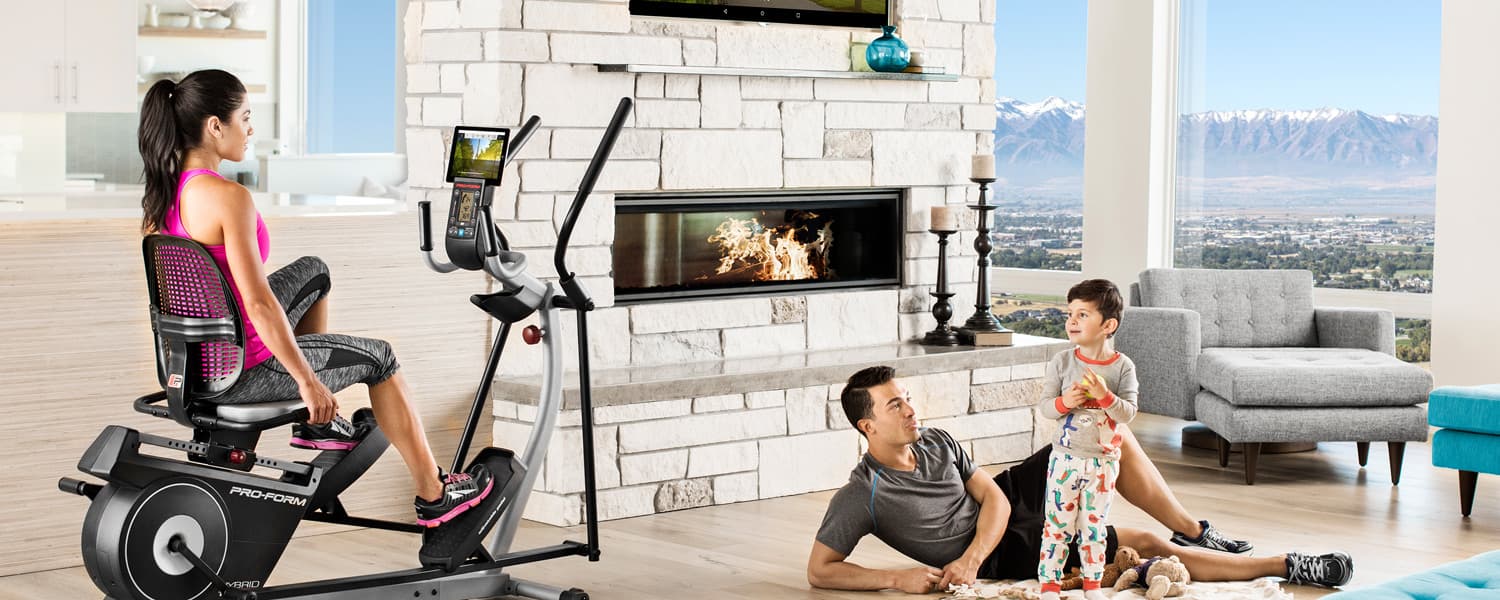
Mom life...it’s harder than 500 burpees. Harder than saying no to chocolate cake. Harder than running a half marathon. It’s legit tough, but it’s also more breathtaking and fulfilling than any of those things. Life as a mom means a 24/7/365 career without paid vacay. And no sick days. Your uniform is exercise pants and a tee. Your boss(es) throw things, scream, need to be wiped, yell constant demands, and follow you to the bathroom. Thankfully, messy buns are “in,” ‘cause that’s your go-to hairstyle. You don’t get a paycheck. In fact, your bosses spend all of your money. Instead, you’re paid with hugs, kisses, and cuddles—priceless! So moms, we are busy. Often, we’re too busy to think about ourselves. But without a healthy mom, the whole tribe could crumble. Take some time for yourself. I know this is easier said than done, but it’s so important. I’m Elyse Miller—mama to an adventurous, demanding, sweet, four-year-old son and a feisty, stubborn, joyful, two-year-old daughter. I work mostly from home while wrangling the kiddos. I’m a fitness trainer, nutritionist, sports model, workout video creator, freelance TV host/anchor and...a new iFit Ambassador (hooray!) I understand busy—I really do! So here’s how I fit fitness into my Mom Life.
Make Mom a Priority
I schedule time each day that’s just for me, and I stick to it. This means waking up early!Rise Early
I set the alarm 30–60 minutes before the kiddos usually wake. I work out first thing, before the demands of the day take over. After a workout, I never regret missing out on 30 minutes of sleep. If they kids wake early...keep readin’.Work Out At Home
I haven’t gone to an actual gym in four years! I work out at home with plyometrics, body weight exercises, and running. This saves time and allows me to get in a burn while the little ones snooze. (Follow me on Instagram @fitelyse for several at-home workouts each week.)Be Quick
I don’t have time for an hour-long workout. My workouts are short, but intense. 15–20 minutes is all I need. Cut out rests and water breaks...keep moving and get sweaty.Include the Littles
Toddlers make great workout partners! They’re fantastic “equipment”—I use my 25- and 35-pounders for squats, bridge ups, chest presses, and lunges. For cardio, my babies act like lions chasing after me...their roars scare me right into tuck jumps over and over and over again (be sure not to land on your kids. That would not be good). We all laugh together, get exercise in, and have fun. Isn’t that what life's all about? It might be hard sometimes, but it’s so rewarding! Elyse Miller iFit Ambassador @fitelyseYou might also like

Introducing SmartAdjust™ for Your Treadmill: iFIT’s New Personalized Workout Experience
SmartAdjust personalizes your treadmill workout before it even starts, adapting speed and incline to your fitness level in real time.
March 16, 2021

Strength Training While on GLP-1: A 6-Week Plan
When your body weight changes, you aren’t just losing fat—research shows you risk losing lean muscle mass, too. Protecting that muscle is the key to maintaining your metabolism and everyday strength. This practical 6-week guide breaks down exactly how to structure a simple, 20-to-30 minute full-body strength routine 2–3 times a week. Built around foundational compound movements like squats and rows, this plan shows you how to safely implement progressive overload without burning out your energy. Give your body a clear signal to keep its muscle and build a routine that sticks.
May 26, 2026

Find Your Stride with Tommy Rivs in the Joy of Running Part 2: Redwoods, Workouts 1-10
There’s just something magical about taking your next step forward, especially when it means you’re surrounded by the towering redwoods and rugged beauty of California’s northern coast. iFIT Trainer Tommy Rivs’ newest series will help you experience the magic of this region with the Joy of Running Part 2: Redwoods, Workouts 1-10. This beginner-friendly program is designed to help you progress from walking to running at your own pace.Explore California’s Scenic CoastSet along breathtaking coastal trails and through scenic redwood groves, this series brings the natural beauty of Northern California to your treadmill. From the peaceful paths of Laguna Point to the rolling meadows of Mendocino Headlands, each workout is an opportunity to breathe, move, and connect with the pure joy of movement.Make Progress with Tommy RivsKnown for his thoughtful coaching and love of movement, Tommy Rivs will guide you through a mix of walking and running intervals to gradually build your endurance and confidence. Each workout keeps the speed steady while changing your movement so you can focus on how your body feels and adapts as you move.Whether you’re returning to fitness or taking your first steps toward running, this series is all about moving forward with purpose. Tommy will help you to:Develop endurance and build strength with progressive intervalsImprove your form and consistency with his expert guidanceReconnect with the joy of movement in an inspiring settingBuild confidence to take on your next running challengeThis is only the beginning; there’s so much more to come with Rivs. For now, lace up those shoes and join him for an incredible journey amongst the redwoods.Join Tommy Rivs in the Redwoods
November 3, 2025