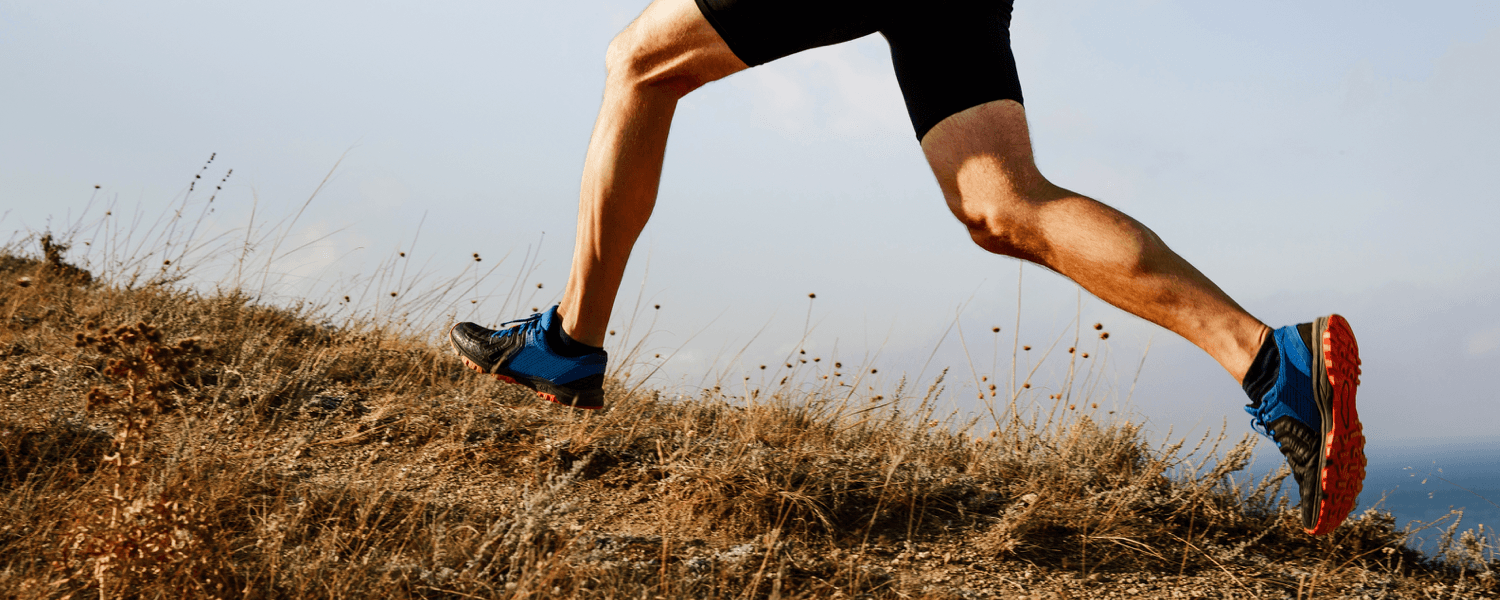
Whether it’s running or cycling, I think it’s safe to say most people don’t enjoy climbing steep hills, primarily because it’s difficult. While it may not be everyone’s favorite exercise, hill work can dramatically improve your fitness performance and boost your calorie burn. So the next time you’re out for a hilly run or bike ride, keep these things in mind:
Uphill Running
- Shorten your stride length. Bring your foot strike in closer to your center mass, instead of out in front. The steeper the hill, the shorter your stride length should be. Keep in mind, at a certain point, it will become more practical to start walking. (Just how it feels more practical to start running when your speed increases.)
- Good posture is always important, but during a climb, it is paramount. Remain tall and open so you can keep the oxygen flowing and prevent your chest from partially collapsing, especially as your muscles become more tired.
- Try your best to keep a consistent effort level, regardless of terrain. Pushing yourself too hard up the hills will wear you out prematurely, which will slow your overall time and leave you with little energy to finish.
- If things get difficult, pump your arms with a slight increase in intensity and speed to keep your feet turning over at a decent rate. Be sure to keep your arms and legs in the sagittal plane or only moving forward and backward. Any rotational movement, such as swinging your arms across your chest, will only waste precious energy.
Downhill Running
- Don’t haphazardly jump into downhill running without knowing what you’re doing, or you’re likely to get injured. If done correctly, it can train your fast-twitch muscle fibers, prevent overuse injuries, increase your speed, and help you run longer distances.
- Don’t overstride. It can negatively affect your heel strike, knee lockout, and recovery in between strides. Try to stay around 90 RPMs to keep your stride length short and not allow your legs to overextend themselves.
- Maintain good running form. It will save your knees from unnecessary stress.
- If you’re using proper form, you can run on your toes slightly and let gravity help you a bit, instead of consciously having to slow yourself down.
Road Cycling
- When cycling uphill, the most important thing is gearing. For most people, normal cycling is around 80–85 RPMs. Once you start climbing, you should increase by 5–15 RPMs, depending on your leg length, crank arm length, personal preference, and how steep the hill is.This will not only help you maintain balance, but more consistent levels of torque as well.
- It’s imperative to keep your shoulders back and down with your chest open, so you can properly breathe.
- For especially difficult parts of a climb or for some variety on a longer climb, try standing up out of the saddle. Just be sure to upshift a gear or two in order to have something to push against.
- When cycling downhill, make yourself as invisible to the wind as possible. This is known as being aerodynamic or “getting into aero,” where you place your hands on the lowest section of the handlebars (known as the drops) and bend at your waist to lower your chest and head, creating a horizontal position (or close to it). This is an important stance because it still allows you to pedal while maintaining your speed and control.
Now, are you ready to tackle your next hill?
Josh Nuckles, iFit Trainer
You might also like

Introducing SmartAdjust™ for Your Treadmill: iFIT’s New Personalized Workout Experience
SmartAdjust personalizes your treadmill workout before it even starts, adapting speed and incline to your fitness level in real time.
March 16, 2021

Strength Training While on GLP-1: A 6-Week Plan
When your body weight changes, you aren’t just losing fat—research shows you risk losing lean muscle mass, too. Protecting that muscle is the key to maintaining your metabolism and everyday strength. This practical 6-week guide breaks down exactly how to structure a simple, 20-to-30 minute full-body strength routine 2–3 times a week. Built around foundational compound movements like squats and rows, this plan shows you how to safely implement progressive overload without burning out your energy. Give your body a clear signal to keep its muscle and build a routine that sticks.
May 26, 2026

Find Your Stride with Tommy Rivs in the Joy of Running Part 2: Redwoods, Workouts 1-10
There’s just something magical about taking your next step forward, especially when it means you’re surrounded by the towering redwoods and rugged beauty of California’s northern coast. iFIT Trainer Tommy Rivs’ newest series will help you experience the magic of this region with the Joy of Running Part 2: Redwoods, Workouts 1-10. This beginner-friendly program is designed to help you progress from walking to running at your own pace.Explore California’s Scenic CoastSet along breathtaking coastal trails and through scenic redwood groves, this series brings the natural beauty of Northern California to your treadmill. From the peaceful paths of Laguna Point to the rolling meadows of Mendocino Headlands, each workout is an opportunity to breathe, move, and connect with the pure joy of movement.Make Progress with Tommy RivsKnown for his thoughtful coaching and love of movement, Tommy Rivs will guide you through a mix of walking and running intervals to gradually build your endurance and confidence. Each workout keeps the speed steady while changing your movement so you can focus on how your body feels and adapts as you move.Whether you’re returning to fitness or taking your first steps toward running, this series is all about moving forward with purpose. Tommy will help you to:Develop endurance and build strength with progressive intervalsImprove your form and consistency with his expert guidanceReconnect with the joy of movement in an inspiring settingBuild confidence to take on your next running challengeThis is only the beginning; there’s so much more to come with Rivs. For now, lace up those shoes and join him for an incredible journey amongst the redwoods.Join Tommy Rivs in the Redwoods
November 3, 2025