Shin splints, or medial tibial stress syndrome, is one of the most common injury for runners. Symptoms include pain, tenderness, swelling, redness, and warmth during weight-bearing activities.
There are many theories about what exactly causes the pain of MTSS, although nothing’s conclusive. The most common theory is that the pain in the front, lower leg results from inflammation around the muscles, tendons, and ligaments pulling on the periosteum (the membrane around the bone) of the shin bone.
Common causes of shin splints include: inadequate stretching, over-pronation, worn shoes, an imbalance between your calf muscle and muscles in the front of your leg, chronically tightened calf muscles, incorrect form, heel strikes that come from overly-long strides, hill running, hard running surfaces, or too much training.
Prevention
- Warm up.
- Increase exercise intensity gradually. A rule of thumb is a 10 percent increase each week. Click here for a more in-depth explanation.
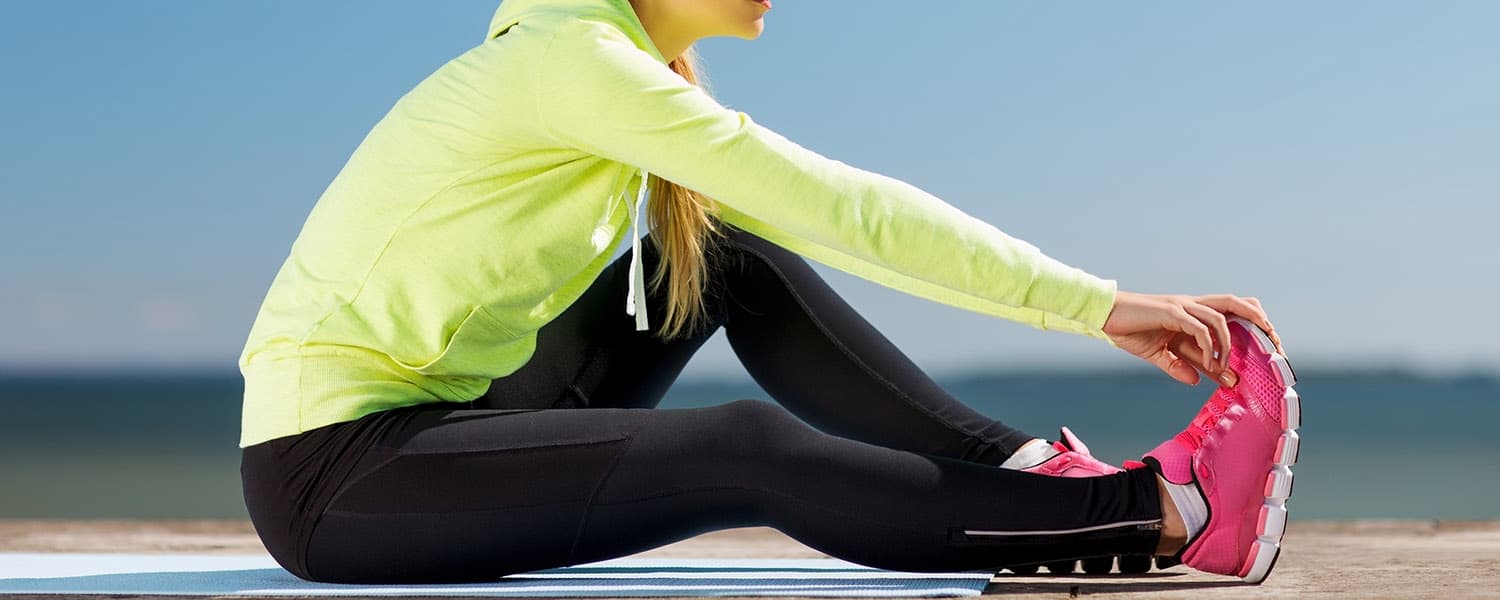
- Stretch after your workout. Stretch the anterior muscles of your lower leg by crossing your ankle over your opposite knee and pulling the top of your foot towards your body. Be sure to stretch your calves, as well, since they can become too tight and put a strain on your tibia.
- Foam rolling. This is one of my favorite ways to utilize a foam roller. Whenever I feel shin splints coming on, I do this before and after every run or workout.
- Vary your training surface.
- Consume 1,000 mg of calcium each day.
- Check your shoes. If they’re too worn, then they’ve lost their structure, and it’s time to get new ones. The American Academy of Podiatric Sports Medicine considers shoes to be worn out after 300-500 miles of walking or running.
- Engage in strength training. This is where muscle imbalances will come into play. Both your calves and your frontal muscles need to be strengthened and stretched.
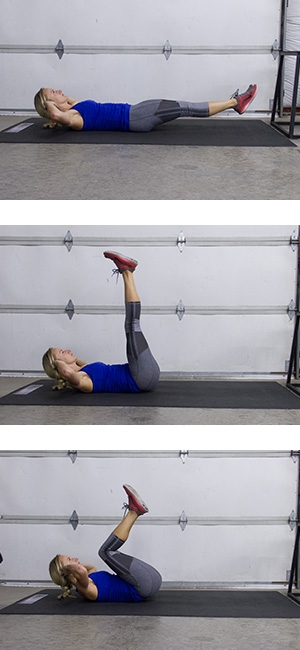
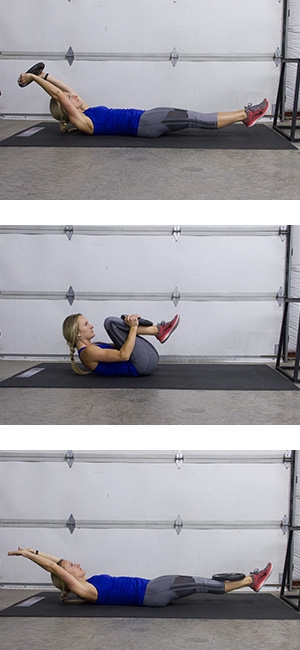
The movement below will engage those frontal muscles that are hard to work. You may also spell the ABC’s with your toes from this position without a weight.
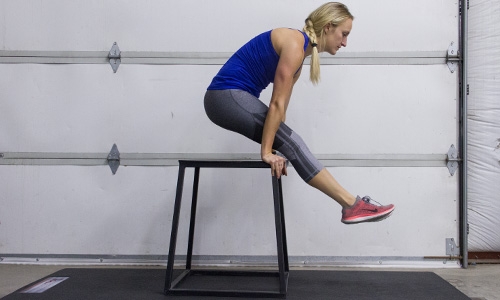
- Perform calf raises in all three directions: pigeon toed, duck footed, and straight; this will encourage strengthening of all aspects of the calf muscle.:
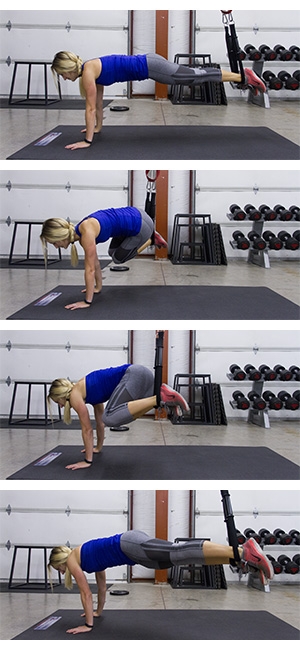
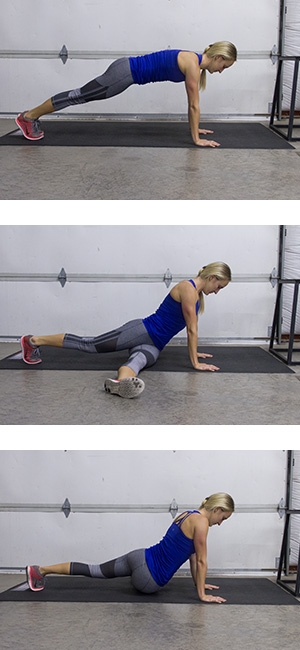
Here’s a quick warm-up before going on a run. All these should be done barefoot and on grass or a soft surface
- Walk on heels, toes turned out.
- Walk on heels, toes turned in.
- Walk on toes, heels turned out.
- Walk on toes, heels turned in.
- Walk across the grass, pulling out the grass using just your toes (if you’re indoors, lay a towel out flat on the floor in front of you and scrunch it up with your toes, instead).
Treatment
-
- Keep your legs elevated.
- Ice for 15-20 minutes several times a day. Use an icepack or combine with a massage by making a small ice cup (like the one below) and rubbing it over the inflamed area.

- Rest. Avoid any activity that causes pain. Cross-training may be continued to keep up endurance levels (biking, elliptical machine, swimming, weight training.)
- Estimates of healing time for shin splints range from two weeks to six months. The longer you push yourself without listening to your body, the more time you’ll have to take off from your activity to recover.
- After the pain is alleviated, give yourself another one to two weeks before running again, and continue icing and elevating.
- When you come back, don’t expect to jump back in right where you were before the injury. Allow yourself a slow start, and slowly work back up your mileage and intensity.
- Take over-the-counter pain medications (NSAIDS).
- Wear compression socks or neoprene sleeves. This helps warm up the lower leg and restricts your muscle movement.
- Get orthotics, shoe inserts that provide support and distribute impact forces.
- Check your form. I’ve always been a heel striker, which leads to chronic shin splints. By switching my shoes to a zero drop brand I was able to correct my form and say “goodbye” to my shin splints!
Emily Wiley
iFit Trainer
WARNING: This post is not intended to replace the advice of a medical professional. The above information should not be used to diagnose, treat, or prevent any disease or medical condition. Please consult your doctor before making any changes to your diet, sleep methods, daily activity, or fitness routine. iFit assumes no responsibility for any personal injury or damage sustained by any recommendations, opinions, or advice given in this article.
You might also like

Introducing SmartAdjust™ for Your Treadmill: iFIT’s New Personalized Workout Experience
SmartAdjust personalizes your treadmill workout before it even starts, adapting speed and incline to your fitness level in real time.
March 16, 2021

Strength Training While on GLP-1: A 6-Week Plan
When your body weight changes, you aren’t just losing fat—research shows you risk losing lean muscle mass, too. Protecting that muscle is the key to maintaining your metabolism and everyday strength. This practical 6-week guide breaks down exactly how to structure a simple, 20-to-30 minute full-body strength routine 2–3 times a week. Built around foundational compound movements like squats and rows, this plan shows you how to safely implement progressive overload without burning out your energy. Give your body a clear signal to keep its muscle and build a routine that sticks.
May 26, 2026

Find Your Stride with Tommy Rivs in the Joy of Running Part 2: Redwoods, Workouts 1-10
There’s just something magical about taking your next step forward, especially when it means you’re surrounded by the towering redwoods and rugged beauty of California’s northern coast. iFIT Trainer Tommy Rivs’ newest series will help you experience the magic of this region with the Joy of Running Part 2: Redwoods, Workouts 1-10. This beginner-friendly program is designed to help you progress from walking to running at your own pace.Explore California’s Scenic CoastSet along breathtaking coastal trails and through scenic redwood groves, this series brings the natural beauty of Northern California to your treadmill. From the peaceful paths of Laguna Point to the rolling meadows of Mendocino Headlands, each workout is an opportunity to breathe, move, and connect with the pure joy of movement.Make Progress with Tommy RivsKnown for his thoughtful coaching and love of movement, Tommy Rivs will guide you through a mix of walking and running intervals to gradually build your endurance and confidence. Each workout keeps the speed steady while changing your movement so you can focus on how your body feels and adapts as you move.Whether you’re returning to fitness or taking your first steps toward running, this series is all about moving forward with purpose. Tommy will help you to:Develop endurance and build strength with progressive intervalsImprove your form and consistency with his expert guidanceReconnect with the joy of movement in an inspiring settingBuild confidence to take on your next running challengeThis is only the beginning; there’s so much more to come with Rivs. For now, lace up those shoes and join him for an incredible journey amongst the redwoods.Join Tommy Rivs in the Redwoods
November 3, 2025