The Ultimate Shoulder Workout
Get the strong and sexy shoulders you’ve always wanted.
Your shoulders are some of the most used muscles in your upper body. Unfortunately, they’re also considered the least stable joint, since their range of motion is close to 360 degrees. Strengthening and stabilizing your shoulders is paramount to having a well-rounded, strong upper body.
So whether you’re prepping for a sport or you just want big shoulders to fill out your shirt, this workout can help with both. We’re going to focus primarily on your delts and traps, the largest muscles that move your shoulder joints.
The deltoid consists of 3 heads:
- Anterior: The movements of the anterior head are all raised motions. So moving your arms above your head or in front of your body.
- Middle: The movement of this head is abduction. This part of the delt can be worked by raising your arms out to your side up to head level.
- Posterior: The movements of the posterior head can be be worked by rowing or by a reverse (rear delt) fly type movement.
The trapezius consists of 3 sections:
- Upper: The movement of the upper trapezius is an upward motion, aka the shrug.
- Middle: The movement of the middle trapezius brings the shoulder blades together.
- Lower: The movement of the lower trapezius can be done through rowing or a pull motion.
THE WORKOUT:
WARM UP
Prison push-ups are a great way to start or end your shoulder workout. They’ll warm up your body and get those delts ready for action. Do one push-up, then stand up with your arms at your side and raise your hands above your head once. Then do the same thing with two push-ups and two arm raises, then three of each, four of each…all the way up to ten. This should total 55 reps.
ROUND 1
Standing military press (5 sets X 6–8 reps)
This movement targets the front (anterior) part of your delt. This is my all-time favorite movement for delts. It engages your front delt and also your core. If you have back troubles or instability when standing, you should sit until the movement becomes easier for you.
ROUND 2
Barbell shrug (5 sets X 6–8 reps)
Barbell shrugs are a great way to build your traps and neck. Remember, don’t roll your shoulders when you shrug. It’s just straight up and down. I usually go pretty heavy for this movement, but keep in mind there are six remaining rounds left. These can tire your grip out pretty quickly.
ROUND 3
Dumbbell rear delt fly (3 sets X 8–12 reps)
This movement targets your rear delts and lower trap. Rear delt flys can be done sitting or standing. I prefer standing, but it’s up to you. If you complete the motion standing, make sure you keep structural integrity in your back.
ROUND 4
Dumbbell shrug (3 sets X 8–12 reps)
More shrugs? You bet. Dumbbell shrugs allow you to keep your arms at your side and get a little more range of motion when shrugging. Once again, don’t roll your shoulders. Keep them tight and go straight up and down.
ROUND 5
Power clean (3 sets X 6–8 reps)
The power clean is a very dynamic movement that requires execution of different phases. It targets almost your entire body, including your glutes, hamstrings, traps, calves, and forearms. If you’re not familiar with this movement, try doing it without any weight and get comfortable with the motion first.
ROUND 6
Barbell upright row (3 sets X 6–10 reps)
Upright rows can be done with dumbbells or a barbell. I prefer using a barbell, but I'll leave it up to you. Be careful with weight on this one because too much weight can lead to bad form and potential injury. Just focus on your traps and make sure your elbow is higher than your forearm throughout the movement.
ROUND 7
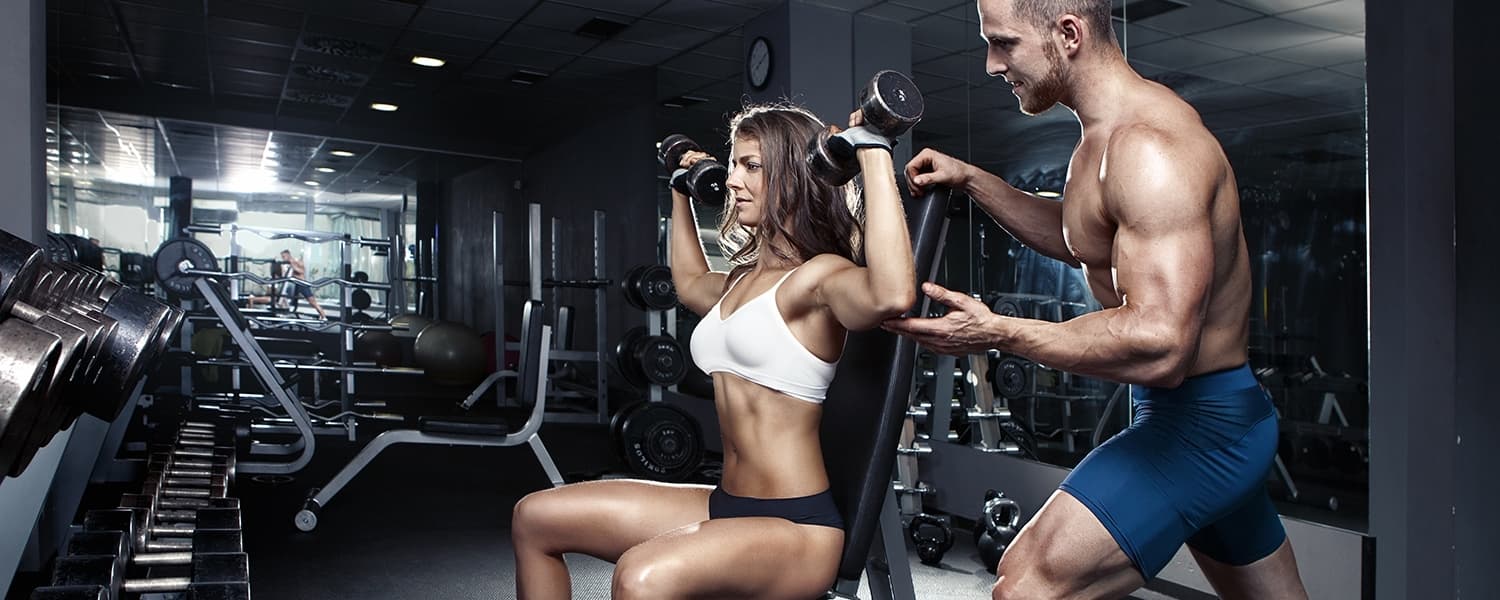
Dumbbell shoulder press (3 sets X 6–10 reps)
Grab a seat, some dumbbells, and let's burn those delts a little more. The classic dumbbell shoulder press really targets your front delts. Since you’re sitting, don’t hesitate to throw on more weight if it feels too easy.
ROUND 8
Dumbbell bent-over lateral raises (3 sets X 6–8 reps)
Supersetted with one-arm cable lateral raise (3 sets X 8 reps)
This motion can be done standing or sitting. Once again, it’s up to you. Remember to slightly bend your arms and keep your hands tilted forward. Superset with a one-arm cable lateral raise to really finish off your delts. This will burn them out fast, so be sure not to compromise form. If you start to lose form, drop the weight and continue through the set.
You killed it! If you’re not sore tomorrow, then you didn’t lift heavy enough. But I have a feeling you will be. Join us next time for our hypertrophy chest workout. You won’t want to miss it.
Until then,
Jordan
WARNING: This post is not intended to replace the advice of a medical professional. The above information should not be used to diagnose, treat, or prevent any disease or medical condition. Please consult your doctor before making any changes to your diet, sleep methods, daily activity, or fitness routine. iFit assumes no responsibility for any personal injury or damage sustained by any recommendations, opinions, or advice given in this article.
You might also like

Introducing SmartAdjust™ for Your Treadmill: iFIT’s New Personalized Workout Experience
SmartAdjust personalizes your treadmill workout before it even starts, adapting speed and incline to your fitness level in real time.
March 16, 2021

Strength Training While on GLP-1: A 6-Week Plan
When your body weight changes, you aren’t just losing fat—research shows you risk losing lean muscle mass, too. Protecting that muscle is the key to maintaining your metabolism and everyday strength. This practical 6-week guide breaks down exactly how to structure a simple, 20-to-30 minute full-body strength routine 2–3 times a week. Built around foundational compound movements like squats and rows, this plan shows you how to safely implement progressive overload without burning out your energy. Give your body a clear signal to keep its muscle and build a routine that sticks.
May 26, 2026

Find Your Stride with Tommy Rivs in the Joy of Running Part 2: Redwoods, Workouts 1-10
There’s just something magical about taking your next step forward, especially when it means you’re surrounded by the towering redwoods and rugged beauty of California’s northern coast. iFIT Trainer Tommy Rivs’ newest series will help you experience the magic of this region with the Joy of Running Part 2: Redwoods, Workouts 1-10. This beginner-friendly program is designed to help you progress from walking to running at your own pace.Explore California’s Scenic CoastSet along breathtaking coastal trails and through scenic redwood groves, this series brings the natural beauty of Northern California to your treadmill. From the peaceful paths of Laguna Point to the rolling meadows of Mendocino Headlands, each workout is an opportunity to breathe, move, and connect with the pure joy of movement.Make Progress with Tommy RivsKnown for his thoughtful coaching and love of movement, Tommy Rivs will guide you through a mix of walking and running intervals to gradually build your endurance and confidence. Each workout keeps the speed steady while changing your movement so you can focus on how your body feels and adapts as you move.Whether you’re returning to fitness or taking your first steps toward running, this series is all about moving forward with purpose. Tommy will help you to:Develop endurance and build strength with progressive intervalsImprove your form and consistency with his expert guidanceReconnect with the joy of movement in an inspiring settingBuild confidence to take on your next running challengeThis is only the beginning; there’s so much more to come with Rivs. For now, lace up those shoes and join him for an incredible journey amongst the redwoods.Join Tommy Rivs in the Redwoods
November 3, 2025