As a dietitian, I talk about nutrients all day long, but one nutrient is often overlooked in people’s diets. They want to be meticulous about grams of protein or fiber, but they forget about the most important nutrient of all: water! Water makes up more than two-thirds of our body. It’s used to regulate temperature, lubricate joints, aide in metabolism, keep your eyes moist, and so much more.
How much is enough?
We’ve all heard about eight glasses of water a day. This can be a good measure for some people, but just like how everyone doesn't need the same amount of protein, everyone doesn’t need the same amount of water. When estimating water needs in a clinical setting, I base water needs on body weight using this:
(kg body weight – 20) x 15 + 1500 = ml fluid requirement
This can be a great base, but you may still need more if you’re working out and sweating, live in a hot climate, or don’t eat lot of fresh produce. Instead of counting milliliters, I just like to use cues to see if I’m on track for my hydration. First, I pay attention to urine color. This may not be the most glamorous test, but it works. Drink enough so your urine is pale yellow, like a glass of lemonade. Also, if your urine has an odor, that can also be a sign of dehydration, so if it smells strong, drink up.
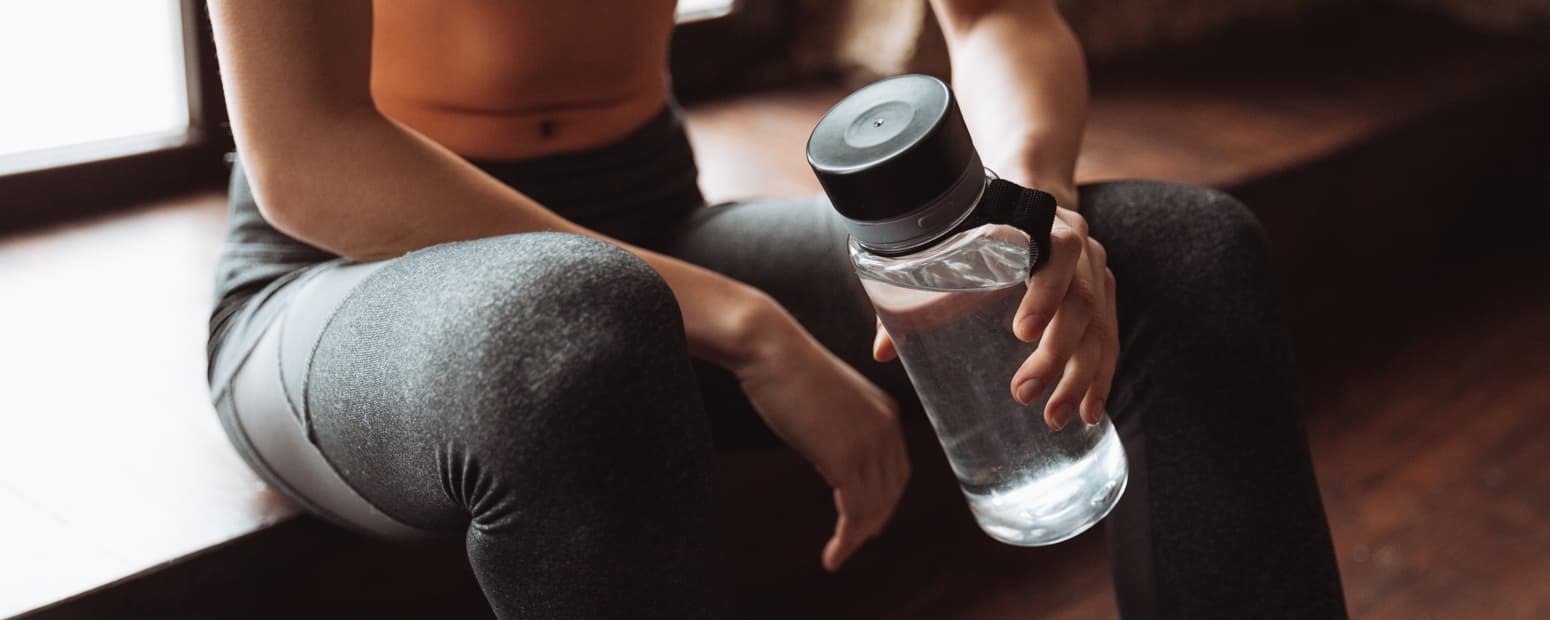
A couple of ways to make sure you get enough water is to carry a water bottle with you and drink throughout the day. Drink water when you wake up, before and with meals, and anytime in between. Hunger can often be confused for dehydration, so it’s a good idea to drink before snacking. Also, because your food provides about 20 percent of your total water intake, make sure to take advantage by filling up on water-loaded fruits and vegetables. Some of my favorites are watermelons, strawberries, spinach, and broccoli. They’ll not only help you hydrate, but because of their high water content, they’ll also help you feel full on less calories.
One time that you’ll want to really combat dehydration is during exercise. Because dehydration can lead to muscle fatigue, loss of coordination, decreased energy, decreased performance, and heat exhaustion or stroke, you definitely want to be well-hydrated when you’re exercising. Weigh yourself before and after exercise to get a good idea of your hydration status. You’ll want to drink enough water to keep your weight the same. Even small changes like 1–2% body weight can start to have negative impacts on performance, and greater than 3% can lead to heat stroke.
To prevent this, drink water throughout the day and have at least eight ounces right before exercise. After exercise, aim to replace your fluids within two hours. If you remembered to weigh before and after, drink 20–24 fluid ounces of water or a sports beverage for every one pound lost.
Be careful not to overdo it. Even with water, you can drink too much. Over-hydration can be dangerous, due to an electrolyte imbalance in the body. This is a condition called hyponatremia. This typically occurs when you’re drinking and sweating a lot. If this is the case, be sure to replenish your electrolytes, as well as water, with a sports drink. Also, don’t drink more than one liter or quart per hour during exercise.
So if you want to improve your health, start with water. Skip the soda, juice, and energy drinks and get enough water! It’s essential for life, and getting enough is essential to living a healthy active life. So, drink up!
Megan Ostler MS, RDN
iFit Dietitian
WARNING: This post is not intended to replace the advice of a medical professional. The above information should not be used to diagnose, treat, or prevent any disease or medical condition. Please consult your doctor before making any changes to your diet, sleep methods, daily activity, or fitness routine. iFit assumes no responsibility for any personal injury or damage sustained by any recommendations, opinions, or advice given in this article.
You might also like

Introducing SmartAdjust™ for Your Treadmill: iFIT’s New Personalized Workout Experience
SmartAdjust personalizes your treadmill workout before it even starts, adapting speed and incline to your fitness level in real time.
March 16, 2021

Strength Training While on GLP-1: A 6-Week Plan
When your body weight changes, you aren’t just losing fat—research shows you risk losing lean muscle mass, too. Protecting that muscle is the key to maintaining your metabolism and everyday strength. This practical 6-week guide breaks down exactly how to structure a simple, 20-to-30 minute full-body strength routine 2–3 times a week. Built around foundational compound movements like squats and rows, this plan shows you how to safely implement progressive overload without burning out your energy. Give your body a clear signal to keep its muscle and build a routine that sticks.
May 26, 2026

Find Your Stride with Tommy Rivs in the Joy of Running Part 2: Redwoods, Workouts 1-10
There’s just something magical about taking your next step forward, especially when it means you’re surrounded by the towering redwoods and rugged beauty of California’s northern coast. iFIT Trainer Tommy Rivs’ newest series will help you experience the magic of this region with the Joy of Running Part 2: Redwoods, Workouts 1-10. This beginner-friendly program is designed to help you progress from walking to running at your own pace.Explore California’s Scenic CoastSet along breathtaking coastal trails and through scenic redwood groves, this series brings the natural beauty of Northern California to your treadmill. From the peaceful paths of Laguna Point to the rolling meadows of Mendocino Headlands, each workout is an opportunity to breathe, move, and connect with the pure joy of movement.Make Progress with Tommy RivsKnown for his thoughtful coaching and love of movement, Tommy Rivs will guide you through a mix of walking and running intervals to gradually build your endurance and confidence. Each workout keeps the speed steady while changing your movement so you can focus on how your body feels and adapts as you move.Whether you’re returning to fitness or taking your first steps toward running, this series is all about moving forward with purpose. Tommy will help you to:Develop endurance and build strength with progressive intervalsImprove your form and consistency with his expert guidanceReconnect with the joy of movement in an inspiring settingBuild confidence to take on your next running challengeThis is only the beginning; there’s so much more to come with Rivs. For now, lace up those shoes and join him for an incredible journey amongst the redwoods.Join Tommy Rivs in the Redwoods
November 3, 2025