
When it comes to fitness, you don’t need a gym membership to get a great workout. Whether your goal is to burn more calories, build endurance, or increase your strength, there are many benefits to exercising from the comfort and privacy of your own home! Here are four reasons to start sweating it out at home today.
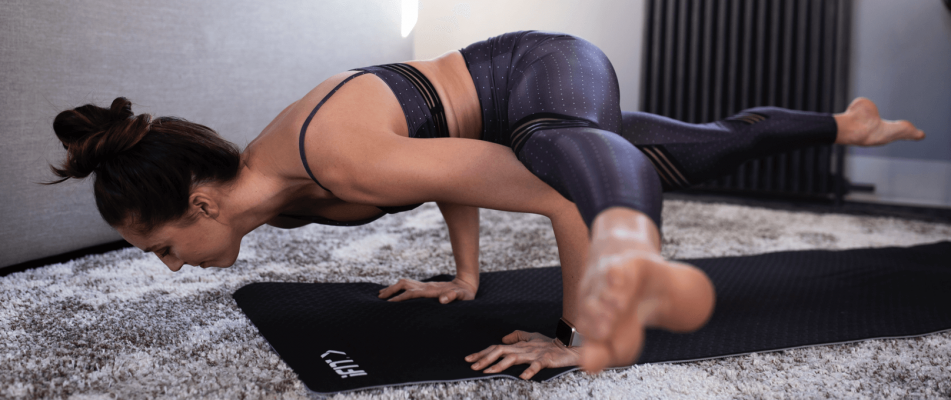
1. Time and convenience.
Time is a limited (and valuable!) resource, and it’s important to make the most of each day. When you work out at home, you can exercise when it fits your schedule. That means waking up as early as you’d like and starting your workout when it works best for you. No need to pack your bag, or hop in your car to drive to the gym and fight the crowd to use the equipment!
Life is all about balance. Making the time to sweat and move your body is so important as you tackle the rest of your busy schedule.

2. Better health and hygiene.
Let’s face it– germs are everywhere all year long, and gyms are notorious for their spread. With a home workout routine, you’re the only one sweating on your equipment. That may help reduce your risk of illness, and you don’t have to worry about your fellow gym-goers not sanitizing the equipment. (Plus, we have some great tips on how to clean your own equipment!)

3. Freedom without fear.
Working out at home means you can wear what you want, there’s no judgment, and you don’t have to worry about your missteps. At home, you’re free to set your own pace, control your environment’s temperature, and even listen to your favorite music out loud! When it’s your gym, you can set the rules in a private, comfortable setting.

4. It’s budget-friendly.
Purchasing home gym equipment is a higher initial investment, but it may save you money in the long run! The average gym membership costs about $50/month, and adding a personal trainer could be an additional $208/month. iFit's membership starts at $15/month, giving you full access to unlimited and on-demand personal training on our connected equipment or with your own equipment. Consider it a long-term investment in yourself!
Ready to experience the benefits of working out at home? Download our updated app! With an iFit membership, you’ll have access to thousands of workouts in our ever-growing library of Global Workouts and Studio Classes– all led by world-class personal trainers. It’s the perfect start to your at-home workout journey!
You might also like

Introducing SmartAdjust™ for Your Treadmill: iFIT’s New Personalized Workout Experience
SmartAdjust personalizes your treadmill workout before it even starts, adapting speed and incline to your fitness level in real time.
March 16, 2021

Strength Training While on GLP-1: A 6-Week Plan
When your body weight changes, you aren’t just losing fat—research shows you risk losing lean muscle mass, too. Protecting that muscle is the key to maintaining your metabolism and everyday strength. This practical 6-week guide breaks down exactly how to structure a simple, 20-to-30 minute full-body strength routine 2–3 times a week. Built around foundational compound movements like squats and rows, this plan shows you how to safely implement progressive overload without burning out your energy. Give your body a clear signal to keep its muscle and build a routine that sticks.
May 26, 2026

Find Your Stride with Tommy Rivs in the Joy of Running Part 2: Redwoods, Workouts 1-10
There’s just something magical about taking your next step forward, especially when it means you’re surrounded by the towering redwoods and rugged beauty of California’s northern coast. iFIT Trainer Tommy Rivs’ newest series will help you experience the magic of this region with the Joy of Running Part 2: Redwoods, Workouts 1-10. This beginner-friendly program is designed to help you progress from walking to running at your own pace.Explore California’s Scenic CoastSet along breathtaking coastal trails and through scenic redwood groves, this series brings the natural beauty of Northern California to your treadmill. From the peaceful paths of Laguna Point to the rolling meadows of Mendocino Headlands, each workout is an opportunity to breathe, move, and connect with the pure joy of movement.Make Progress with Tommy RivsKnown for his thoughtful coaching and love of movement, Tommy Rivs will guide you through a mix of walking and running intervals to gradually build your endurance and confidence. Each workout keeps the speed steady while changing your movement so you can focus on how your body feels and adapts as you move.Whether you’re returning to fitness or taking your first steps toward running, this series is all about moving forward with purpose. Tommy will help you to:Develop endurance and build strength with progressive intervalsImprove your form and consistency with his expert guidanceReconnect with the joy of movement in an inspiring settingBuild confidence to take on your next running challengeThis is only the beginning; there’s so much more to come with Rivs. For now, lace up those shoes and join him for an incredible journey amongst the redwoods.Join Tommy Rivs in the Redwoods
November 3, 2025