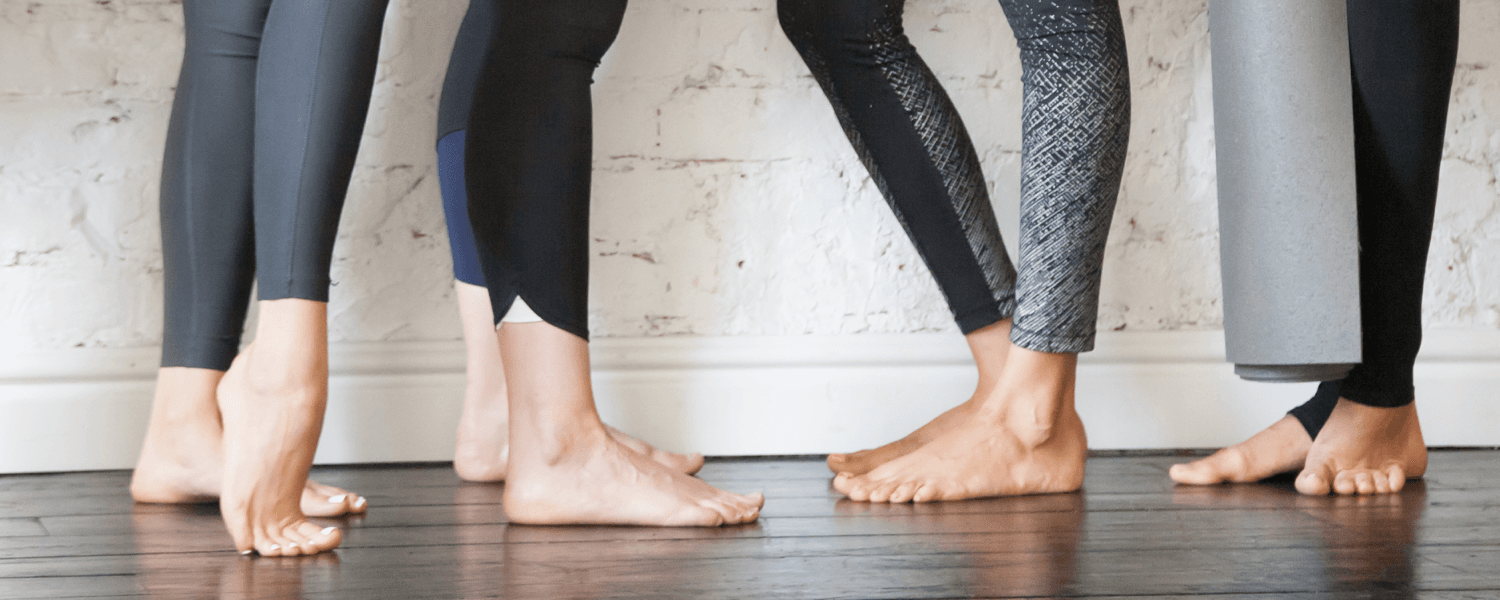
People that know me know it’s more common to find me in leggings than not. My activewear drawers are usually overflowing, so I guess you could say I’ve tried and tested a lot of different brands—some I’ve been more or less pleased with. Today I’m going to share my all-time favorites with you!
Gym/Lifting
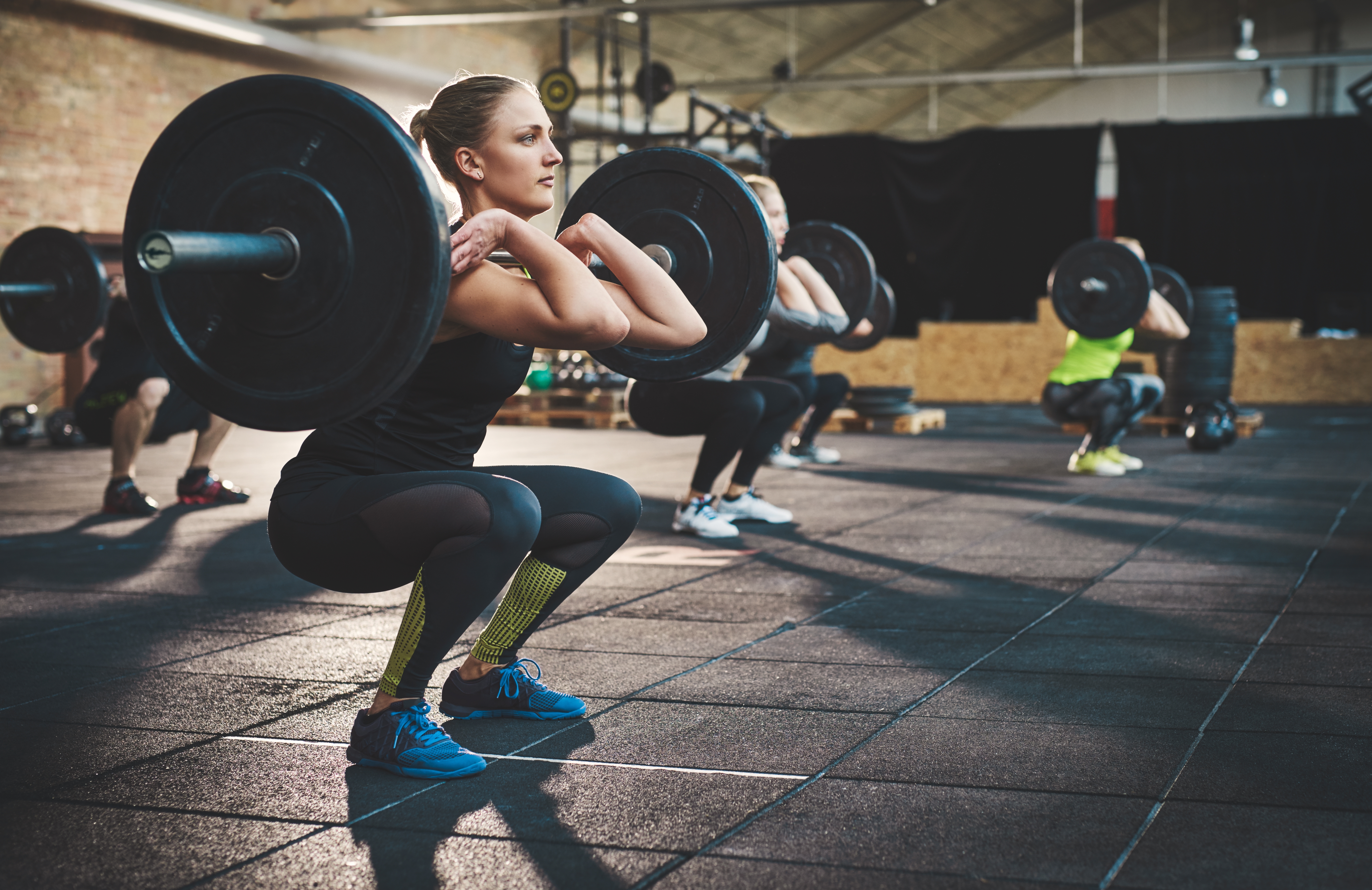
$ Barbella Chrystine Legging
Beautiful, seamless, super stretchy leggings. My one piece of advice: size down.
$$ P’Tula Alainah II Legging
High-rise, seamless waistband, buttery-soft fabric, and gorgeous color waves.
$$$ Lululemon All the Right Places II
Pockets, breathable, and perfect contour stitching (to make that booty pop!).
Running

$ Queenie Ke Women Yoga Leggings Nine Pants Power Flex High Waist Gym Running Tights
Two words: Amazon Prime. The waistband stays up through even the most intense intervals.
$$ Alphalete Revival Leggings
Well-fitted waistband to stop sliding down, lots of flexibility, and enough stretch to help you stay in stride
$$$ Lululemon Fast and Free Tight
Drawstring to keep them up, perfectly breathable, and sweatproof fabric.
Yoga
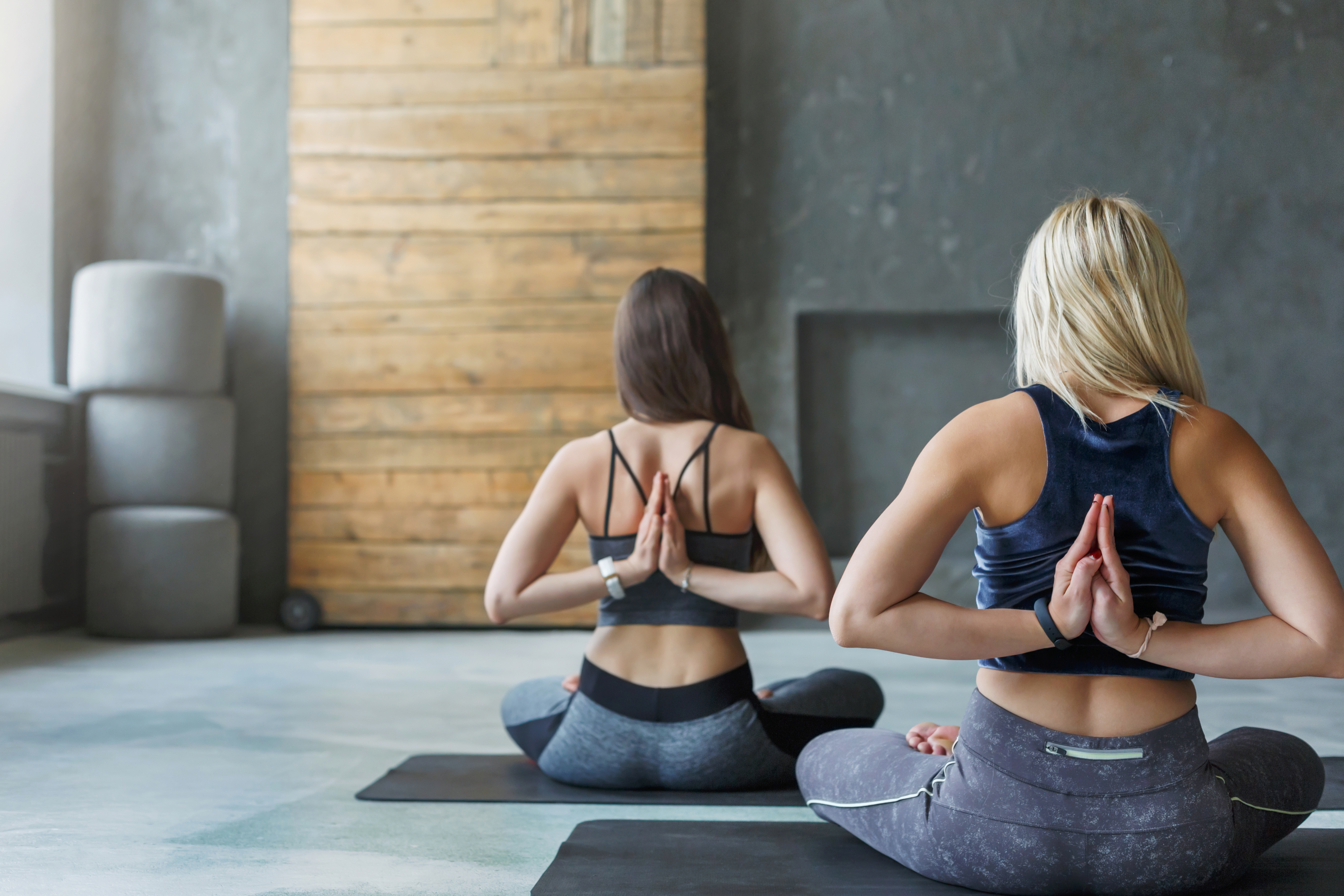
$ Yogalicious High Waist Ultra Soft Lightweight Capris
Super soft fabric and eligible for Amazon Prime. The only downside is a thin, elastic waistband.
$$ Til You Collapse Classic Legging
High-waisted, super stretchy, and no restricted movement. Plus, made out of a breathable and compressive material.
$$$ Alo Yoga High-Waist Goddess Legging
Cozy, extra long, and the perfect legging for a relaxing yoga flow or cuddling up by the fire.
Athleisure
$ Queenie Ke Women High Waist Yoga Leggings Running Pants Workout Tights
Super high waist and hidden rear pocket big enough for any cell phone. Oh, and Amazon Prime.
$$ Buff Bunny Luna Legging
Flat-laying, seamless waistband, pockets, and great compression. These go through regular phases of being "sold out" and "restocked," so don't be discouraged if they don't have your size!
$$$ Carbon 38 Takara Legging
Silky, shiny, and flexible with a leather-like appearance. Dress up or down. Breathable enough for your workout.
Other Honorable Mention Brands
Aerie $
Athleta $$$
Fabletics $$
Gymshark $$
Love Fitness $$
Old Navy $
Onzie $$$
Senita $
Torrid $
Victoria Secret $$
Please leave any questions in the comments! And if you have any personal favorites, feel free to share them below.
I hope you find some leggings you love. Good luck!
Becca Capell
iFit Trainer, Legging Enthusiast
You might also like

Introducing SmartAdjust™ for Your Treadmill: iFIT’s New Personalized Workout Experience
SmartAdjust personalizes your treadmill workout before it even starts, adapting speed and incline to your fitness level in real time.
March 16, 2021

Strength Training While on GLP-1: A 6-Week Plan
When your body weight changes, you aren’t just losing fat—research shows you risk losing lean muscle mass, too. Protecting that muscle is the key to maintaining your metabolism and everyday strength. This practical 6-week guide breaks down exactly how to structure a simple, 20-to-30 minute full-body strength routine 2–3 times a week. Built around foundational compound movements like squats and rows, this plan shows you how to safely implement progressive overload without burning out your energy. Give your body a clear signal to keep its muscle and build a routine that sticks.
May 26, 2026

Find Your Stride with Tommy Rivs in the Joy of Running Part 2: Redwoods, Workouts 1-10
There’s just something magical about taking your next step forward, especially when it means you’re surrounded by the towering redwoods and rugged beauty of California’s northern coast. iFIT Trainer Tommy Rivs’ newest series will help you experience the magic of this region with the Joy of Running Part 2: Redwoods, Workouts 1-10. This beginner-friendly program is designed to help you progress from walking to running at your own pace.Explore California’s Scenic CoastSet along breathtaking coastal trails and through scenic redwood groves, this series brings the natural beauty of Northern California to your treadmill. From the peaceful paths of Laguna Point to the rolling meadows of Mendocino Headlands, each workout is an opportunity to breathe, move, and connect with the pure joy of movement.Make Progress with Tommy RivsKnown for his thoughtful coaching and love of movement, Tommy Rivs will guide you through a mix of walking and running intervals to gradually build your endurance and confidence. Each workout keeps the speed steady while changing your movement so you can focus on how your body feels and adapts as you move.Whether you’re returning to fitness or taking your first steps toward running, this series is all about moving forward with purpose. Tommy will help you to:Develop endurance and build strength with progressive intervalsImprove your form and consistency with his expert guidanceReconnect with the joy of movement in an inspiring settingBuild confidence to take on your next running challengeThis is only the beginning; there’s so much more to come with Rivs. For now, lace up those shoes and join him for an incredible journey amongst the redwoods.Join Tommy Rivs in the Redwoods
November 3, 2025