
Join iFIT Trainer Sally McRae and your fellow racers for the Live Surf City 5K Race along Pacific Coast Highway in Huntington Beach, California. Enjoy some fun in the sun and beachy vibes from your first step until you cross the finish line by Huntington Beach Pier. The Surf City 5K is more than just a run on the beach—it’s a 3.1-mile community event celebrating this quintessential seaside town and the surfer culture that earned Huntington Beach the nickname “Surf City.”
Everyone who participates in the race in real time will earn an exclusive finisher's medal. Later, you can look up the race in the iFIT Library to compete against yourself or to just soak up some summer fun in SoCal.
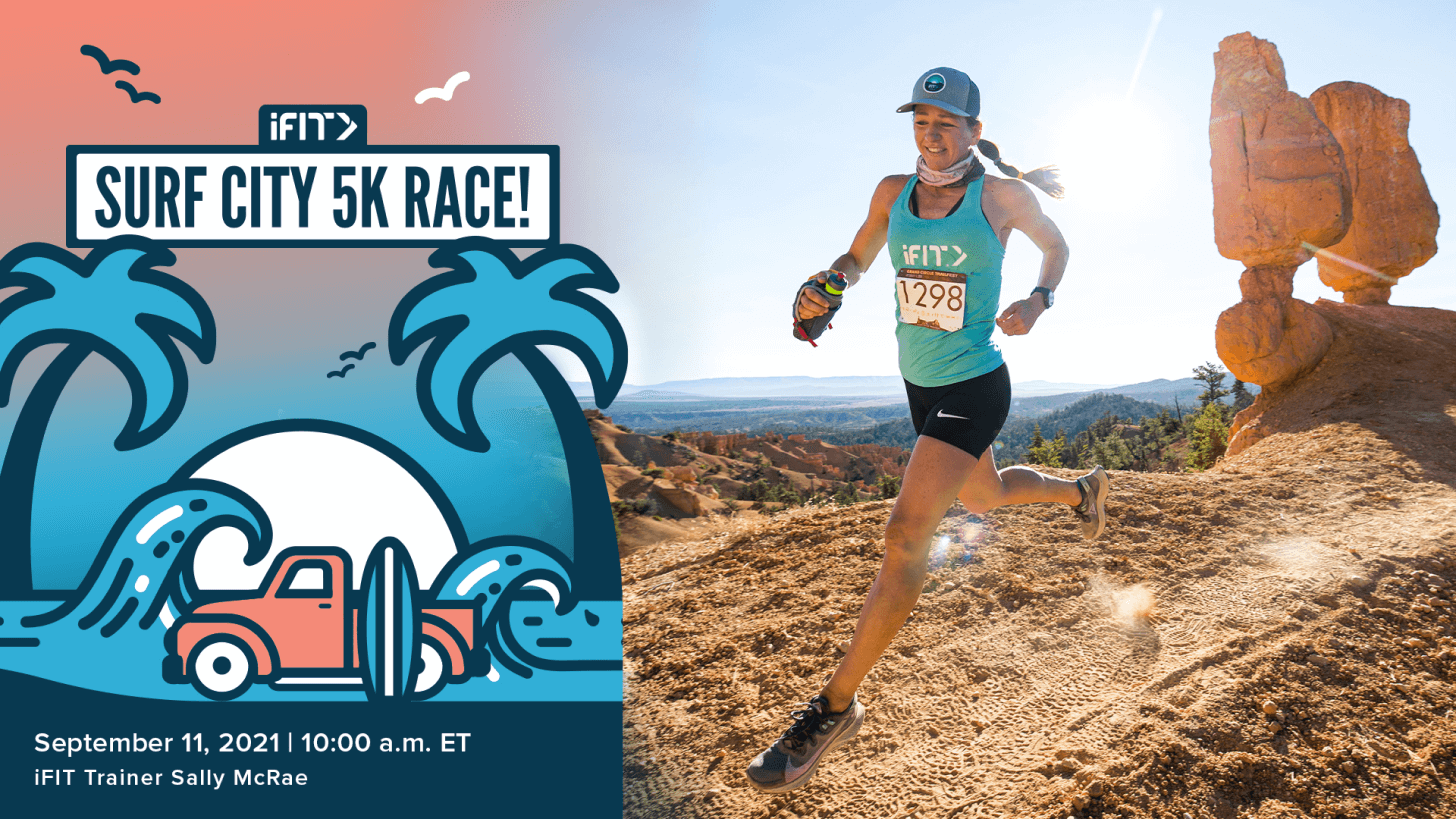
Meet iFIT Trainer Sally McRae
Professional ultra trail runner Sally McRae took on her first 50-mile trail race in 2010 and immediately fell in love with the sport. Today, she is the 2021 Badwater Ultramarathon Champion, a running coach, and an iFIT Trainer. Her favorite part of being a trainer is having a front-row seat as people achieve their dreams!
How it works
On Saturday, September 11 at 10:00 a.m. ET, join Sally on your iFIT-enabled treadmill, elliptical, or the iFIT app on your smartphone or tablet.
The race will tentatively run between 35–45 minutes. This is your race, so set a pace that’s comfortable for you. When you participate in the Live Race, you’ll receive an email up to 72 hours after you’ve completed the event with instructions on how to claim your finisher’s medal, plus an exclusive surprise just for Live Race participants.
The Live Surf City 5K Race will be posted in the iFIT Library after the event, so you can revisit Huntington Beach whenever you’d like!
Joining the race
Join us at the Live Surf City 5K Race by tapping the “Live” icon on your iFIT-enabled treadmill, elliptical, or in the iFIT app. Join 10 minutes ahead of the start time, then scan the QR code to ask Sally your pre-race questions. She might just answer them on the run!
Training for the Live Surf City 5K Race
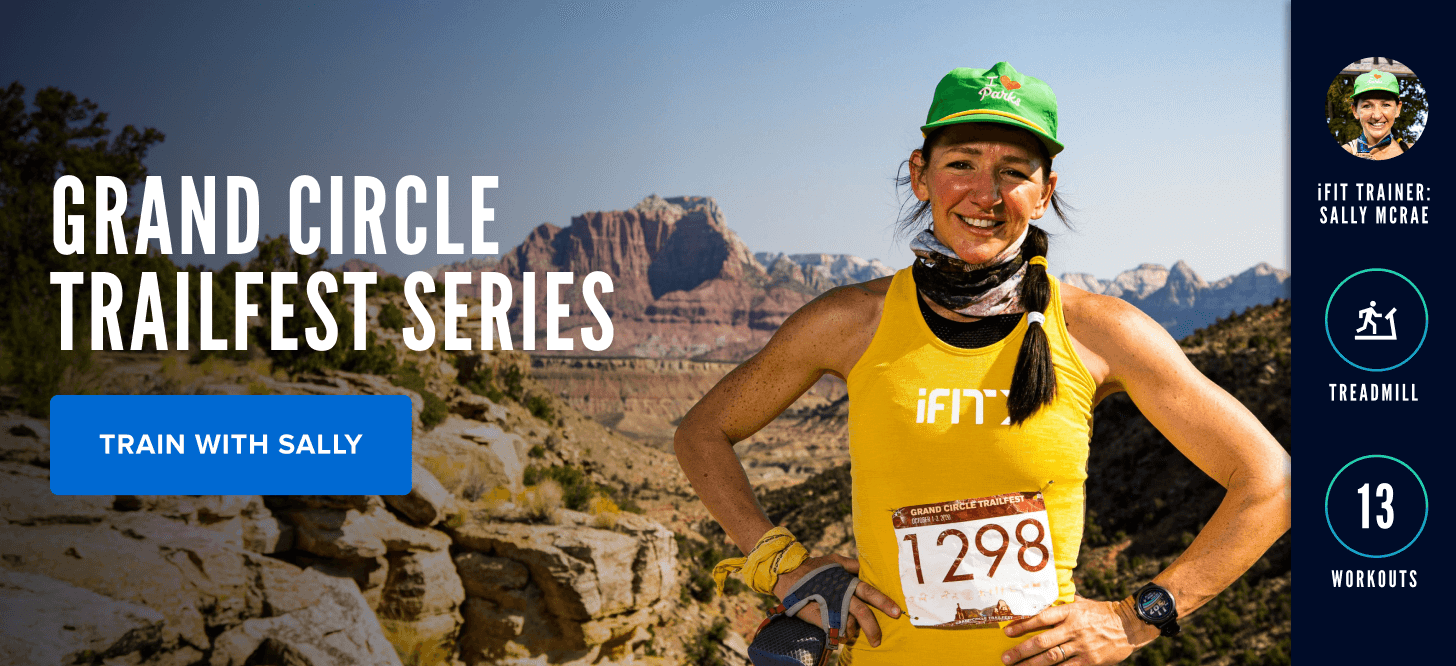
Get to know iFIT Trainer Sally McRae in her element in the Grand Circle Trailfest Series—a 3-day race series dedicated to trail running and nature. This series will help you prepare for the upcoming Surf City 5K while Sally shows you Southern Utah’s most iconic desert locations like Zion and Bryce Canyon.
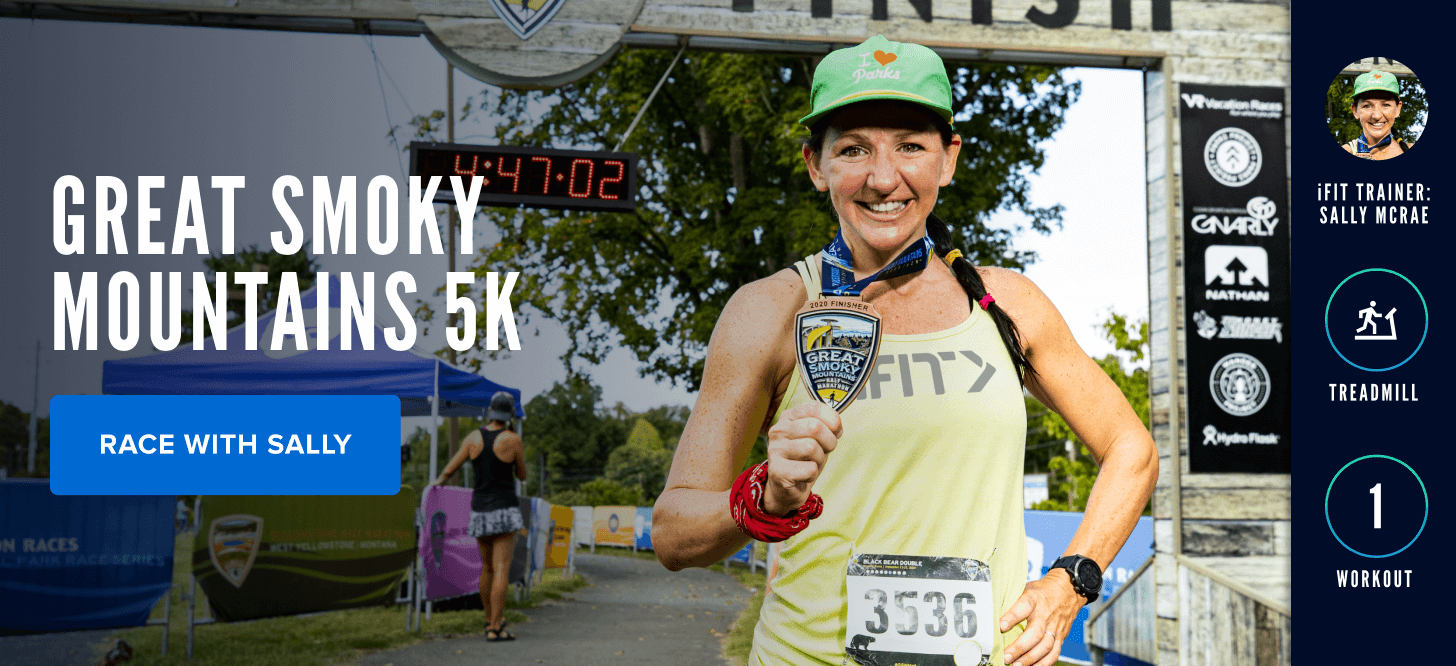
Next, dial in your personal 5K race pace before the Surf City 5K by racing with Sally in the Great Smoky Mountains 5K! This 5K race has already been filmed, so you can do it whenever you’d like. However, it will be on the Live Workout Schedule on Saturday, September 4 at 10:00 a.m. ET, so feel free to join us that day to run it with other iFIT members. You’ll explore the mountainous terrain of the Smokies as Sally leads the way!
Race bib
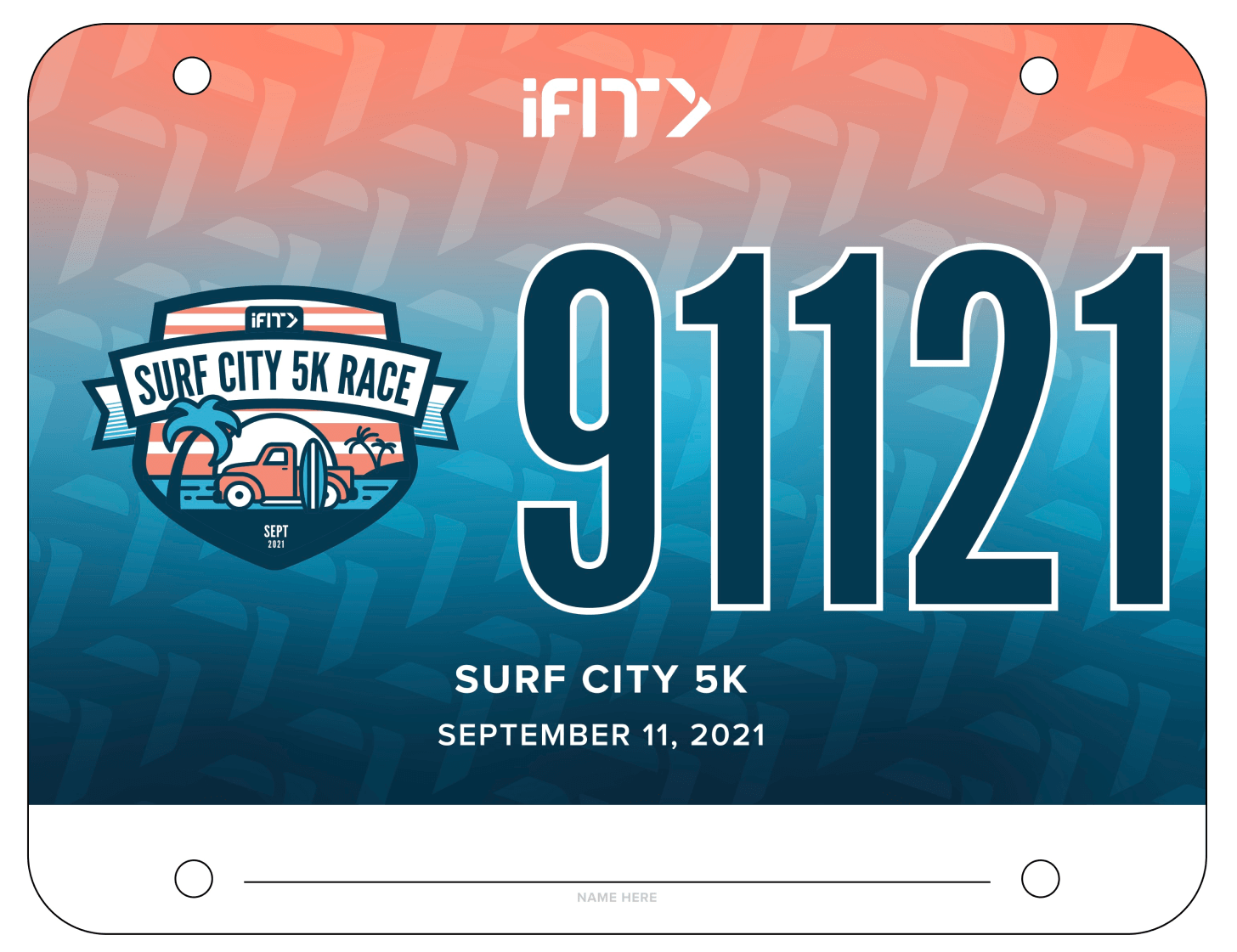
Download and print your race bib
From your iFIT Community
Disclaimer: This blog post is not intended to replace the advice of a medical professional. The above information should not be used to diagnose, treat, or prevent any disease or medical condition. Please consult your doctor before making any changes to your diet, sleep methods, daily activity, or fitness routine. iFIT assumes no responsibility for any personal injury or damage sustained by any recommendations, opinions, or advice given in this article. Always follow the safety precautions included in the owner’s manual of your fitness equipment.
Opinions of iFIT members are not necessarily the opinions of iFIT.
You might also like

Introducing SmartAdjust™ for Your Treadmill: iFIT’s New Personalized Workout Experience
SmartAdjust personalizes your treadmill workout before it even starts, adapting speed and incline to your fitness level in real time.
March 16, 2021

Strength Training While on GLP-1: A 6-Week Plan
When your body weight changes, you aren’t just losing fat—research shows you risk losing lean muscle mass, too. Protecting that muscle is the key to maintaining your metabolism and everyday strength. This practical 6-week guide breaks down exactly how to structure a simple, 20-to-30 minute full-body strength routine 2–3 times a week. Built around foundational compound movements like squats and rows, this plan shows you how to safely implement progressive overload without burning out your energy. Give your body a clear signal to keep its muscle and build a routine that sticks.
May 26, 2026

Find Your Stride with Tommy Rivs in the Joy of Running Part 2: Redwoods, Workouts 1-10
There’s just something magical about taking your next step forward, especially when it means you’re surrounded by the towering redwoods and rugged beauty of California’s northern coast. iFIT Trainer Tommy Rivs’ newest series will help you experience the magic of this region with the Joy of Running Part 2: Redwoods, Workouts 1-10. This beginner-friendly program is designed to help you progress from walking to running at your own pace.Explore California’s Scenic CoastSet along breathtaking coastal trails and through scenic redwood groves, this series brings the natural beauty of Northern California to your treadmill. From the peaceful paths of Laguna Point to the rolling meadows of Mendocino Headlands, each workout is an opportunity to breathe, move, and connect with the pure joy of movement.Make Progress with Tommy RivsKnown for his thoughtful coaching and love of movement, Tommy Rivs will guide you through a mix of walking and running intervals to gradually build your endurance and confidence. Each workout keeps the speed steady while changing your movement so you can focus on how your body feels and adapts as you move.Whether you’re returning to fitness or taking your first steps toward running, this series is all about moving forward with purpose. Tommy will help you to:Develop endurance and build strength with progressive intervalsImprove your form and consistency with his expert guidanceReconnect with the joy of movement in an inspiring settingBuild confidence to take on your next running challengeThis is only the beginning; there’s so much more to come with Rivs. For now, lace up those shoes and join him for an incredible journey amongst the redwoods.Join Tommy Rivs in the Redwoods
November 3, 2025