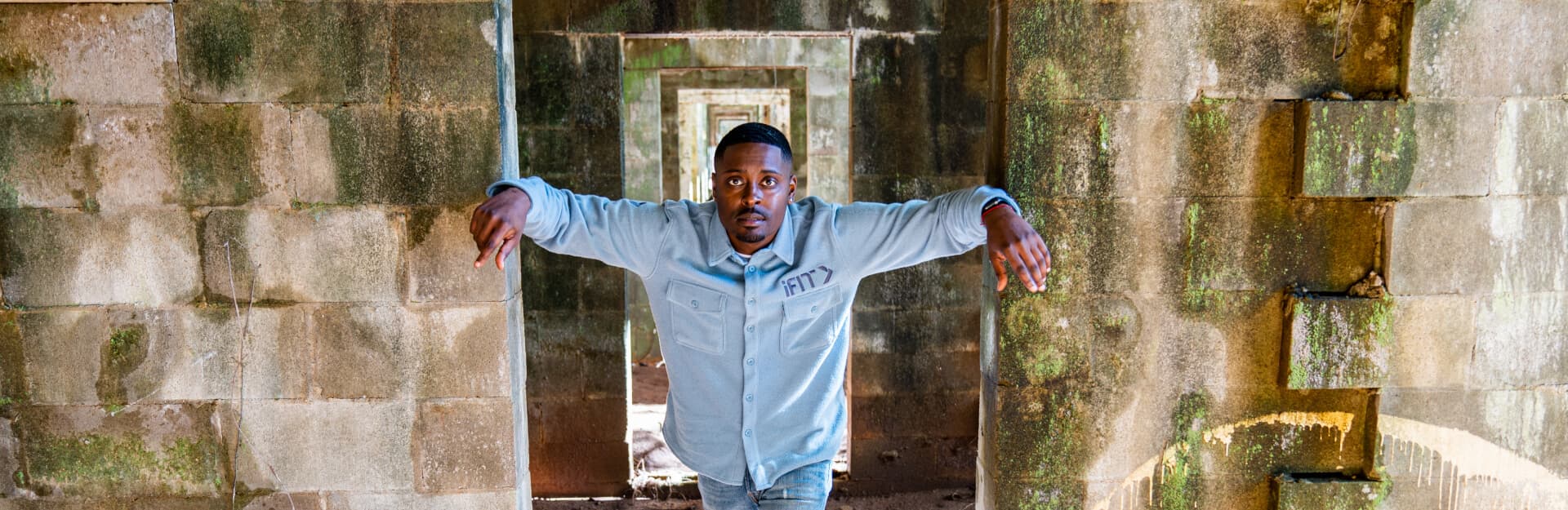
iFIT Guide Highlight: Dalen Spratt
Born and raised in Dallas, Texas, iFIT Guide Dalen Spratt grew up in a religious environment, as his mother was a pastor. Because of his roots, Dalen has always had a strong belief in a higher power, which influences the way he approaches exploring the paranormal. Adventurous and bold, he’s willing to try anything when communicating with ghosts.
Today, Dalen is a part of the successful TV hit Ghost Brothers, which has been aired in several different series on the Travel Channel. When he’s not chasing ghosts, Dalen runs his own tailored men’s clothing line and teaches others how to navigate the forex market.
After filming a new and exciting haunted workout series with us, Dalen sat down and answered some of our burning questions. We talk about his most terrifying paranormal encounter, favorite place to investigate, dream ghost hunting destination, and more. Get to know iFIT’s resident ghost hunter!
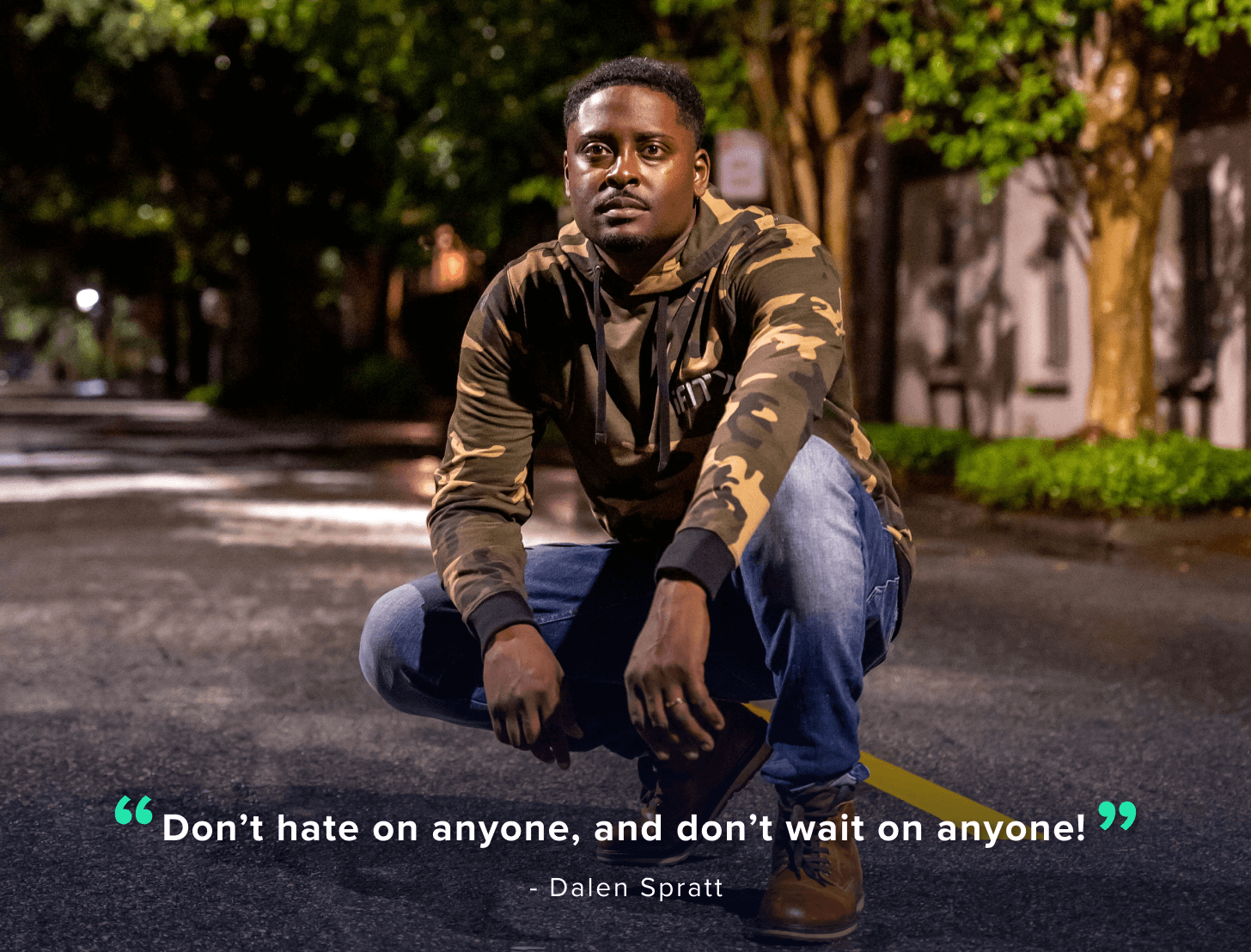
How did you get into paranormal investigation? Were you interested in ghosts as a child?
My interest in paranormal investigation started because I noticed a lack of representation of people like myself actually investigating and telling their stories on television. Death is the universal equalizer, something that all races and religions deal with. I wanted to showcase an experience that a lot of people could relate to.
You have a show called Ghost Brothers: Lights Out that you share with Juwan Mass and Marcus Harvey. What has that experience taught you?
The most honest response I can give now is that I truly don't know what is after this life, but I do know that there is something. That is a FACT!

You’ve traveled to some of the most haunted places in the United States. Describe one of your scariest encounters.
My first frightening encounter ever was in Cleveland, Ohio, at the notorious House of Wills. I was in the women's bathroom attempting to do what is called mirror gazing. I witnessed something that still, to this day, makes my skin crawl.
While staring at myself in the mirror, I watched my reflection change. Its entire facial expression slowly started to grin at me. It was the most sinister thing I have ever witnessed in my life.
What's your favorite haunted location?
My favorite place to investigate so far has to be the Rose Hall in Montego Bay, Jamaica. It's crazy to imagine that right across the street from one of the most beautiful beaches you'll ever walk down is one of the most haunted locations in the Caribbean.
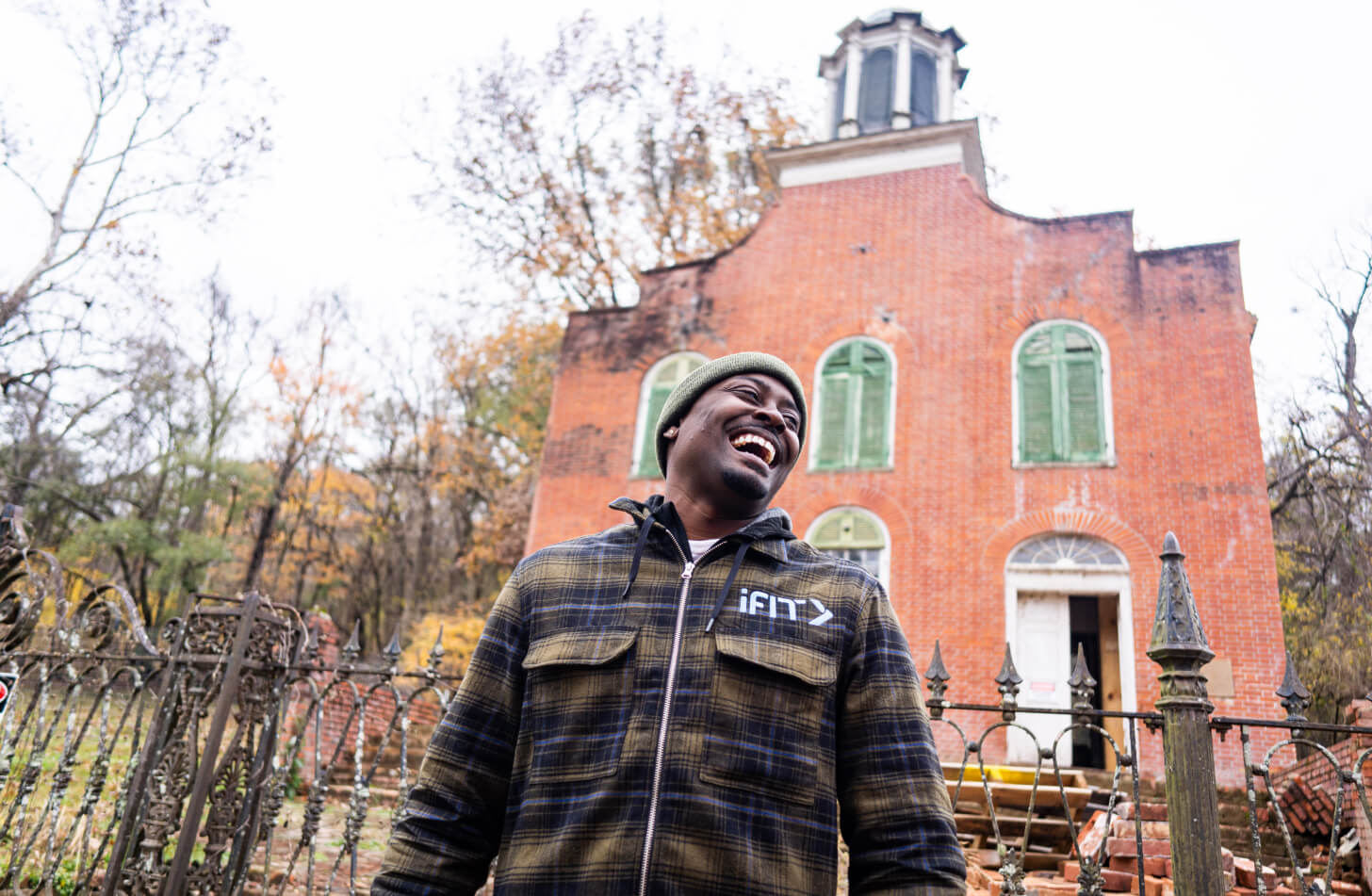
If you could go anywhere in the world to do a paranormal investigation, where would you go?
My dream is to journey to eastern and western Europe to investigate. The history over there runs so deep. I’d also like to visit Fiji. Beaches and ghosts—my two favorite pastimes!
What do people get wrong when it comes to the paranormal?
The biggest misconception in the paranormal is that you're “crazy” if you believe, when in actuality, almost everyone has had some sort of “questionable experience.” It just takes people a little time to feel comfortable enough with you, so they don't feel judged themselves.

Aside from ghost hunting, what else do you enjoy doing?
Outside of ghost hunting, I own and operate a tailored men's clothing line called Loren Spratt. I also enjoy day trading!
If you weren’t a paranormal investigator, what would your career be?
I'd be doing exactly what I am doing now—designing clothes and teaching people how to trade the forex market. Ghost hunting sounds a little cooler, I know.

What other haunted places do you plan to visit before the end of 2021?
I am actually headed to Cresson, Pennsylvania right now to visit an old sanatorium called the State Correctional Institution—Cresson (SCI). Let’s hope I make it back for the next iFIT series!
Catch Dalen in the new Haunted Savannah Series based in Savannah, Georgia! Also, be sure to check out his Haunted Bayou Series in New Orleans or head to desolate, eerie locations in Exploring the Abandoned: Deep South. You'll be in for some goosebump-worthy sights and stories!
Disclaimer: This blog post is not intended to replace the advice of a medical professional. The above information should not be used to diagnose, treat, or prevent any disease or medical condition. Please consult your doctor before making any changes to your diet, sleep methods, daily activity, or fitness routine. iFIT assumes no responsibility for any personal injury or damage sustained by any recommendations, opinions, or advice given in this article. Always follow the safety precautions included in the owner’s manual of your fitness equipment.
Opinions of iFIT Trainers are not necessarily the opinions of iFIT.
You might also like

Introducing SmartAdjust™ for Your Treadmill: iFIT’s New Personalized Workout Experience
SmartAdjust personalizes your treadmill workout before it even starts, adapting speed and incline to your fitness level in real time.
March 16, 2021

Strength Training While on GLP-1: A 6-Week Plan
When your body weight changes, you aren’t just losing fat—research shows you risk losing lean muscle mass, too. Protecting that muscle is the key to maintaining your metabolism and everyday strength. This practical 6-week guide breaks down exactly how to structure a simple, 20-to-30 minute full-body strength routine 2–3 times a week. Built around foundational compound movements like squats and rows, this plan shows you how to safely implement progressive overload without burning out your energy. Give your body a clear signal to keep its muscle and build a routine that sticks.
May 26, 2026

Find Your Stride with Tommy Rivs in the Joy of Running Part 2: Redwoods, Workouts 1-10
There’s just something magical about taking your next step forward, especially when it means you’re surrounded by the towering redwoods and rugged beauty of California’s northern coast. iFIT Trainer Tommy Rivs’ newest series will help you experience the magic of this region with the Joy of Running Part 2: Redwoods, Workouts 1-10. This beginner-friendly program is designed to help you progress from walking to running at your own pace.Explore California’s Scenic CoastSet along breathtaking coastal trails and through scenic redwood groves, this series brings the natural beauty of Northern California to your treadmill. From the peaceful paths of Laguna Point to the rolling meadows of Mendocino Headlands, each workout is an opportunity to breathe, move, and connect with the pure joy of movement.Make Progress with Tommy RivsKnown for his thoughtful coaching and love of movement, Tommy Rivs will guide you through a mix of walking and running intervals to gradually build your endurance and confidence. Each workout keeps the speed steady while changing your movement so you can focus on how your body feels and adapts as you move.Whether you’re returning to fitness or taking your first steps toward running, this series is all about moving forward with purpose. Tommy will help you to:Develop endurance and build strength with progressive intervalsImprove your form and consistency with his expert guidanceReconnect with the joy of movement in an inspiring settingBuild confidence to take on your next running challengeThis is only the beginning; there’s so much more to come with Rivs. For now, lace up those shoes and join him for an incredible journey amongst the redwoods.Join Tommy Rivs in the Redwoods
November 3, 2025