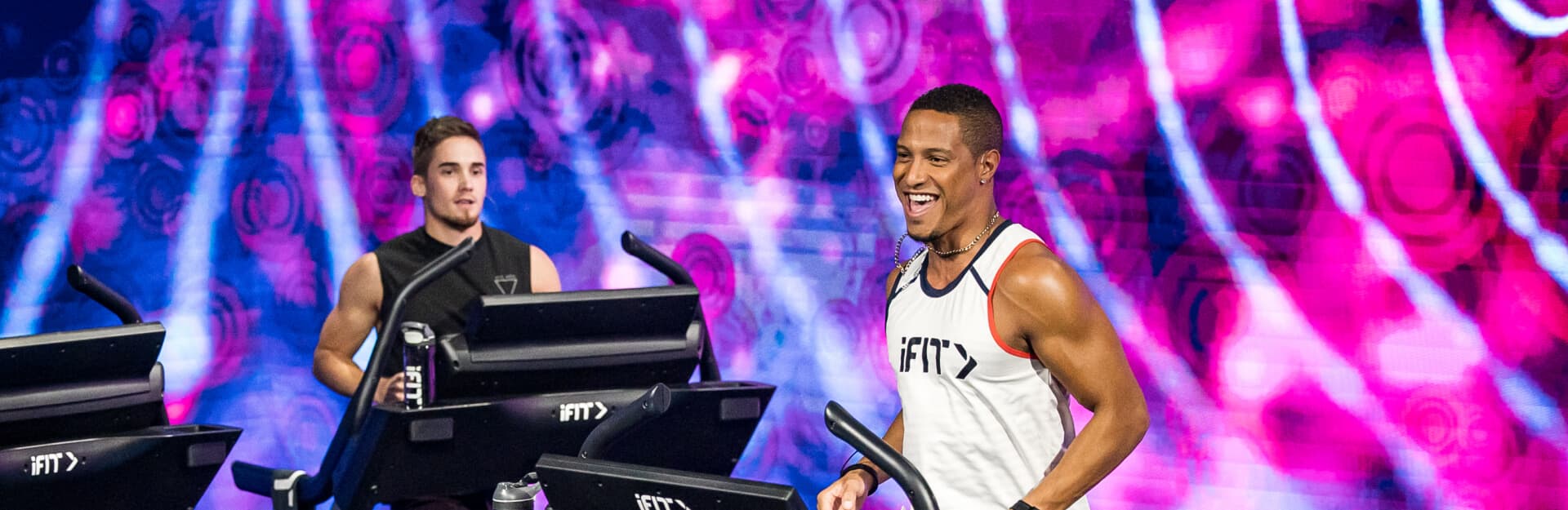
iFIT Trainer Highlight: Jonnie Gale
iFIT Trainer Jonnie Gale has had a passion for fitness and athletics since he was young. After playing nearly every sport up until high school, he received an athletic scholarship to Weber State University, where he ran track and field. After college, Jonnie continued his rigorous fitness regime, primarily focusing on weight and speed training. That’s when he decided he wanted to help others train at an elite level. Today, Jonnie is not only an iFIT Trainer, but also a fitness model and musician!
We recently touched base with “Mr. Jonnie on the Spot,” who shed light on his lifelong athletic career, pre-workout routine, favorite memories, and passion for music. Get the inside scoop on one of iFIT’s first trainers!
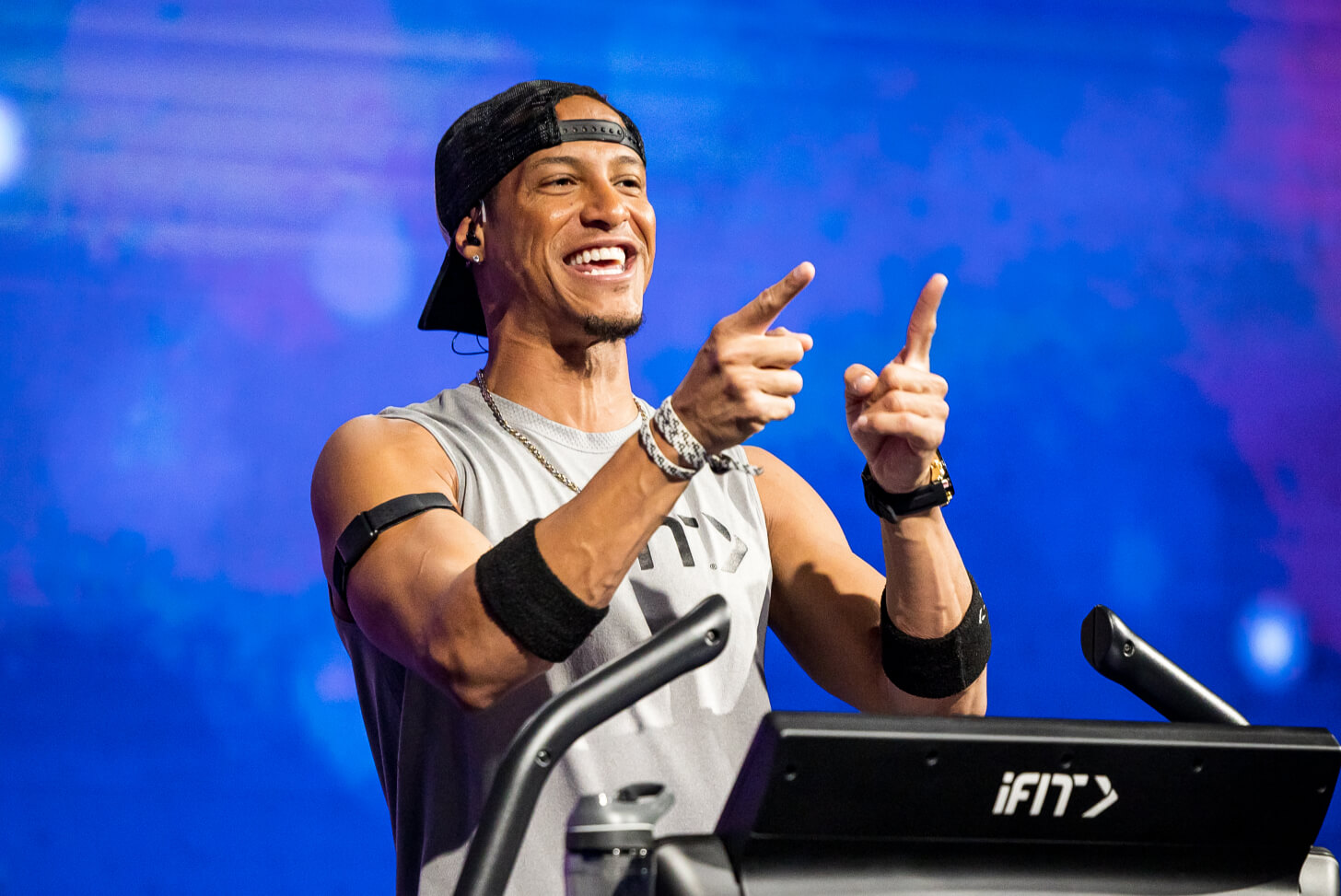
When did your passion for fitness begin?
When I was a child, I had so much energy that my parents had to find something for me to channel it into. So, I began playing soccer, baseball, basketball, karate, football, and finally, track. I guess my love for fitness started as a child who just wanted to play!
In junior high, you were diagnosed with discoid meniscus. How has that impacted your fitness career?
I always noticed that my knees would kind of lock up every once in a while when I was really young. It would occur at random and work itself out fairly quickly, so I didn't look too far into it. I finally had to have my knees checked out in my early junior high football career, as I had a few issues with them. After my first MRI, we found out that I had a small tear on my meniscus, which was quickly repaired.
With that, I was also diagnosed with discoid meniscus. This condition was the reason why I had so many knee issues as a child. Discoid meniscus means that my menisci are thicker than normal and oval-shaped as opposed to crescent-shaped. Essentially, they’re more prone to minor tears. However, the discoid meniscus also seems to give me additional cushion between my joints, and the small tears are easily repairable without removing any of the menisci.
I've had two additional surgeries since my first one, which were all menisci repairs. I haven't had surgery in well over a decade now, and aside from a bit of occasional chronic pain (especially as the seasons change), I'm able to do all of the things I want to do.
How’d you get your nickname, “Mr. Jonnie on the Spot?”
This dates back to some of the first workouts we ever filmed. We flew to San Francisco, and a team of us went out onto the beach to film the first workouts of the day. The director suggested that I choose a catchphrase or something similar that would help people remember me.
When I asked him what he meant, he said, “I'm sure you'll come up with something right on the spot, so let's just start filming.” They counted down to action, and I introduced myself as “Your favorite iFIT Trainer Jonnie Gale, Mr. Jonnie on the Spot.” The name stuck, and the rest is history.

What’s one of your favorite iFIT memories?
There are SO many to choose from. One of my favorites has to be when several trainers went to Boston to film an iFIT commercial. We all met in a hotel room for a fitting, and they told us that they had selected the iFIT Trainers who would be in long, blue hoodies. Those being “trained” in the commercial would be shirtless and looking really fit. Not knowing what the iFIT Trainer role would actually be in the future, John Peel and I wanted to be the shredded guys in the commercial!
We were selected to be some of the first iFIT Trainers. John and I were bummed about it at the time, as two other trainers got to be the fit guys while John and I coached them in our hoodies. We had absolutely NO idea what was to come, the amazing places around the world we would get to see, the lives we'd get to impact, and the honor it was to be selected as two of the first iFIT Trainers. We're not at all bummed about that commercial now!
As a world traveler, where has been your favorite place to work out?
I think the most breathtaking place has to be Iceland! What an incredible journey that was. I've never seen such a vast and ever-changing landscape in my life! It was a once-in-a-lifetime experience. However, if I had to choose my all-around favorite place to train, it’s Hawaii. It's our own little Jurassic Park, just a hop and a skip away.
What advice would you give to someone beginning their fitness journey?
“Mind over matter” all day! Your mind is so much weaker than your body until it's trained. Your body is capable of doing so much more than your mind tells you it can. You'll always have that voice in your head telling you that you can't! You can't go any further, lift one more, or climb any higher. However, you'll be blown away by how far your body can go if you just get out of your own way.
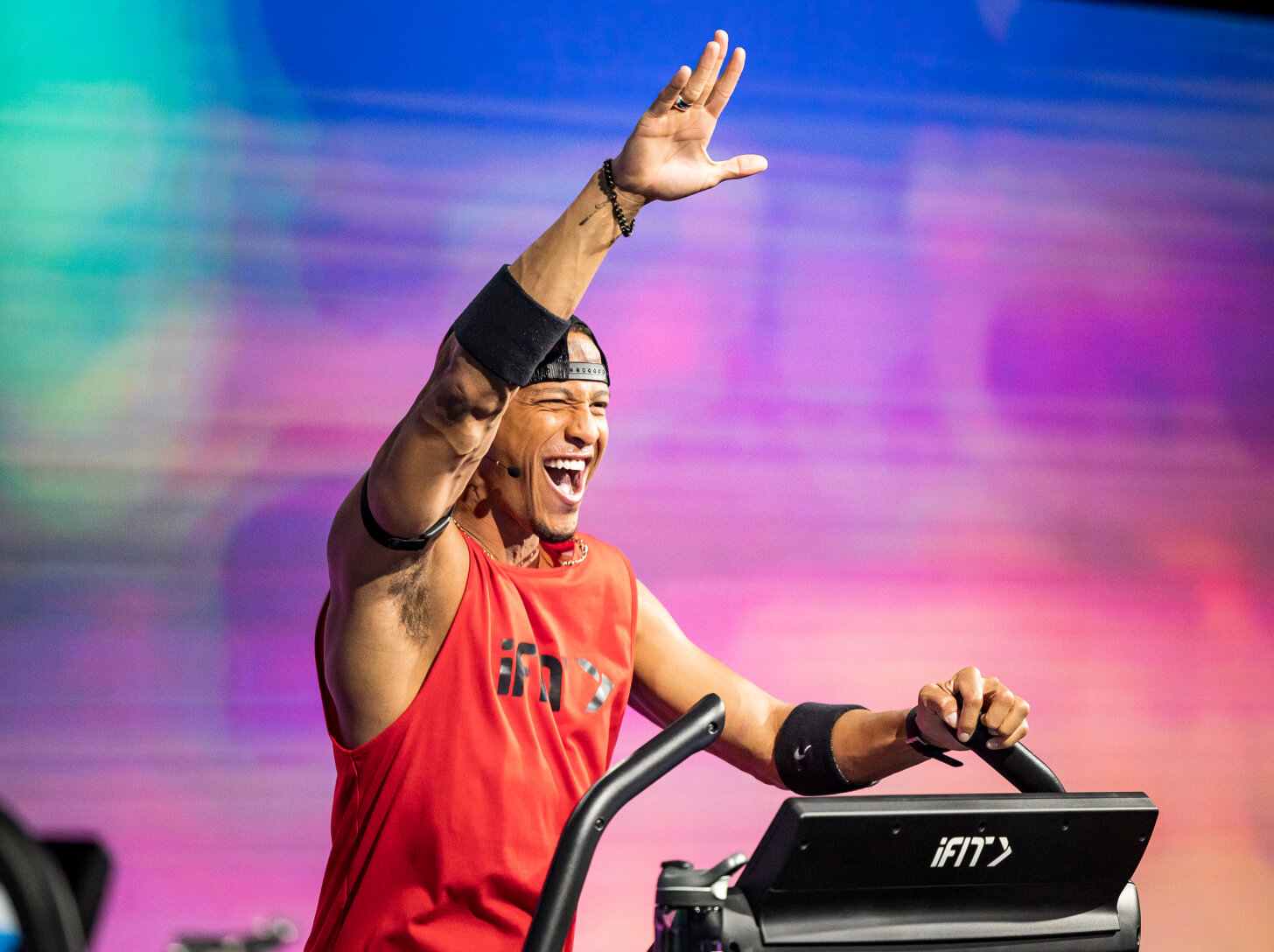
How do you keep yourself motivated, especially on challenging days?
If I find myself struggling to get going on days where I'm not all that motivated, I like to take a pre-workout or have a few cups of coffee. That always gets me up and moving.
Tell us about your pre-workout routine. How do you prepare your mind and body?
Before you even begin working out, your body's physiology begins to change. Your breathing patterns shift, and your digestive system begins to slow down. I like to have a mild pre-workout or coffee about 20 minutes before my workout. As I do, I like to listen to music and do a few breathing exercises to control my breathing as my heart rate increases. It's all about focusing my mind on the fact that I'm in control of my body, motivation, and vibrational frequency.
What’s something not many people know about you?
Some may not know that my first, true passion is music. I've been a musician since I was about 12 years old. I sang and played the drums, which eventually led to songwriting, rapping, and playing the piano. The new album is about to drop, so I'll keep you all posted on the release date!
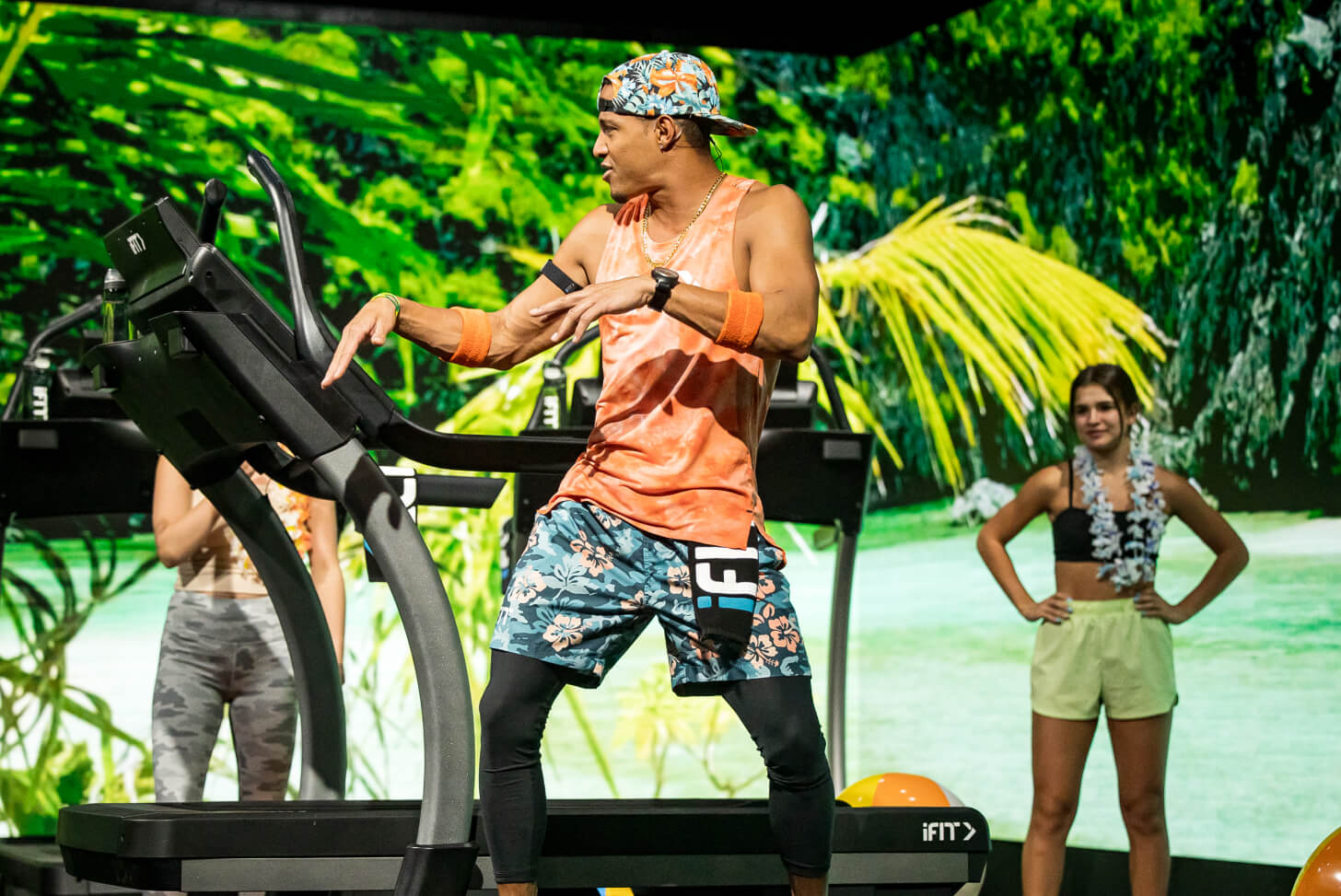
What better way to get to know Mr. Jonnie on the Spot than by training with him? With Jonnie, you’ve got options! Head to chilly Iceland to work on strength and take in the country’s frozen sights. Interested in warmer destinations? Set off to Hawaii or Utah with Jonnie! Check out his most popular workout series:
- Iceland Walking Series
- Hawaiian Islands Endurance Series
- Red Rock HIIT Series
- Iceland Strength Series
- Moab 10K Race
Disclaimer: This blog post is not intended to replace the advice of a medical professional. The above information should not be used to diagnose, treat, or prevent any disease or medical condition. Please consult your doctor before making any changes to your diet, sleep methods, daily activity, or fitness routine. iFIT assumes no responsibility for any personal injury or damage sustained by any recommendations, opinions, or advice given in this article. Always follow the safety precautions included in the owner’s manual of your fitness equipment.
Opinions of iFIT Trainers are their own and may not be those of iFIT.
You might also like

Introducing SmartAdjust™ for Your Treadmill: iFIT’s New Personalized Workout Experience
SmartAdjust personalizes your treadmill workout before it even starts, adapting speed and incline to your fitness level in real time.
March 16, 2021

Strength Training While on GLP-1: A 6-Week Plan
When your body weight changes, you aren’t just losing fat—research shows you risk losing lean muscle mass, too. Protecting that muscle is the key to maintaining your metabolism and everyday strength. This practical 6-week guide breaks down exactly how to structure a simple, 20-to-30 minute full-body strength routine 2–3 times a week. Built around foundational compound movements like squats and rows, this plan shows you how to safely implement progressive overload without burning out your energy. Give your body a clear signal to keep its muscle and build a routine that sticks.
May 26, 2026

Find Your Stride with Tommy Rivs in the Joy of Running Part 2: Redwoods, Workouts 1-10
There’s just something magical about taking your next step forward, especially when it means you’re surrounded by the towering redwoods and rugged beauty of California’s northern coast. iFIT Trainer Tommy Rivs’ newest series will help you experience the magic of this region with the Joy of Running Part 2: Redwoods, Workouts 1-10. This beginner-friendly program is designed to help you progress from walking to running at your own pace.Explore California’s Scenic CoastSet along breathtaking coastal trails and through scenic redwood groves, this series brings the natural beauty of Northern California to your treadmill. From the peaceful paths of Laguna Point to the rolling meadows of Mendocino Headlands, each workout is an opportunity to breathe, move, and connect with the pure joy of movement.Make Progress with Tommy RivsKnown for his thoughtful coaching and love of movement, Tommy Rivs will guide you through a mix of walking and running intervals to gradually build your endurance and confidence. Each workout keeps the speed steady while changing your movement so you can focus on how your body feels and adapts as you move.Whether you’re returning to fitness or taking your first steps toward running, this series is all about moving forward with purpose. Tommy will help you to:Develop endurance and build strength with progressive intervalsImprove your form and consistency with his expert guidanceReconnect with the joy of movement in an inspiring settingBuild confidence to take on your next running challengeThis is only the beginning; there’s so much more to come with Rivs. For now, lace up those shoes and join him for an incredible journey amongst the redwoods.Join Tommy Rivs in the Redwoods
November 3, 2025